


The Business Settings tab in GemCRM allows you to manage fundamental information about your business. Keeping this information up-to-date is crucial as it may be used in communication templates, reporting, and other plugin features.
Accessing Business Settings
To update your business information:
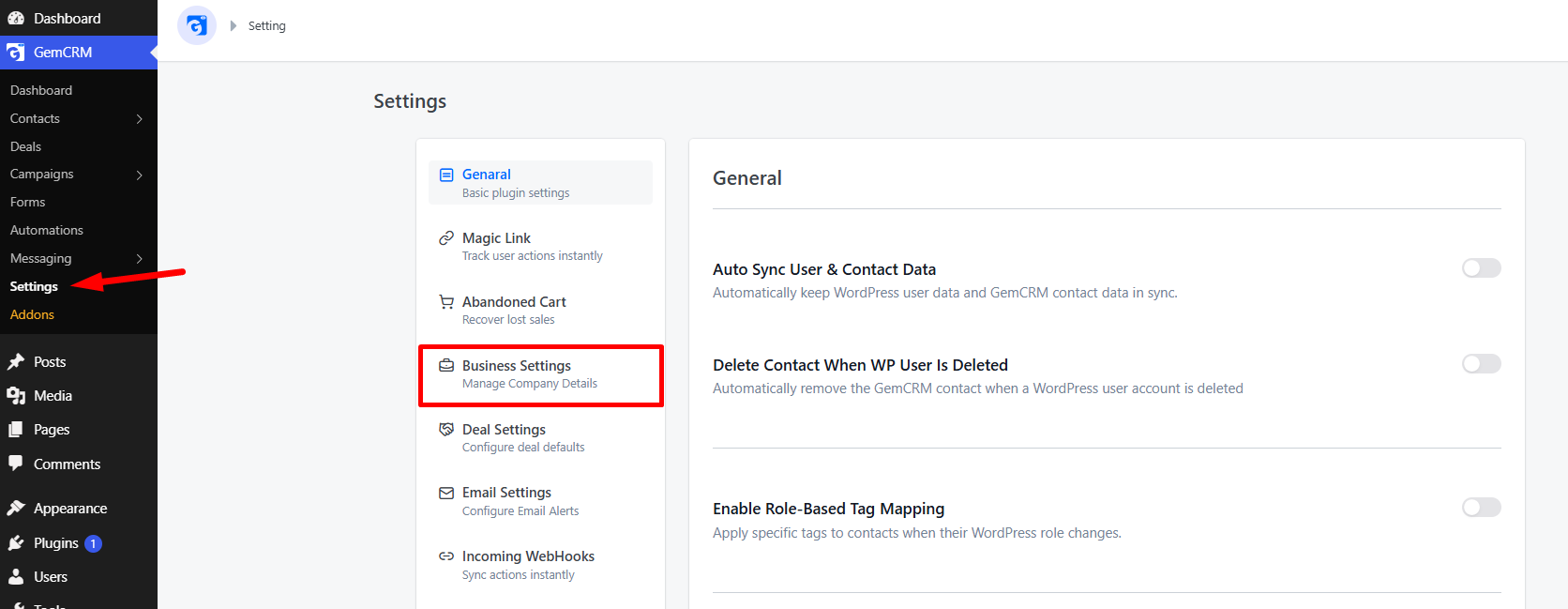
- Navigate to GemCRM in your WordPress dashboard.
- Go to Settings.
- Click on the Business Settings tab.
Available Fields
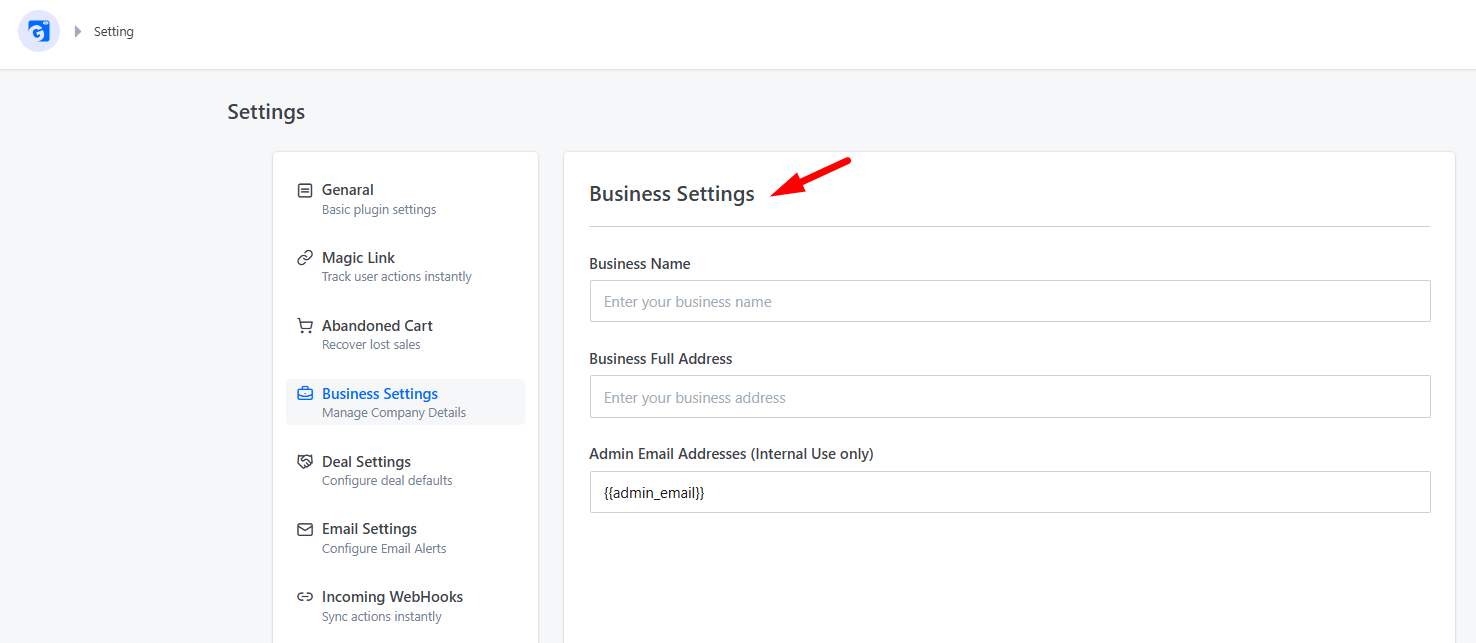
You can configure the following settings:
|
Field Name |
Description |
|
Business Name |
The official name of your business. This is often used as a placeholder in email templates and other communications. |
|
Business Full Address |
Your business’s physical or postal address. |
|
Business Admin Email |
The primary email address for administrative notifications and business-related inquiries. |
Saving Changes
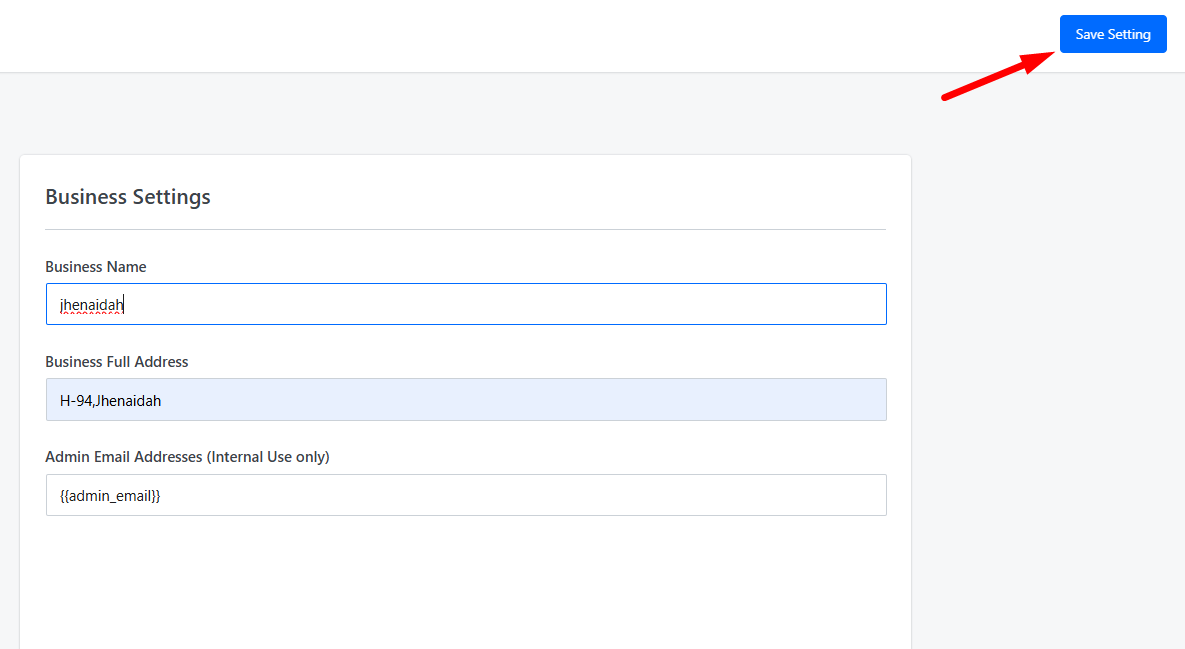
Once you have filled in or updated the required fields, make sure to click the Save button to apply your updates.