



Email marketing is still the highest-ROI digital marketing channel available to small businesses. Industry data consistently puts the return at $36 to $42 for every $1 spent. But for small teams managing everything themselves — without a dedicated marketing staff, without a large budget, and without hours to spend manually sending follow-ups — that ROI is only accessible through automation.
Email marketing automation is what transforms email from a time-consuming chore into a 24/7 sales and nurturing engine. Instead of manually writing and sending every campaign, automation lets you set up email sequences, welcome emails, re-engagement workflows, and behavior-triggered campaigns that run on their own — reaching the right person at the right time, every time, while you focus on running your business.
| The data makes a powerful case for automation: automated emails generate 70.5% higher open rates than generic blasts. Companies using email automation software are 2x more effective at lead generation. Automated follow-up emails can increase reply rates by 250%. Nurturing leads with automated emails increases revenue by 10% or more. And personalized automated messages see 46% higher open rates compared to traditional marketing emails. |
In 2026, the best email marketing automation tools for small businesses are more accessible than ever — with free plans, drag-and-drop email builders, and AI-assisted subject lines and email copy making advanced automation available even to solo founders and small teams. The real question isn’t whether to automate, but which email marketing platform is the right fit for your business.
This guide reviews the best email automation software and platforms for small businesses in 2026, with detailed coverage of GemCRM — a WordPress-native automation platform with a lifetime license that’s emerging as one of the smartest long-term picks for WordPress-powered small businesses.
Email Marketing Automation Statistics (2026)
| $36–$42 Return per $1 spent on email marketing | 70.5% Higher open rates from automated vs generic emails | 2× More leads generated with automation vs blast email | 250% Higher reply rates with automated follow-up sequences |
These numbers underscore why email marketing automation has become essential — not optional — for small businesses that want to compete, retain customers, and grow revenue without scaling their team proportionally.
What to Look for in Email Marketing Automation Software for Small Business
Not every email automation platform is built with small businesses in mind. Here are the criteria that matter most when choosing the right email marketing automation tool:
• Ease of use: Small teams can’t afford a steep learning curve. Look for drag-and-drop email builders, pre-built automation templates, and intuitive interfaces.
• Automation depth: Does the platform support drip sequences, welcome email workflows, behavioral triggers, and multi-branch automation flows — or just basic autoresponders?
• Email marketing tools: A solid email editor, reusable email templates, and easy subject line editing are non-negotiable.
• Free plan or free trial: A genuine free plan (not just a 14-day trial) lets you validate the tool before committing budget.
• Pricing and scalability: Watch for per-contact pricing that balloons as your email list grows. Some platforms offer unlimited email sending; others cap by volume or contact count.
• CRM integration: The best email automation tools connect your marketing campaigns to your customer data — so segmentation, tagging, and personalization actually work.
• WooCommerce or ecommerce platform support: If you sell online, look for native integrations that trigger automated email sequences based on purchase behavior.
• Deliverability: The best email marketing platform in the world is useless if your emails land in spam. Look for platforms with strong email sending infrastructure and deliverability track records.
• Data ownership and privacy: In 2026, with tightening data privacy regulations, knowing where your contact data lives — and who controls it — matters more than ever.
With those criteria in mind, here are the best email marketing automation tools for small businesses in 2026.
#1 | BEST ADVANCED MARKETING AUTOMATION PLATFORM
ActiveCampaign
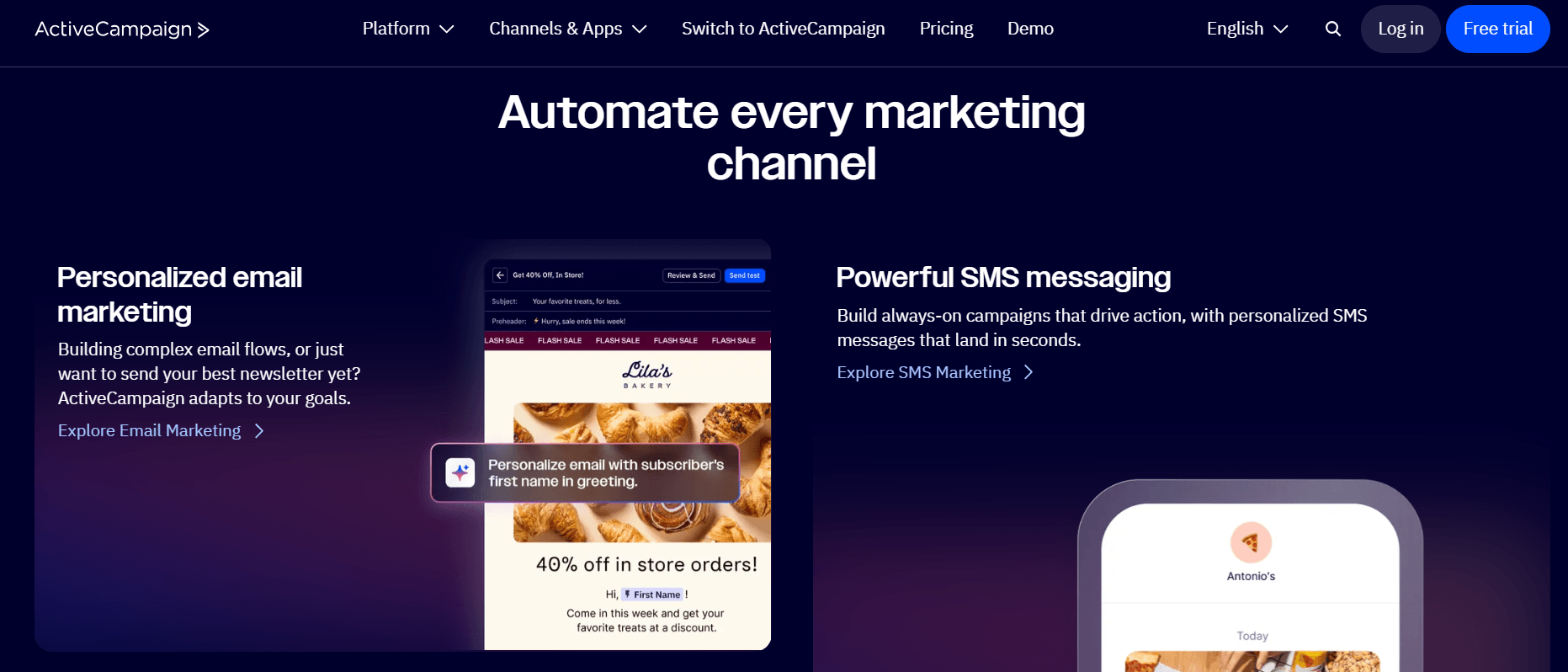
Pricing: From $15/month (no permanent free plan — 14-day free trial)
ActiveCampaign is widely regarded as the gold standard for advanced marketing automation in the small and medium business space — offering enterprise-grade automation features at an SMB-level price point. If sophisticated, behavior-driven email sequences and deep CRM integration are your top priority, ActiveCampaign is the most mature tool on this list.
Its automation builder is where it pulls ahead: visual, multi-branch workflows with conditional splits, time delays, lead scoring, site tracking, and action blocks let you build complex customer journeys that no basic autoresponder can match. The built-in CRM ties your sales and marketing data together, allowing automated follow-ups based on real sales pipeline activity.
The trade-off is cost and complexity. ActiveCampaign’s pricing scales significantly with contact count — 5,000 contacts on the Plus plan runs around $145/month — and the learning curve is steeper than simpler tools like Mailchimp or MailerLite. But for small businesses serious about advanced marketing automation, it’s the most capable platform in its class.
Pros
✓ Most powerful visual automation builder for small business on the market
✓ Built-in CRM links sales and marketing data seamlessly
✓ Lead scoring, site tracking, and dynamic content built in
✓ Extensive integration library with 900+ app connections
✓ 14-day free trial to evaluate before committing
Cons
✗ No permanent free plan — only a free trial
✗ Pricing scales steeply with contact count
✗ Steeper learning curve than beginner-friendly tools
✗ Can be overkill for very simple email marketing needs
| Best for: Small businesses that are serious about advanced automation, lead scoring, and CRM-connected email marketing — and are ready to invest in a more sophisticated platform. |
#2 — TOP RECOMMENDED FOR WORDPRESS SMALL BUSINESSES | BEST LIFETIME VALUE
GemCRM — Best Email Marketing Automation for WordPress Small Businesses
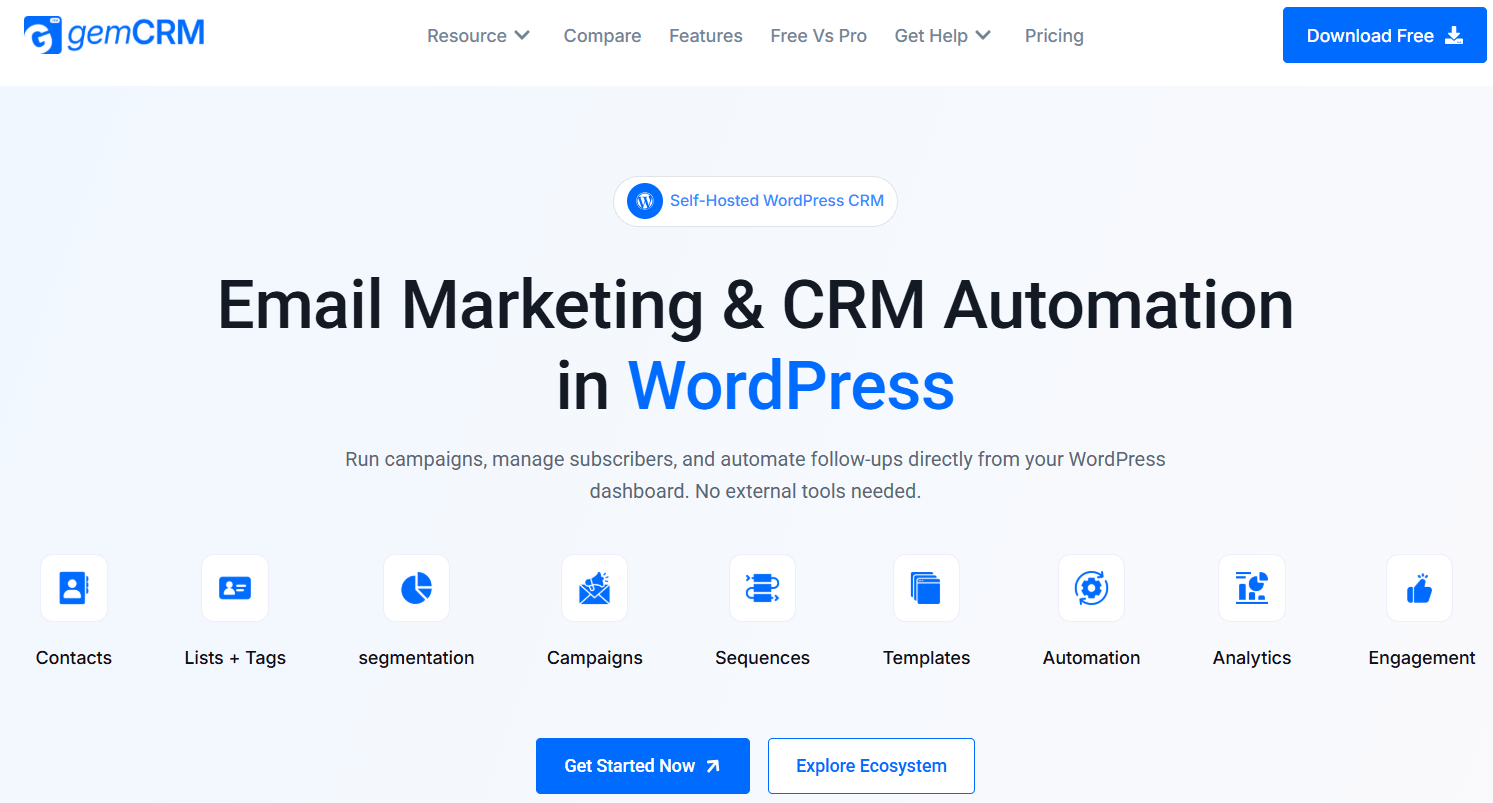
A WordPress-native CRM and email marketing automation platform that helps small businesses automate contact management, email sequences, and campaigns — with a one-time lifetime license and no recurring SaaS fees.
Pricing: Free beta available · Lifetime license (one-time purchase — no monthly or annual renewals)
For small businesses running on WordPress — whether you run an online store, a membership site, a course platform, or a service business — GemCRM is quickly becoming one of the most strategically sound email marketing automation choices available in 2026. Built by the Academy LMS team, it’s a fully self-hosted WordPress-native CRM that brings email marketing, contact management, and automation workflows directly inside your WordPress dashboard, without relying on any external SaaS platform.
The question more small business owners are asking in 2026 is no longer just “which email marketing tool should I use?” — it’s “why am I paying a monthly subscription to a platform that owns my customer data?” GemCRM was built as a direct answer to that question. Its lifetime license model means you pay once and run your entire email marketing automation stack indefinitely — with no per-contact fees, no monthly billing, and your complete customer database living securely in your own WordPress environment.
How GemCRM Email Marketing Automation Helps Small Businesses Succeed
1. Automate Your Welcome Email Sequence Instantly
The first email a new subscriber receives sets the tone for the entire relationship. GemCRM lets small businesses set up a welcome email sequence that triggers automatically the moment someone joins your list, registers on your site, or completes a purchase. No manual sending, no missed new subscribers — your onboarding automation runs 24/7, making the best first impression every time.
Welcome email sequences built in GemCRM can include a series of emails spaced over days or weeks — introducing your brand, delivering a lead magnet, sharing key resources, and guiding new subscribers toward their first purchase or conversion milestone.
2. Run Full Email Drip Sequences Without a Monthly Bill
Email drip campaigns are one of the most effective forms of email marketing automation for small businesses — delivering a pre-written email series to leads over time, nurturing them from awareness to purchase at their own pace. GemCRM supports multi-step drip sequences that trigger based on subscriber behavior, tag assignments, or WordPress role changes — all configured once and running automatically.
The critical advantage for small businesses is that GemCRM’s drip automation doesn’t cost more as your list grows. There are no contact-based pricing tiers that make your email marketing tool more expensive the moment your business starts to succeed.
3. Send Email Campaigns Directly from Your WordPress Dashboard
GemCRM includes a built-in email campaign builder that lets you design, segment, and send broadcast email campaigns and newsletters entirely from within WordPress. Small teams no longer need to switch between their website backend and a separate email marketing platform — your marketing efforts, customer data, and email content all live in one unified system.
4. Manage Your Email List with Smart Tags and Segmentation
GemCRM automatically syncs with your WordPress user roles and captures new contacts from your existing forms and registration workflows — no manual importing required. Once contacts are in the system, you can tag and segment them based on their status (customer, lead, student, subscriber) and use those segments to send targeted, relevant email campaigns that drive higher email open rates and click-through rates.
5. Automate Email Workflows for WooCommerce and Academy LMS
GemCRM integrates natively with WooCommerce and Academy LMS, allowing small businesses to trigger automated email workflows based on real customer and student behavior. Set up post-purchase email sequences that thank buyers and invite them to leave a review. Trigger re-engagement emails when students go inactive. Send upsell campaigns to existing customers based on their purchase history — all automated, all inside WordPress.
6. Keep 100% Ownership of Your Email List and Customer Data
One of the most underrated risks of SaaS email marketing platforms for small businesses is data dependency. When your email list lives on Mailchimp’s or HubSpot’s servers, you’re renting access to your own contacts. If pricing changes, if your account is suspended, or if the platform changes its terms — your marketing list is at risk.
GemCRM solves this permanently. Because it’s self-hosted inside your WordPress installation, your entire contact database, email history, and automation logic lives in your own database. No vendor lock-in, no data migration risk, no monthly fee that could double your cost as your business grows.
7. Save Thousands in Recurring SaaS Costs Over Time
For small businesses watching their budget carefully, the financial math of GemCRM’s lifetime license is compelling. A typical SaaS email marketing platform charges $30-100+/month depending on your list size. Over three to five years, that’s $1,080 to $6,000+ in recurring fees — for the exact same functionality GemCRM delivers with a one-time lifetime purchase. For agencies managing multiple client sites, the savings multiply further.
8. Scale Your Email Marketing Efforts Without Scaling Costs
Unlike most email marketing automation tools that charge based on contact count or email volume, GemCRM supports unlimited contacts and unlimited email campaigns on its lifetime license. That means your email marketing automation costs stay flat as your list grows from 500 contacts to 50,000 — a fundamentally different cost model than virtually every SaaS alternative.
GemCRM vs HubSpot — Email Marketing Automation Comparison
|
Feature |
GemCRM |
HubSpot |
|
Hosting model |
Self-hosted (WordPress) |
SaaS / Cloud |
|
Data ownership |
100% yours in WP database |
HubSpot’s servers |
|
Pricing model |
One-time lifetime license |
Free → scales to $$$ |
|
Unlimited contacts |
Yes |
Free tier: 1,000 cap |
|
Email automation builder |
Yes — drip sequences, role triggers |
Yes (limited on free) |
|
WooCommerce integration |
Yes (native) |
Via third-party connector |
|
Academy LMS integration |
Yes (native) |
Not available |
|
WordPress role auto-sync |
Yes |
No |
|
Email campaign builder |
Yes |
Yes |
|
CRM + email in one tool |
Yes |
Yes |
|
Long-term cost (3–5 yrs) |
Lowest (lifetime) |
High (scales with contacts) |
|
Privacy / data residency |
Full control |
Depends on HubSpot’s policy |
GemCRM Email Marketing Automation Examples
Here are practical email marketing automation examples that small businesses can set up inside GemCRM:
• Welcome email series: 3-email sequence triggered when a new user registers on your WordPress site — introduces your brand, delivers value, and invites engagement.
• Lead nurture drip campaign: 5-7 email series for new leads captured via contact forms, gradually moving prospects from awareness to consideration to purchase intent.
• Post-purchase follow-up: Automated thank-you email after a WooCommerce order, followed by a review request 7 days later and a re-order incentive at 30 days.
• Student onboarding sequence: Triggered when a learner enrolls in an Academy LMS course — guides them through getting started, shares key resources, and follows up on completion milestones.
• Re-engagement campaign: Automated email series targeting contacts who haven’t opened an email in 60+ days — sends a series of win-back emails with a special offer.
• Role-based automation: Contacts who change WordPress role (e.g., from free member to paid subscriber) automatically receive a different email sequence relevant to their new status.
Who GemCRM Email Marketing Automation Is Perfect For
• Small businesses running their website on WordPress who want everything in one place
• Course creators and online academies using Academy LMS who need student engagement automation
• WooCommerce store owners who want purchase-triggered email sequences without a separate tool
• Agencies managing multiple client WordPress sites who want predictable, non-scaling costs
• Businesses migrating away from Mailchimp or HubSpot to reduce monthly SaaS spend
• Any small business with an email list that’s tired of paying more just because their list is growing
GemCRM Pros & Cons
Pros
✓ Lifetime license — one-time purchase, zero recurring monthly or annual fees
✓ Unlimited contacts with no per-contact pricing, ever
✓ 100% self-hosted inside WordPress — complete data ownership and privacy
✓ Native WordPress role auto-sync — no manual importing
✓ Email campaign builder, drip sequences, and automation workflows in one plugin
✓ Native WooCommerce and Academy LMS integration for behavior-triggered automation
✓ Long-term cost savings: significantly cheaper than SaaS alternatives over 3-5 years
✓ Free beta access currently available for early adopters
Cons
✗ Newer platform — smaller community and documentation compared to ActiveCampaign or Mailchimp
✗ Advanced automation (visual workflow canvas, dynamic branching) still on the development roadmap
✗ Requires an external SMTP service for reliable high-volume email sending
✗ WordPress-specific — not suitable for non-WordPress websites
| Bottom line: For WordPress small businesses that want a complete email marketing automation solution — without paying a SaaS subscription forever and without sending their customer data to a third-party server — GemCRM is the most strategically sound choice available in 2026. Its lifetime license, unlimited contacts, WordPress-native architecture, and strong automation roadmap make it a future-ready email marketing platform that puts small businesses fully in control of their marketing efforts. |
#3 | BEST FREE ALL-IN-ONE MARKETING AUTOMATION PLATFORM
HubSpot
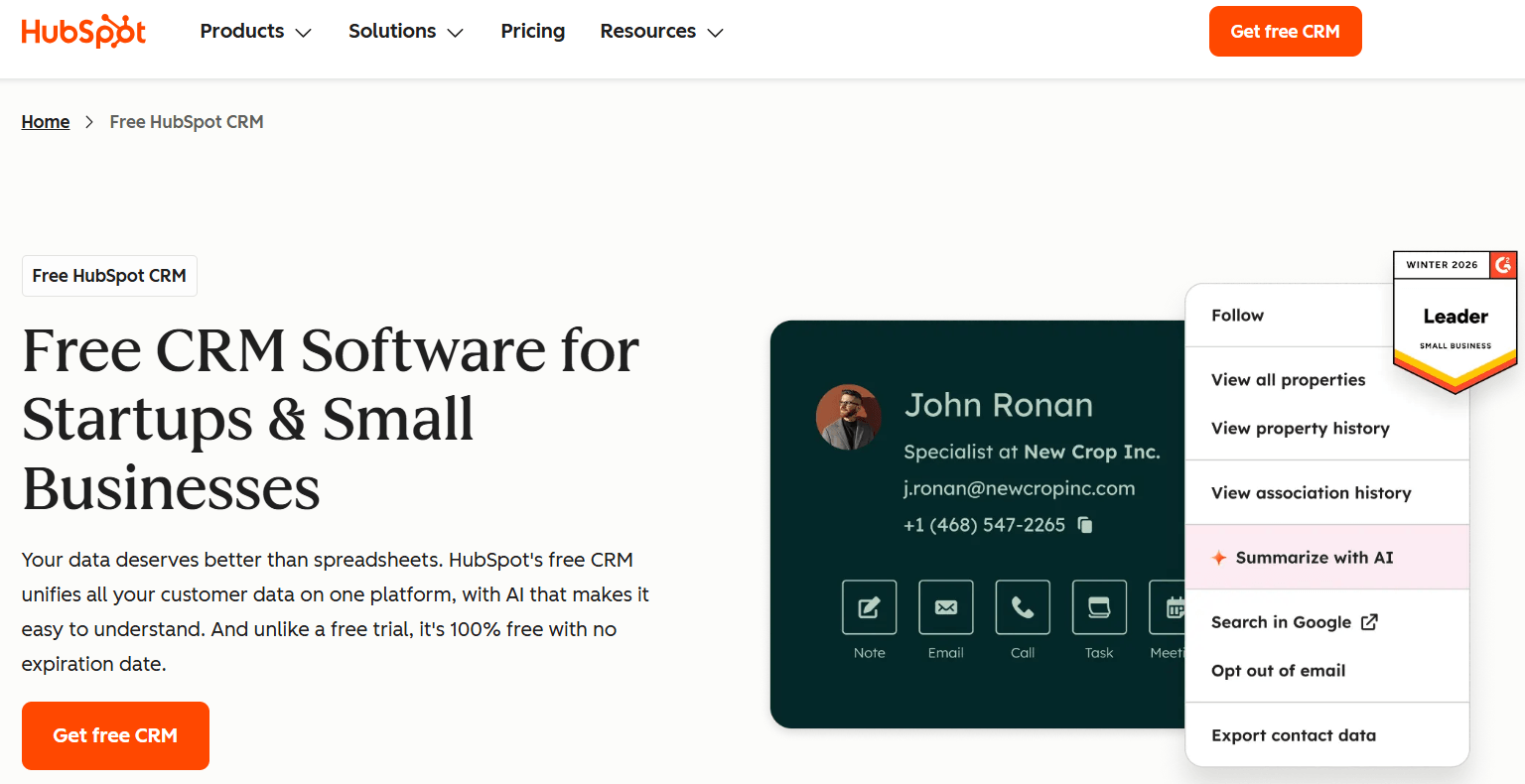
Pricing: Free plan available · Starter from $20/month
HubSpot holds about 31.6% market share in the marketing automation space, and its free plan is genuinely one of the most useful free email marketing offerings available — covering contact management, basic email automation, forms, landing pages, deal pipeline, and a live chat tool, all without spending a dollar.
Where HubSpot shines for small businesses is how everything connects: email marketing campaigns link to contact records, website activity, deal stages, form submissions, and pipeline data — creating a unified view of your marketing and sales efforts. In 2026, HubSpot’s AI tools accelerate drafting email copy, summarizing contact activity, and surfacing sales forecasts.
The trade-off is pricing escalation. The free plan caps at 1,000 contacts and 2,000 email sends per month, and advanced features like smart send times, custom reporting, and advanced automation require paid tiers that can climb steeply. HubSpot’s total cost can reach $28,000+ over three years for businesses needing advanced features — versus a self-hosted alternative’s one-time cost.
Pros
✓ Free plan is genuinely useful — not artificially crippled
✓ Includes live chat, forms, landing pages, and deal pipeline on free tier
✓ AI tools help draft email copy and automate CRM hygiene tasks
✓ Scales into a full enterprise marketing automation platform
✓ Best all-in-one free tool for small businesses not on WordPress
Cons
✗ Free plan limited to 1,000 contacts and 2,000 emails/month
✗ Advanced automation and reporting require expensive paid tiers
✗ Your contact data lives on HubSpot’s external servers
✗ Pricing escalates significantly as list and feature needs grow
| Best for: Small businesses that want a free, polished all-in-one CRM and marketing automation tool and don’t mind data living outside their own server. |
#4 | BEST KNOWN EMAIL MARKETING TOOL (BEGINNERS)
Mailchimp
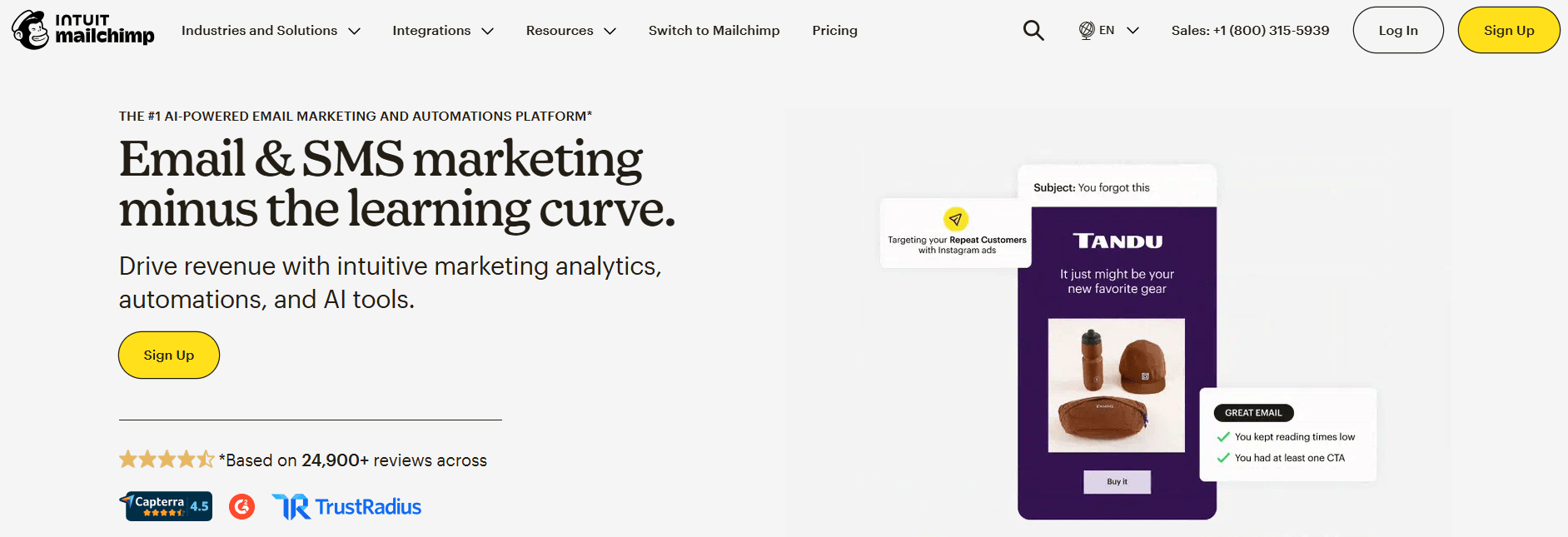
Pricing: Free up to 500 contacts / 1,000 emails/month · Paid from $13/month
Mailchimp is the most recognized name in email marketing — and for good reason. Its free plan, drag-and-drop email editor, and beginner-friendly interface made it the default starting point for small businesses building their first email list. The template library, audience segmentation, and basic automation workflows remain solid for straightforward campaigns.
However, Mailchimp’s free plan has been significantly reduced in recent years — now capped at 500 contacts — and pricing scales steeply once you need advanced automation or larger list sizes. Tools like Brevo, MailerLite, and GemCRM now offer more features for less money. Mailchimp is still a strong choice for beginners who prioritize brand recognition and ease of setup, but it’s no longer the best value for growing small businesses.
Pros
✓ Most recognizable brand in email marketing — extensive tutorials and community support
✓ Intuitive drag-and-drop email builder with 100+ templates
✓ Good WooCommerce and ecommerce integrations
✓ Basic automation (welcome emails, abandoned cart) built in
Cons
✗ Free plan significantly reduced — only 500 contacts
✗ Automation is paywalled behind more expensive plans
✗ Pricing scales steeply and is no longer among the best value options
✗ Other tools like Brevo and MailerLite offer more for less
| Best for: True beginners who want the most familiar platform and are willing to pay as their list grows. |
#5 | BEST FREE PLAN FOR EMAIL + SMS MARKETING
Brevo (formerly Sendinblue)
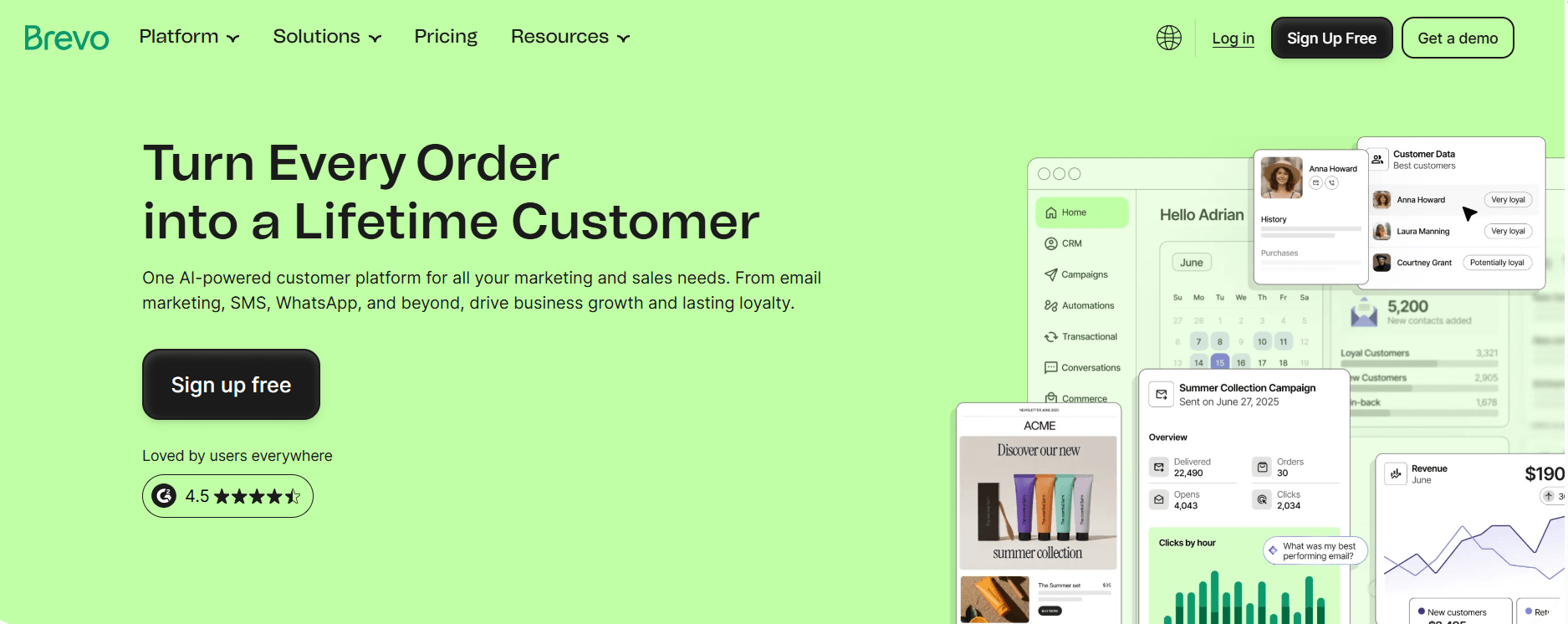
Pricing: Free up to 300 emails/day · Paid from $25/month
Brevo is one of the best-value email marketing platforms for small businesses in 2026, combining email, SMS, CRM, live chat, and marketing automation in a single tool without overwhelming complexity. Its free plan is particularly generous on email volume (unlimited contacts, 300 emails/day) making it one of the best free email marketing options for small businesses with growing lists who can’t yet afford a paid platform.
The automation builder supports multi-step workflows, website tracking triggers, and pre-built templates for common sequences like welcome emails and abandoned cart campaigns. Brevo’s built-in CRM tools and transactional email capabilities make it a practical all-in-one option for small teams managing both marketing campaigns and operational emails from one platform.
Pros
✓ Unlimited contacts on all plans — no per-contact pricing
✓ Combines email, SMS, CRM, and live chat in one platform
✓ Transactional email capabilities alongside marketing campaigns
✓ 12 pre-built workflow templates for fast automation setup
✓ Free plan has unlimited contacts (limited daily email sends)
Cons
✗ Free plan limited to 300 emails per day
✗ Template design limited (40+ vs Mailchimp’s 100+)
✗ No advanced reporting on free plan
✗ Email builder less polished than best-in-class competitors
| Best for: Small businesses that want email + SMS marketing combined, with unlimited contacts and a free plan that doesn’t cap by list size. |
#6 | BEST SIMPLE + AFFORDABLE AUTOMATION FOR SMALL TEAMS
MailerLite
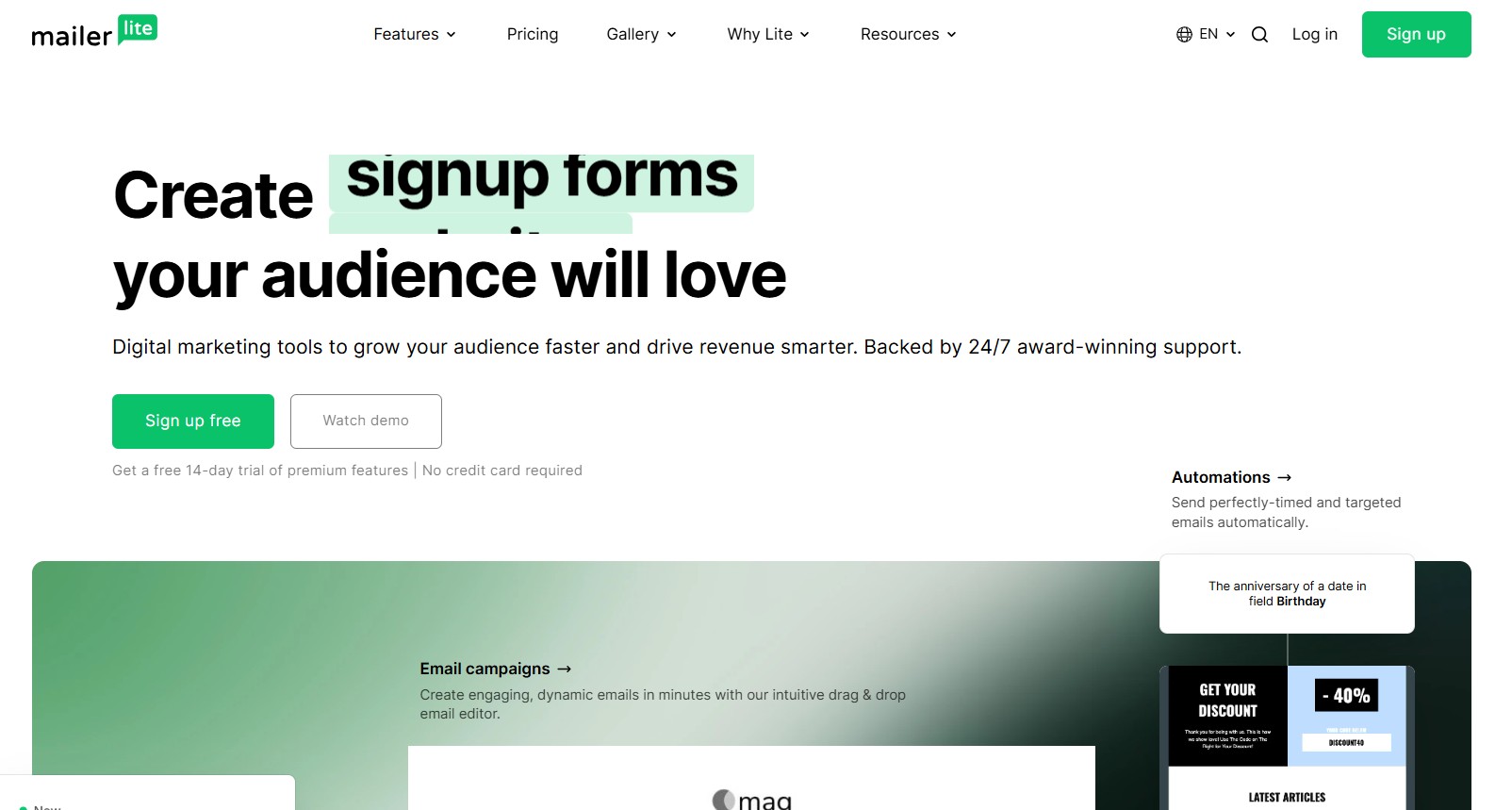
Pricing: Free up to 1,000 subscribers · Paid from ~$10/month
MailerLite is the easiest recommendation for small businesses or solo founders just starting their email marketing journey. Its interface is genuinely intuitive — the drag-and-drop email builder mirrors familiar design tools, automation workflows are simple to set up, and the free plan is meaningfully generous at 1,000 subscribers with unlimited monthly email sends.
MailerLite includes landing page and website builder tools alongside email marketing, making it a reasonable all-in-one starter package. The automation logic is straightforward — ideal for basic drip sequences, welcome emails, and subscriber tagging — without the complexity of advanced platforms like ActiveCampaign.
The main limitations are depth: MailerLite doesn’t offer deep behavioral automation, lead scoring, or advanced CRM functionality. Most small businesses outgrow it as their automation needs evolve. But as a starting point, it’s one of the best free email marketing tools available.
Pros
✓ Genuinely free up to 1,000 subscribers with unlimited sends
✓ One of the cleanest, most intuitive email editors on the market
✓ Includes landing pages, pop-ups, and website builder on free plan
✓ Affordable paid plans as your list grows
Cons
✗ Automation logic can be clunky after migration from classic version
✗ Reporting is limited — not ideal for data-driven small teams
✗ No deep CRM features or lead scoring
✗ Not suitable once advanced automation workflows are needed
| Best for: Solo founders and very small teams launching their first email marketing strategy who need simplicity and a useful free plan. |
#7 | BEST EMAIL AUTOMATION FOR ECOMMERCE SMALL BUSINESSES
Klaviyo
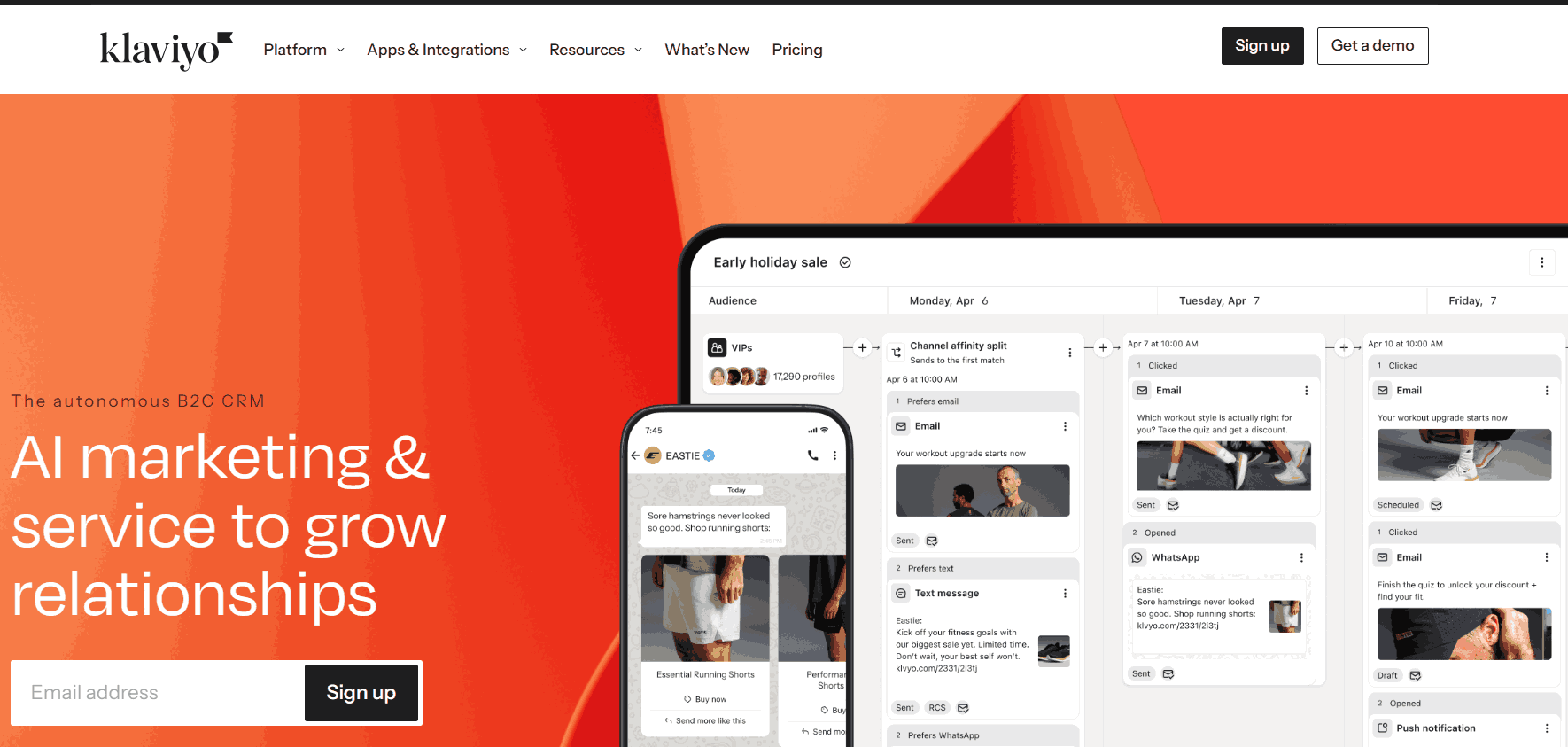
Pricing: Free up to 250 contacts · Paid from $20/month
Klaviyo is the dominant email marketing automation platform for ecommerce businesses, offering the deepest WooCommerce, Shopify, and ecommerce platform integrations on the market. Its segmentation engine allows small ecommerce businesses to build extremely targeted email campaigns based on purchase history, browsing behavior, cart activity, product viewed, and predicted lifetime value.
For small ecommerce businesses, Klaviyo’s automation templates for abandoned cart recovery, post-purchase follow-ups, and win-back campaigns are best-in-class. The trade-off is that the free plan is very limited (250 contacts), and pricing scales quickly with list size — making it less practical for businesses not primarily running an online store.
Pros
✓ Best-in-class segmentation for ecommerce behavior data
✓ Deep WooCommerce and Shopify native integrations
✓ Pre-built automation flows for abandoned cart, post-purchase, and win-back
✓ Predictive analytics for customer lifetime value and churn risk
Cons
✗ Free plan limited to just 250 contacts
✗ Pricing scales steeply — can become expensive for larger lists
✗ Best suited for ecommerce; less useful for service businesses or content sites
✗ Steeper learning curve than beginner tools
| Best for: Small ecommerce businesses that rely heavily on purchase-based automation and behavioral segmentation to drive revenue. |
#8 | BEST BUDGET-FRIENDLY AUTOMATION PLATFORM
Moosend
Pricing: Free up to 1,000 subscribers · Pro from $9/month
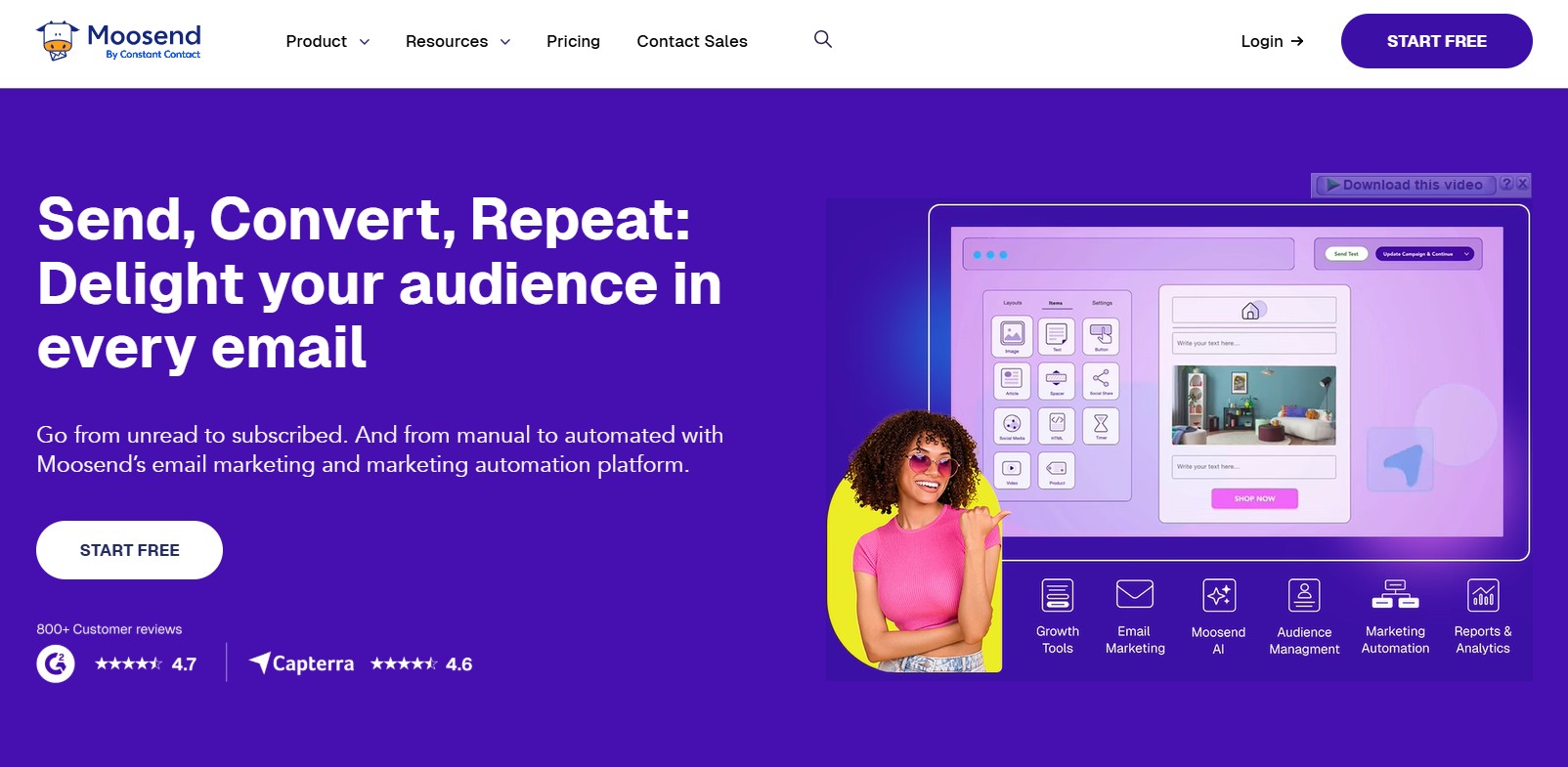
Moosend is one of the most affordable email marketing automation platforms for small businesses that want more than basic newsletters but can’t yet justify ActiveCampaign pricing. Its free plan supports up to 1,000 subscribers with unlimited email sends, a drag-and-drop email builder, basic automation workflows, and landing pages — covering the essentials without complexity.
Moosend works best for small businesses that are just getting started with lead nurturing and want a simple, reliable automation platform that ‘just works’ even if they’ve never touched email marketing software before. Segmentation, automation, and contact management are solid for a platform at this price point.
Pros
✓ Free up to 1,000 subscribers with unlimited email sends
✓ Simple interface with minimal learning curve
✓ Basic automation including welcome emails and drip sequences
✓ Affordable Pro plan (from $9/month) for growing lists
Cons
✗ Limited advanced automation features
✗ Fewer third-party integrations than more established platforms
✗ Not suitable for complex multi-branch automation workflows
✗ Reporting and analytics less detailed than premium tools
| Best for: Budget-conscious small businesses that need simple automation and solid email marketing tools without complexity or high costs. |
At-a-Glance: Best Email Marketing Automation Platforms for Small Business 2026
Use this comparison table to quickly find the right email marketing platform for your needs.
|
Platform |
Best For |
Pricing |
Free Plan |
Self-Hosted |
Automation |
WooCommerce |
|
ActiveCampaign |
Advanced automation, B2B |
From $15/mo |
No (14-day trial) |
No |
Advanced |
Yes |
|
GemCRM (RECOMMENDED) |
WP businesses, LMS, agencies |
Lifetime one-time |
Free beta |
Yes |
Growing |
Yes (native) |
|
HubSpot |
All-in-one CRM + marketing |
Free → paid tiers |
Yes |
No (SaaS) |
Basic-Advanced |
Via connector |
|
Mailchimp |
Beginners, newsletters |
Free up to 500 |
Yes |
No |
Basic |
Yes |
|
Brevo (Sendinblue) |
Email + SMS combo |
Free up to 300/day |
Yes |
No |
Moderate |
Yes |
|
MailerLite |
Budget, simple campaigns |
Free up to 1,000 |
Yes |
No |
Basic-Moderate |
Yes |
|
Klaviyo |
Ecommerce automation |
Free up to 250 |
Yes |
No |
Advanced |
Yes (deep) |
|
Moosend |
Simple, affordable |
Free up to 1,000 |
Yes |
No |
Moderate |
Yes |
How to Choose the Right Email Marketing Automation Platform
Finding the best email marketing automation tool for your small business comes down to matching the platform to your actual use case, budget, and technical setup:
• Want the most advanced automation and have the budget for it → ActiveCampaign
• Run your business on WordPress and want lifetime pricing with full data ownership → GemCRM
• Need a free all-in-one CRM + email tool and don’t mind SaaS hosting → HubSpot
• Just starting out and want the most recognized, beginner-friendly tool → Mailchimp
• Need email + SMS marketing with unlimited contacts on a free plan → Brevo
• Want a simple, clean tool with a generous free plan → MailerLite
• Run a WooCommerce or Shopify store and want deep purchase automation → Klaviyo
• Need affordable automation without the learning curve → Moosend
How to Set Up Email Marketing Automation for Your Small Business
Regardless of which email marketing platform you choose, here’s a proven process for launching your first email automation workflow:
1. Choose your platform based on your business model, list size, and budget. If you’re on WordPress, GemCRM is worth starting with for its lifetime pricing. Otherwise, start with a free plan from HubSpot, Brevo, or MailerLite to test before committing.
2. Connect your email list: Import existing contacts via CSV. For WordPress users, GemCRM auto-syncs with your WordPress user database — no importing needed.
3. Set up your SMTP or email sending service: For reliable email deliverability, connect your platform to a transactional email service like SendGrid, Postmark, or Amazon SES.
4. Create your welcome email sequence: This is your highest-ROI starting point. A 3-email welcome series — delivered over the first 7 days — can dramatically improve engagement and early conversions.
5. Build a lead nurture drip campaign: Design an email series for new leads that educates them about your product or service, addresses common objections, and drives toward a purchase or consultation booking.
6. Tag and segment your contacts: Use tags to separate customers, leads, and subscribers. Send each segment relevant emails rather than blasting everyone with the same message — segmented campaigns generate 760% more revenue than generic mass blasts.
7. Monitor email open rates, email clicks, and deliverability: Track your results weekly and iterate on subject lines, email copy, and send timing to continuously improve performance.
| Quick win: Before building complex automation, start with just two automated sequences — a welcome email for new subscribers, and a follow-up email for anyone who didn’t open the first one. Together, these two automations alone will outperform most manual email marketing efforts. |
Email Marketing Automation Examples for Small Business
Here are practical, real-world email marketing automation examples that small businesses can implement immediately on any of the platforms covered in this guide:
Example 1: Welcome Email Sequence (Any Business)
• Email 1 (Immediately): Welcome to [Brand] — who you are, what they can expect, and a key resource to get started
• Email 2 (Day 3): Your top piece of content, a customer success story, or an introduction to your flagship product
• Email 3 (Day 7): Invite to take the next step — book a call, start a free trial, make a first purchase
Example 2: Lead Nurture Drip Campaign (Service Businesses)
• Email 1 (Day 0): Welcome + deliver your lead magnet or free resource
• Email 2 (Day 2): Address the #1 problem your service solves with an educational angle
• Email 3 (Day 5): Social proof — a case study, testimonial, or results from an existing client
• Email 4 (Day 8): Overcome a common objection with a FAQ or myth-busting email
• Email 5 (Day 12): Clear call to action — book a consultation, start a trial, or make a purchase
Example 3: Post-Purchase Automation (WooCommerce / Ecommerce)
• Email 1 (Immediately): Order confirmation and delivery tracking link
• Email 2 (Day 3): Onboarding or ‘how to get started’ guide for the product
• Email 3 (Day 10): Review request — ask for feedback or a product rating
• Email 4 (Day 21): Cross-sell related products based on the purchase
• Email 5 (Day 45): Re-engagement or replenishment reminder
Example 4: Re-Engagement Series (Inactive Subscribers)
• Email 1: ‘We miss you!’ — highlight what they’ve been missing
• Email 2: Offer an incentive — discount, free resource, or exclusive content
• Email 3: Final notice — ‘Last chance before we clean our list’ with a clear unsubscribe option
These are the types of automated workflows that GemCRM, ActiveCampaign, HubSpot, and other platforms on this list allow you to build and run automatically — delivering the right email at exactly the right moment without any ongoing manual effort.
Final Thoughts: Find the Best Email Marketing Automation for Your Small Business in 2026
Email marketing automation is no longer a luxury reserved for large businesses with big marketing teams and large budgets. In 2026, powerful automation tools are available for small businesses at every price point — including some genuinely useful free plans.
The right platform depends on your business model, technical setup, and how seriously you want to invest in your email marketing strategy:
• For the most advanced automation: ActiveCampaign
• For WordPress small businesses wanting lifetime ownership and no SaaS fees: GemCRM
• For a free all-in-one CRM and marketing tool: HubSpot
• For simplicity and brand familiarity: Mailchimp
• For email + SMS on a free plan with unlimited contacts: Brevo
| For WordPress small businesses, GemCRM stands out as the most strategically sound email marketing automation choice in 2026. Its lifetime license means you pay once and run unlimited email campaigns, automation workflows, and contact management — with your full customer database living securely inside your own WordPress site. As SaaS subscription costs keep rising and data privacy becomes more critical, owning your email marketing infrastructure is becoming one of the smartest business decisions a small business can make. |
Whatever platform you choose, start simple: a welcome email sequence and one lead nurture drip campaign are enough to produce measurable results in your first 30 days. Build from there, test consistently, and let your email automation do the heavy lifting.
Frequently Asked Questions
What is email marketing automation for small business?
Email marketing automation for small business refers to using an email marketing platform to send pre-designed email sequences, campaigns, and workflows automatically, based on subscriber behavior, timing, or contact data — without manually sending each email. Examples include welcome email sequences, drip campaigns, abandoned cart reminders, and re-engagement workflows.
What is the best free email marketing automation tool for small business?
Several platforms offer useful free plans: HubSpot’s free tier includes email marketing, CRM, and basic automation (up to 1,000 contacts). Brevo offers unlimited contacts with 300 emails/day free. MailerLite and Moosend both support up to 1,000 subscribers with unlimited sends. For WordPress-based businesses, GemCRM’s free beta provides a self-hosted alternative with no contact caps and no recurring fees.
How does GemCRM help small businesses with email marketing automation?
GemCRM is a WordPress-native email marketing automation plugin that helps small businesses set up welcome email sequences, lead nurture drip campaigns, post-purchase follow-ups, and role-based automation workflows — all from inside the WordPress dashboard. Its key differentiators for small businesses are its lifetime license (no recurring fees), unlimited contacts, full data ownership, and native integrations with WooCommerce and Academy LMS.
What is the difference between an email marketing tool and marketing automation software?
An email marketing tool primarily helps you design, send, and track email campaigns and newsletters. Marketing automation software goes further — it triggers emails automatically based on user behavior, manages multi-step workflows, handles contact segmentation, scores leads, and connects email activity to CRM data and sales pipelines. Most modern platforms combine both, with varying levels of automation depth.
Is email marketing automation worth it for small businesses with limited budgets?
Yes — especially because of the time saved and the ROI generated. Automated emails generate 70.5% higher open rates than generic blasts, and email as a channel delivers $36-$42 per $1 spent. For small businesses with limited marketing teams, automation is the most cost-effective way to maintain consistent communication, nurture leads, and recover lost sales without hiring additional staff.
What automation triggers should small businesses set up first?
The highest-ROI automation triggers to set up first are: (1) Welcome email on new subscriber signup, (2) Follow-up email for non-openers, (3) Abandoned cart recovery (for ecommerce), (4) Post-purchase thank-you and review request, and (5) Re-engagement sequence for inactive contacts. Together, these five automations cover the most common conversion and retention opportunities for any small business.
Can I use GemCRM as an alternative to Mailchimp or HubSpot?
Yes, for WordPress-based small businesses. GemCRM replaces both the email marketing (campaign sending, drip sequences, welcome emails) and CRM (contact management, tagging, segmentation) functions that Mailchimp and HubSpot provide — with the key difference that GemCRM is fully self-hosted inside your WordPress site, offers a lifetime license instead of monthly billing, and supports unlimited contacts without per-contact pricing.