



Running a Learning Management System (LMS) website is more than uploading courses and waiting for enrollments. In today’s competitive eLearning market, student engagement — from the first site visit through to course completion — is what separates thriving platforms from ones that quietly stall. A well-integrated Customer Relationship Management (CRM) system is one of the most effective tools for driving that engagement at every stage of the student journey.
This guide covers why LMS websites need a CRM, what features to prioritize, and which options make the most sense depending on your scale and setup.
Why LMS Websites Need a CRM
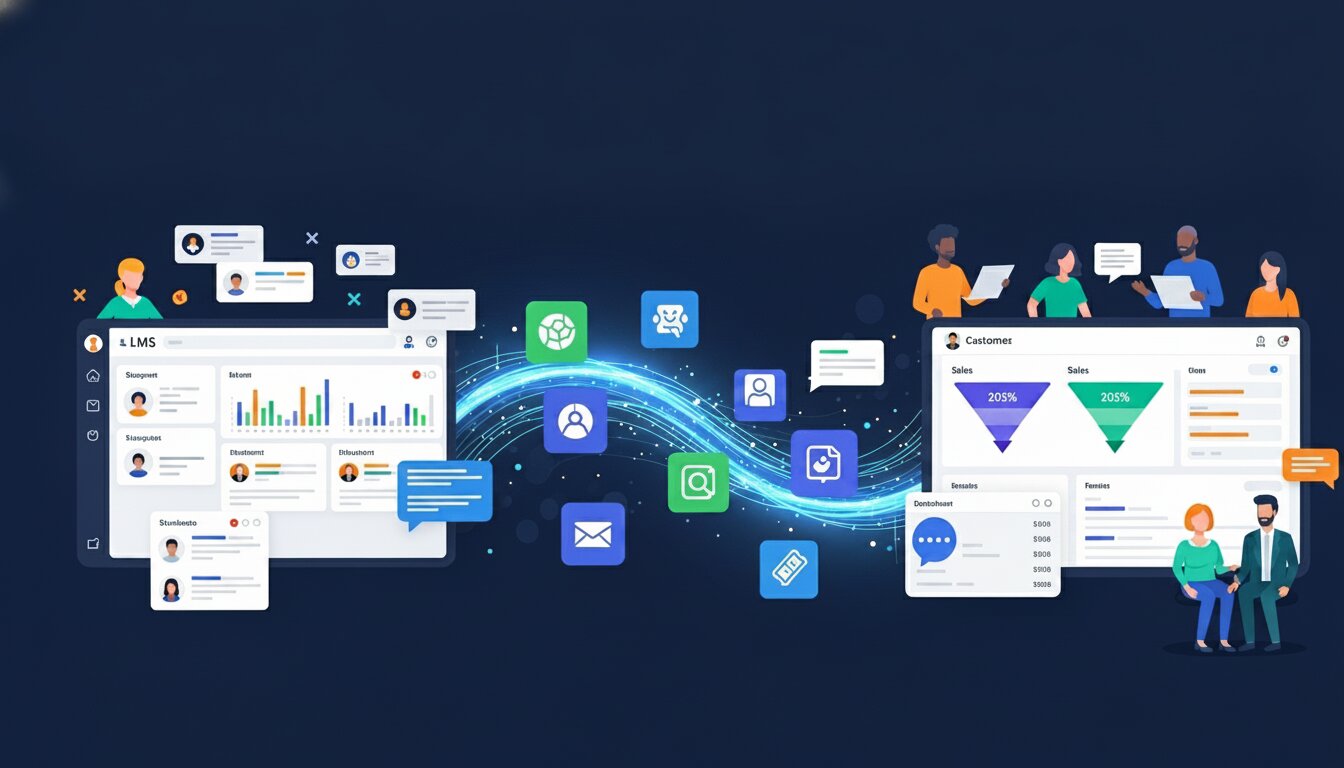
A Learning Management System handles what happens after enrollment: course delivery, quizzes, progress tracking, and certificates. But an LMS alone cannot answer questions like:
- Why are visitors leaving without enrolling?
- Which students are going quiet after week one?
- How do I re-engage students who haven’t logged in for two weeks?
- How do I nurture a lead who downloaded a free module but never purchased the full course?
That is the gap a CRM fills. According to Higher Education Marketing, CRM systems focus on pre-enrollment activities like lead generation, nurturing, and conversion, while LMS platforms manage the post-enrollment experience. Together, they create a complete student lifecycle system that covers every touchpoint from first visit to final certificate.
The numbers support this approach. HubSpot’s research found that businesses using marketing automation see up to a 451% increase in qualified leads. In the eLearning context, that translates directly into more enrollments, better completion rates, and stronger word-of-mouth from students who feel genuinely supported throughout their learning journey.
When your CRM and LMS work in sync, the result is not just better marketing — it is a fundamentally better student experience.
What to Look for in a CRM for Your LMS Website
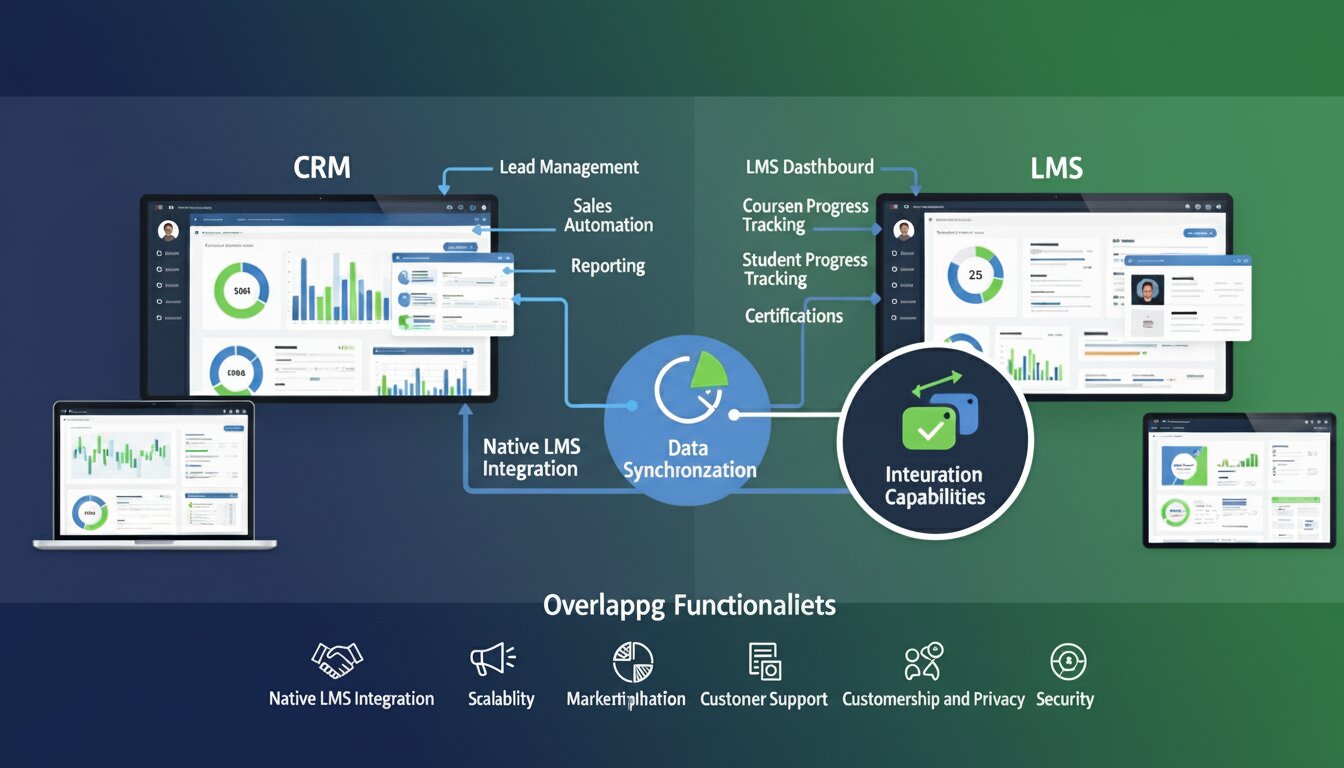
Not every CRM is built with education in mind. General-purpose tools like Salesforce or HubSpot are powerful but expensive, complex, and often excessive for independent course creators or small-to-mid-size online academies. When evaluating a CRM for your LMS website, these are the features that matter most:
Native LMS Integration
Your CRM should sync seamlessly with your LMS — whether that’s Academy LMS, LearnDash, LifterLMS, or TutorLMS. Enrollment data, course completion events, quiz results, and student roles should automatically trigger CRM actions without manual imports or third-party bridges.
Marketing Automation
The ability to send automated email sequences based on specific student behavior is what separates a useful CRM from a basic contact manager. A message like “You haven’t started Module 3 yet — here’s a quick tip to get unstuck” sent at exactly the right moment can recover a student who would otherwise drop off entirely. According to Omnisend’s Ecommerce Marketing Report, automated emails account for just 2% of total email volume but drive 30% of all email revenue — earning 16 times more per send than standard campaign emails.
Contact Segmentation
A first-time free-tier learner needs completely different messaging than a paying student who is 80% through a certification course. Your CRM must support tagging and segmentation by role, course enrollment, engagement level, and purchase history — so every communication feels relevant rather than generic.
Data Ownership and Privacy
For educational platforms, student data privacy is non-negotiable. Sending learner data to third-party SaaS servers introduces real compliance risks, particularly under GDPR and similar frameworks. A self-hosted CRM keeps all data on your own server and gives you full control over how it is stored and used.
Cost-Effectiveness
Monthly recurring fees compound quickly. For an independent educator or growing academy, a lifetime-pricing or one-time-purchase model offers far better long-term economics than paying annual renewal fees that rise alongside your contact list.
A CRM Built for WordPress LMS Sites
For WordPress-based course creators, one option worth a close look is GemCRM. This self-hosted WordPress CRM plugin handles contact management, email automation, and student engagement entirely from within your WordPress dashboard. No external SaaS subscriptions, no data leaving your server.
What makes it particularly relevant for LMS operators is its origin: GemCRM is developed by the same team behind Academy LMS, one of the fastest-growing WordPress LMS plugins available. The integration between the two is native and continuously updated — not an afterthought connected via a third-party API.
In practical terms, every student registration, course enrollment, quiz completion, and purchase automatically flows into your CRM contact list in real time. From there, you can build automated sequences, run targeted campaigns, and track engagement without leaving WordPress.
Some real-world automation examples that LMS operators use regularly:
Welcome sequence: When a student enrolls, automatically send a three-email onboarding series: a welcome message, a getting-started guide, and a motivational check-in on day five.
Re-engagement sequence: If a student hasn’t logged in for 14 days, trigger a reminder with tips, a short testimonial, or a time-sensitive nudge to return to their course.
Upsell sequence: When a free-tier student completes a module, automatically follow up with an email promoting the premium version of the course.
Post-completion sequence: After a student earns a certificate, send a review request and recommend related courses based on what they just finished.
GemCRM also offers lifetime pricing: a one-time purchase rather than ongoing monthly fees. For a course creator running a growing academy, this single factor can represent thousands of dollars in savings over five years compared to typical SaaS alternatives.
How the Main CRM Options Compare
|
CRM |
Best For |
Pricing Model |
WordPress-Native |
|
GemCRM |
WordPress / Academy LMS sites |
One-time / lifetime |
Yes |
|
FluentCRM |
WordPress sites with diverse integrations |
Annual renewal |
Yes |
|
HubSpot |
Sales-focused organizations |
Freemium + paid tiers |
No |
|
Salesforce Education Cloud |
Large universities with enterprise teams |
Enterprise contract |
No |
|
Element451 |
Higher education enrollment departments |
Enterprise contract |
No |
FluentCRM is the most direct competitor in the WordPress CRM space, with over 25,000 active installs and strong integrations, including WooCommerce and LearnDash. It is a mature, well-supported product. The trade-off is its annual renewal model, which adds up considerably over a three-to-five-year horizon.
HubSpot is built around sales pipelines rather than student lifecycle management. Its free tier pushes users into paid plans quickly, and connecting it with WordPress LMS platforms requires third-party integrations.
Salesforce Education Cloud is the gold standard for large universities with enterprise IT budgets. It is not designed for WordPress and is cost-prohibitive for small academies.
Element451 is an AI-powered CRM built specifically for hi gher education enrollment teams, offering AI agents across chat, email, and voice. Exceptional at scale — but not relevant for individual course creators or WordPress-based platforms.
Getting Started: A Simple Setup Framework
Getting a CRM running on your LMS site does not require a technical team. Here is a practical five-step approach that applies to most WordPress CRM setups:
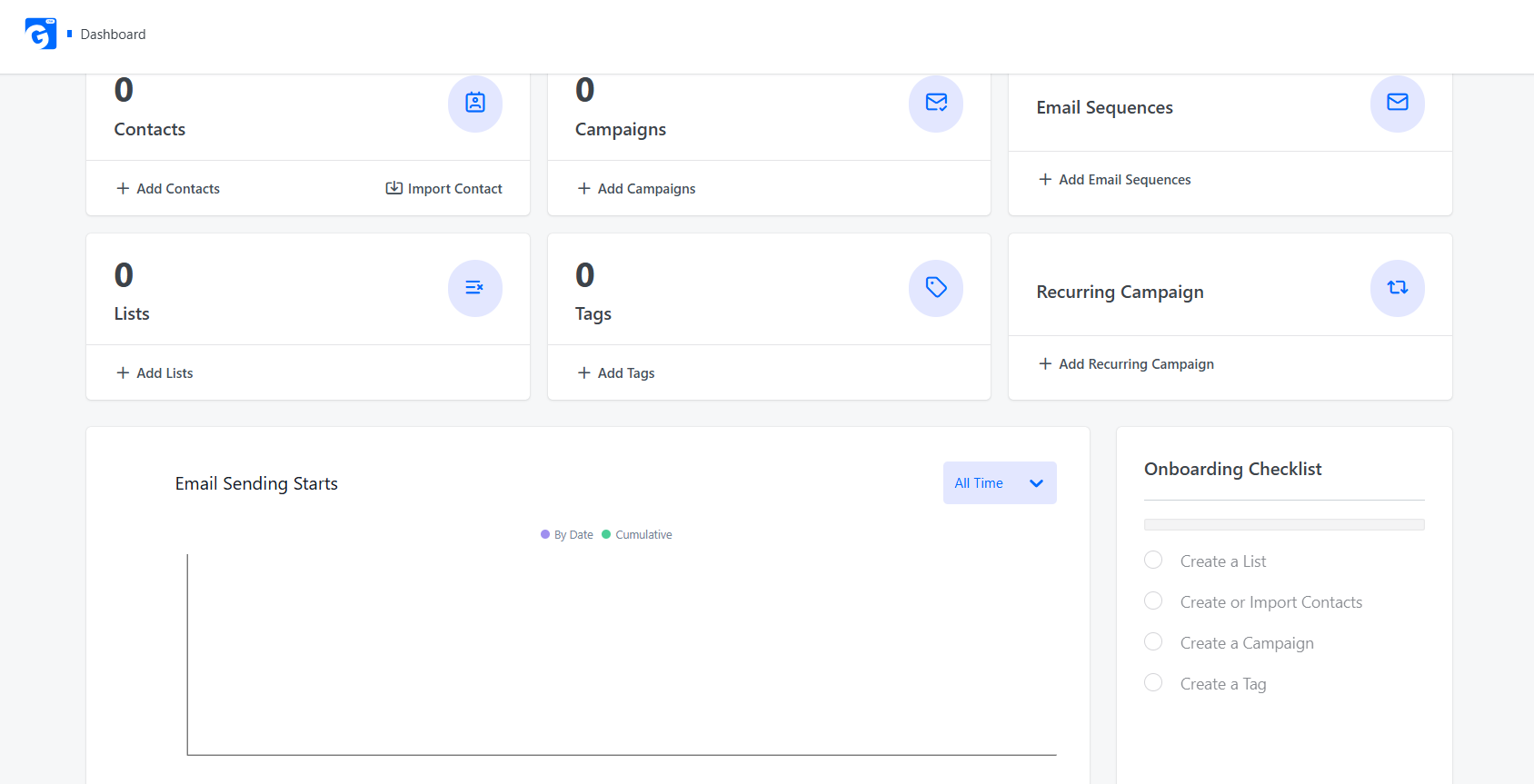
Step 1 — Install and connect
Install your CRM plugin (like GemCRM) and connect it to your LMS. Configure your SMTP or transactional email service to ensure reliable deliverability from day one.
Step 2 — Import existing contacts
Upload your current student list via CSV. Tag key segments at import time — paid, free, inactive — so you can act on them immediately.
Step 3 — Build three core sequences
Start with a welcome sequence, a re-engagement sequence triggered after 14 days of inactivity, and a post-completion sequence. These three alone will produce a measurable improvement in completion rates within the first few months.
Step 4 — Launch your first campaign
A strong starting point is a targeted offer sent to all students who completed a course in the last 90 days. Use your CRM dashboard to track open rates and clicks.
Step 5 — Optimize based on data
Review reporting monthly to identify which sequences perform best, which subject lines drive the most opens, and which student segments respond most. Small, consistent improvements compound over time.
The Future of CRM for LMS Websites

The eLearning market is evolving fast. AI-powered personalization, predictive dropout detection, and real-time engagement scoring are moving from enterprise features to mainstream expectations. Tools like GemCRM are actively building toward these capabilities, with features such as dynamic segmentation confirmed.
For WordPress-based LMS operators, the opportunity is clear: invest in a CRM that grows with your platform, keeps your student data safe, and automates the engagement work that would otherwise require a full marketing team.
The Bigger Picture
The eLearning market is booming. According to Global Market Insights, the global eLearning market was valued at $399.3 billion in 2022 and is projected to exceed $1 trillion by 2032, growing at a 14% CAGR. In this competitive landscape, building strong, lasting relationships with students is key to retention and sustainable growth.
For WordPress-based course creators and academies, a CRM is now a must-have operational tool. Native solutions like GemCRM and FluentCRM offer seamless integration, powerful automation, full data ownership, and budget-friendly pricing.
While enterprise tools suit large institutions, most independent creators benefit most from self-hosted WordPress CRMs. The technology is ready. The only question is: how long will you wait to implement it?
Frequently Asked Questions
I already use Mailchimp. Do I still need a CRM?
Yes. Mailchimp sends broadcasts to lists. A CRM tracks individual student behavior and triggers the right message automatically based on what each person has or hasn’t done — something Mailchimp is not built to do on its own.
How much time does CRM management take after setup?
Typically 30–60 minutes per week — reviewing reports, tweaking subject lines, and sending the occasional one-off campaign. The automated sequences handle everything in between.
Do I need developer skills to set this up?
No. Most WordPress CRM plugins use visual interfaces for configuration, sequence building, and segmentation. Standard setups require no coding.
What happens to my data if I switch CRMs later?
Most platforms allow CSV export of contacts and tags. Automation history and behavioral data rarely transfer cleanly — which is one strong reason to prioritize data ownership and self-hosting from the start.