



Marketing automation has evolved dramatically in recent years. In 2026, WordPress users have more options than ever — from powerful external SaaS platforms to fully self-hosted, WordPress-native solutions. While tools like HubSpot, Mailchimp, and Constant Contact remain widely used across the WordPress ecosystem, a growing number of users are actively shifting toward native plugins that keep customer data inside their own WordPress dashboard, eliminate recurring fees, and give full control over workflows and long-term costs.
In this guide, we’ll rank the top marketing automation plugins for WordPress in 2026 and explore how both established and emerging tools are transforming automation for WordPress-powered businesses. Among the newer native solutions, GemCRM is gaining attention for bringing email marketing, contact management, and automation directly into the WordPress dashboard — without relying on any external platform.
Why Is Marketing Automation Non-Negotiable?

Most WordPress site owners underestimate how much time leaks away on repetitive tasks — sending follow-up emails, tagging new subscribers, recovering abandoned carts, and chasing cold leads by hand. None of these tasks is strategic. All of them can be automated. The question in 2026 is not whether to automate, but which tool fits your site’s needs, budget, and growth stage.
The numbers make a compelling case. Colorlib’s 2026 email marketing report found that segmented campaigns generate 760% more revenue than generic mass blasts, and email as a channel delivers $36 to $42 in return for every $1 spent. RevenueMemo’s 2026 automation ROI analysis reports that companies using automation workflows achieve a 544% return over three years, with automated emails accounting for 37% of total email revenue while representing only 2% of total sends.
For WordPress specifically, the landscape has changed considerably. You no longer need to route your subscriber data through expensive third-party SaaS platforms. A new generation of WordPress-native plugins handles contact management, drip campaigns, behavioral triggers, and eCommerce integrations directly inside your dashboard. This guide ranks the top five plugins across different use cases, with honest commentary on where each one excels and where it falls short.
Top Marketing Automation Plugins for WordPress
1. GemCRM: Best for Budget-Conscious Teams & Long-Term Ownership
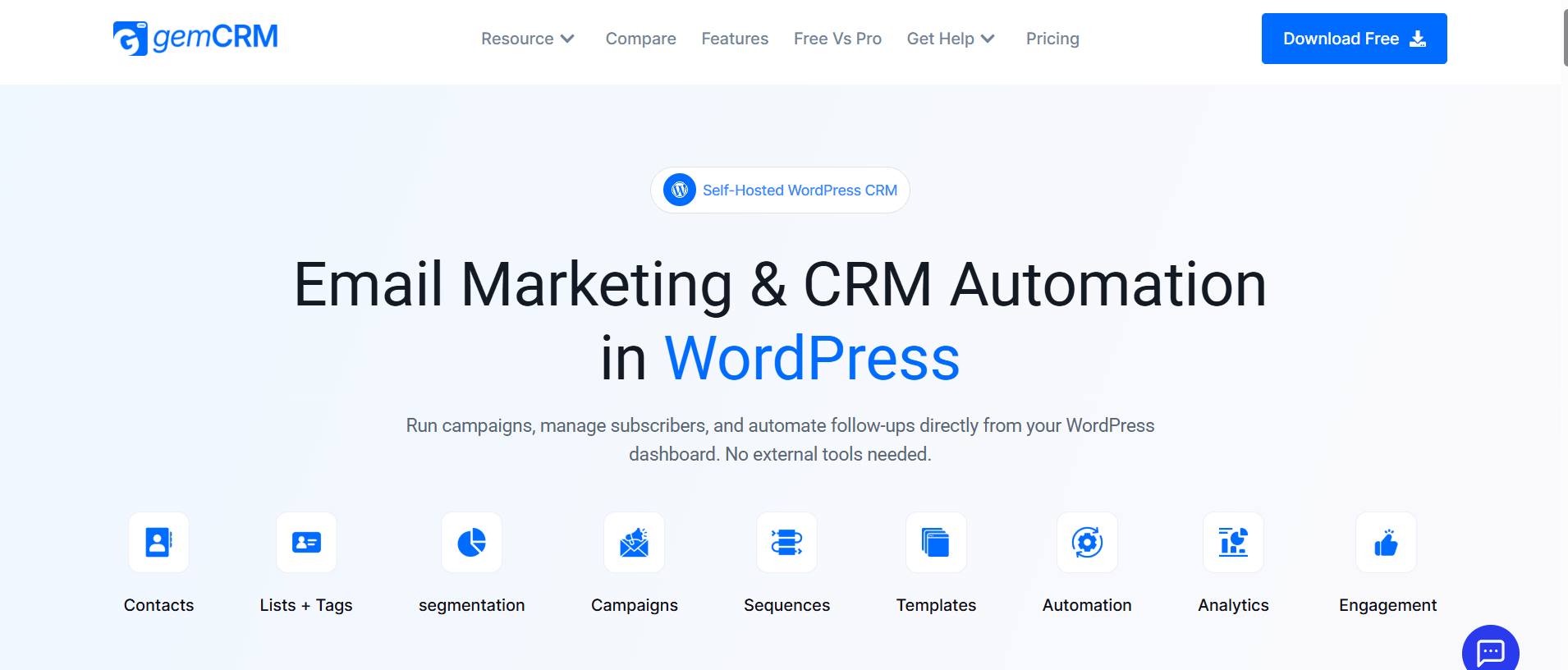
Self-Hosted, Lifetime License, Unlimited Contacts, WordPress-Native, No Recurring Fees
GemCRM takes a fundamentally different approach to pricing than everything else on this list. Rather than annual renewals or contact-based tiers, it offers a one-time lifetime license — every plan includes unlimited contacts, campaigns, and integrations with no hidden fees. For growing lists, this matters considerably: most platforms charge more as your subscriber count rises, making long-term budgeting unpredictable. A fixed lifetime cost removes that variable entirely.
The plugin is newer than FluentCRM, and that shows in certain areas.GemCRM now includes automation workflows, dynamic segmentation, multi-step email sequences, recurring campaigns, and abandoned cart automation. The platform continues to expand its automation capabilities, while some advanced workflow features may still differ from those of more mature automation-focused tools. For agencies, content publishers, and Academy LMS users who need solid, reliable email automation without compounding annual costs, the fundamentals here are well-built.
Key Features
- Manages subscribers, campaigns, and automated follow-up sequences entirely inside WordPress — no external accounts required.
- Auto-syncs with WordPress user roles and maps them to subscriber tags without manual configuration.
- Supports drip sequences, recurring campaigns, one-time broadcasts, and role-based subscriber filtering.
- Integrates with Academy LMS, StoreEngine, and standard WooCommerce-compatible setups.
- All plans include unlimited contacts, campaigns, automation, and integrations — no hidden fees or contact-tier pricing.
- Automation capabilities include dynamic segmentation, smart links, abandoned cart recovery flows, and multi-step workflows, with additional enhancements continuing to roll out.
Pricing: One-time lifetime license
Best For: Agencies, course creators, content publishers
2. FluentCRM: Best for Advanced Automation & WooCommerce Stores
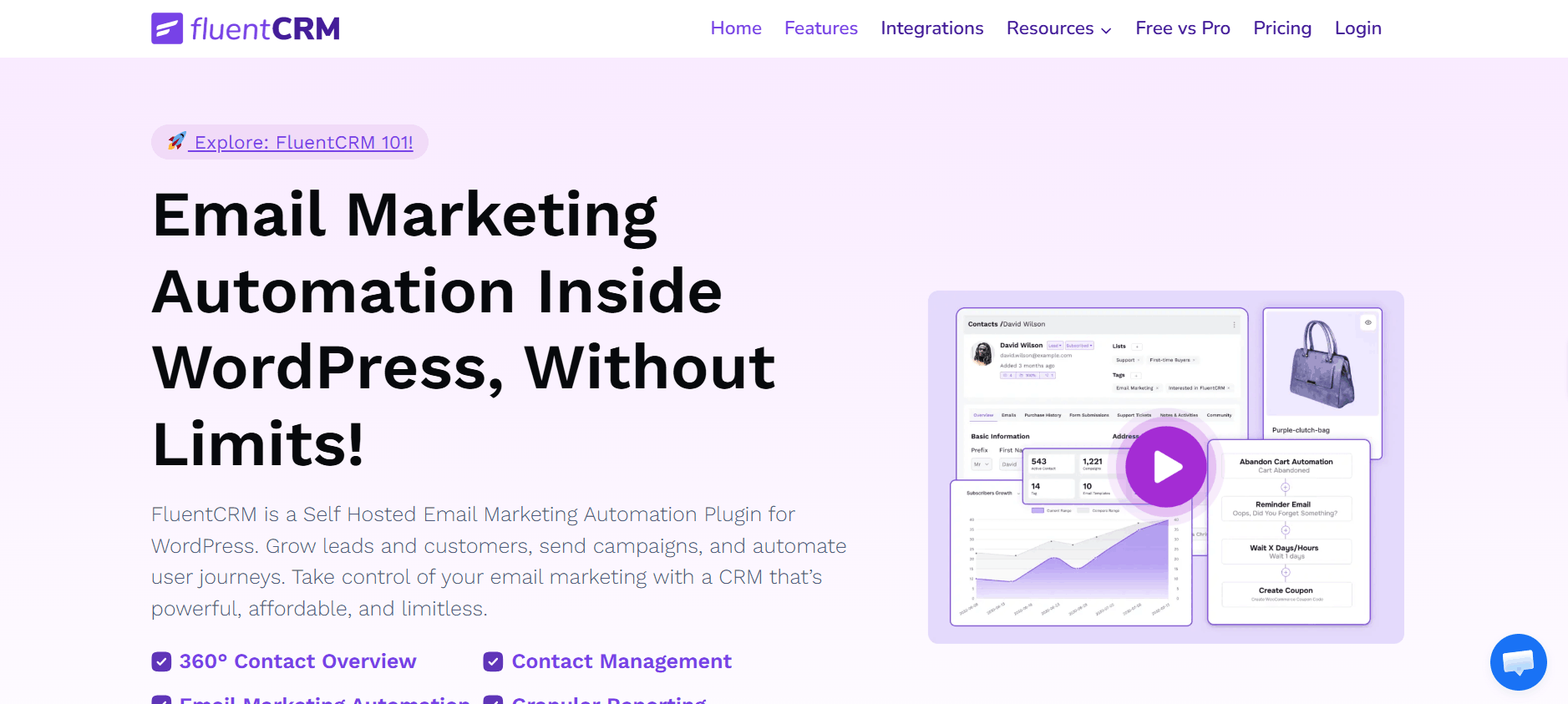
Self-Hosted, Visual Automation Builder, Deep WooCommerce Integration, Annual License
FluentCRM, built by WPManageNinja, has earned its position at the top of the self-hosted WordPress CRM space. Its automation builder is the standout feature — the visual workflow canvas lets you construct sophisticated, behavior-driven sequences that no other purely WordPress-native tool can currently match. Dynamic segmentation is where it really pulls ahead: contacts are automatically added to or removed from segments based on behavioral rules, which is essential for any store or course platform running targeted campaigns at scale.
The trade-off is the annual renewal model. Costs accumulate meaningfully over three to five years, especially for agencies managing multiple client installations. For teams evaluating long-term total cost of ownership, that calculation is worth doing before committing.
Key Features
- Drag-and-drop visual workflow canvas with multi-branch automation, conditional splits, time delays, and action blocks.
- Behavioral triggers fire from real events: email opens, link clicks, WooCommerce purchases, and LMS course completions.
- Dynamic segmentation moves contacts in and out of lists automatically based on behavior — no manual tagging required.
- Deep integrations with WooCommerce, LearnDash, LifterLMS, MemberPress, and the team’s own Fluent Forms builder.
- Built-in analytics: open rates, click maps, and revenue attribution tracked per campaign and sequence.
- Average campaign open rate of 39%, with top users reporting 54%+ opens and $30K+ campaign results.
Pricing: From ~$129/year Free Plan: Limited version on WordPress.org
Best For: WooCommerce stores, advanced marketers
3. MailPoet: Best Entry Point for Bloggers & Newsletter Publishers
Free up to 1,000 subs, Gutenberg-Native Design, Newsletter-Focused
MailPoet is the natural starting point for anyone new to email marketing on WordPress. Its free tier is one of the most generous in the market: 1,000 subscribers with unlimited sends, which gives small publishers enough room to validate their workflow before spending anything. The limitation is depth — MailPoet handles the fundamentals well but lacks behavioral automation, advanced segmentation, and full CRM contact management. Most users who start here migrate upward once their list grows past 1,000–2,000 subscribers.
Key Features
- Drag-and-drop email builder mirrors the WordPress block editor — no new interface to learn for existing WP users.
- Automated welcome sequences, new-post notifications, and basic subscriber tagging out of the box.
- Free plan supports up to 1,000 subscribers with unlimited monthly email sends — genuinely useful, not artificially limited.
- WooCommerce add-ons include abandoned cart emails, purchase confirmations, and re-engagement flows (paid tiers).
- Hosted sending infrastructure included — no separate SMTP configuration needed for low-volume senders.
Pricing: Free to 1,000 subs; paid plans from ~$10/mo
Best For: Bloggers, small newsletters, first-time automators
4. OptinMonster: Best for Converting Visitors Into Subscribers
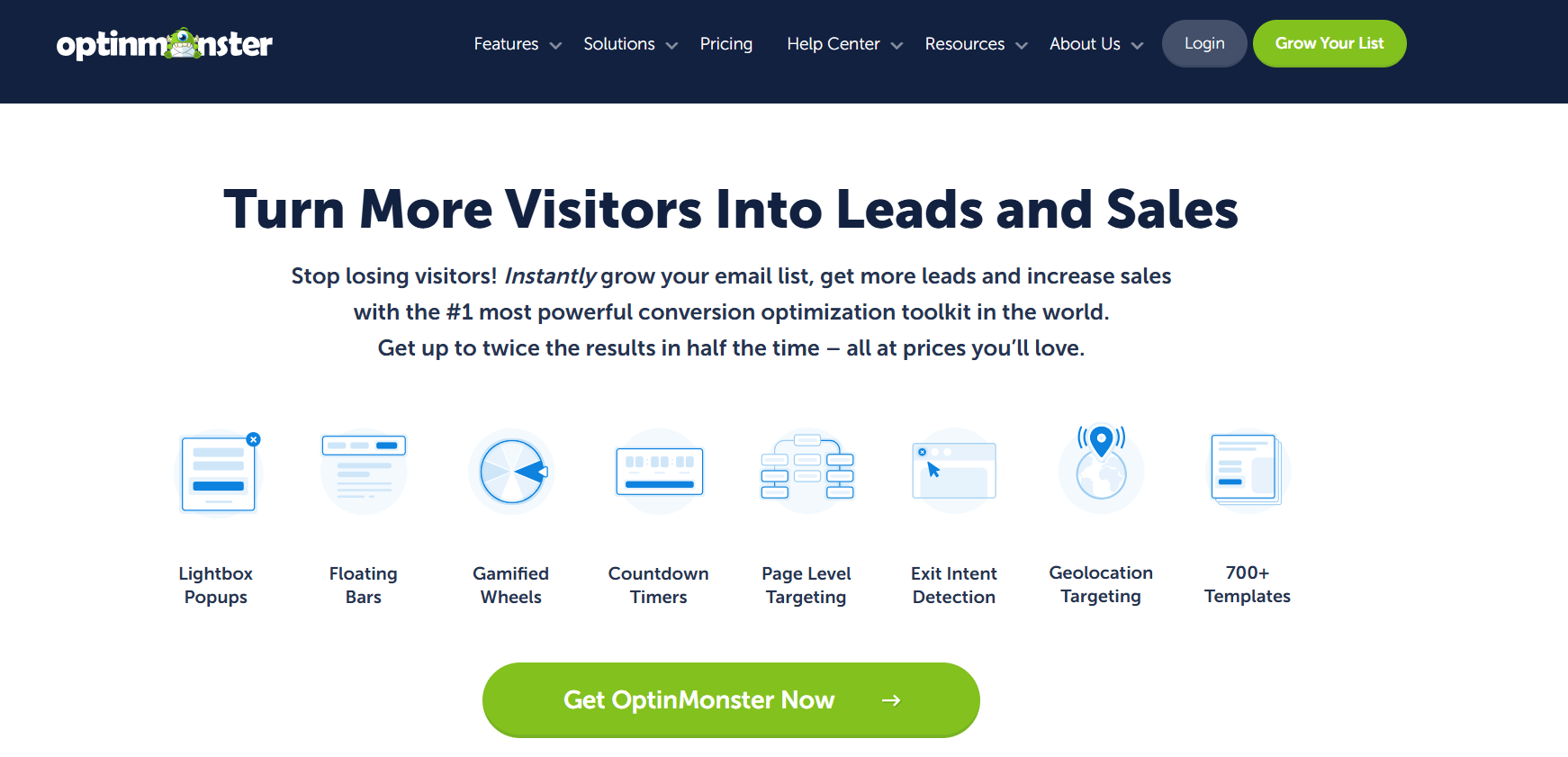
Exit-Intent Technology, A/B Testing, SaaS + WP Plugin, Smart Targeting Rules
OptinMonster is not a CRM — it is the front door. Its job is to convert anonymous visitors into named subscribers before they leave, and it does this better than any other WordPress-compatible tool available. When used alongside any CRM on this list, it significantly improves both the volume and quality of leads entering your automation sequences. According to Thunderbit’s 2026 automation statistics report, 60% of marketers cite improved customer experience as the top benefit of behavioral automation tools — and OptinMonster sits at the very entry point of that experience.
Key Features
- Exit-intent popups, sticky bars, slide-ins, and fullscreen overlays — each with granular behavioral display rules.
- Target by page, device, referral source, scroll depth, time on site, or cart value without writing custom code.
- Built-in A/B testing engine: test different headlines, CTAs, and trigger behaviors from the same interface.
- Integrates natively with FluentCRM, MailPoet, Mailchimp, ActiveCampaign, and 50+ other email platforms.
- MonsterLinks convert any text link or image into an opt-in trigger — useful for content upgrades and inline lead magnets.
Pricing: From $9/mo (annual billing)
Best For: Any site prioritizing subscriber list growth
5. WP Fusion: Best for Connecting Multiple Plugins Into One CRM
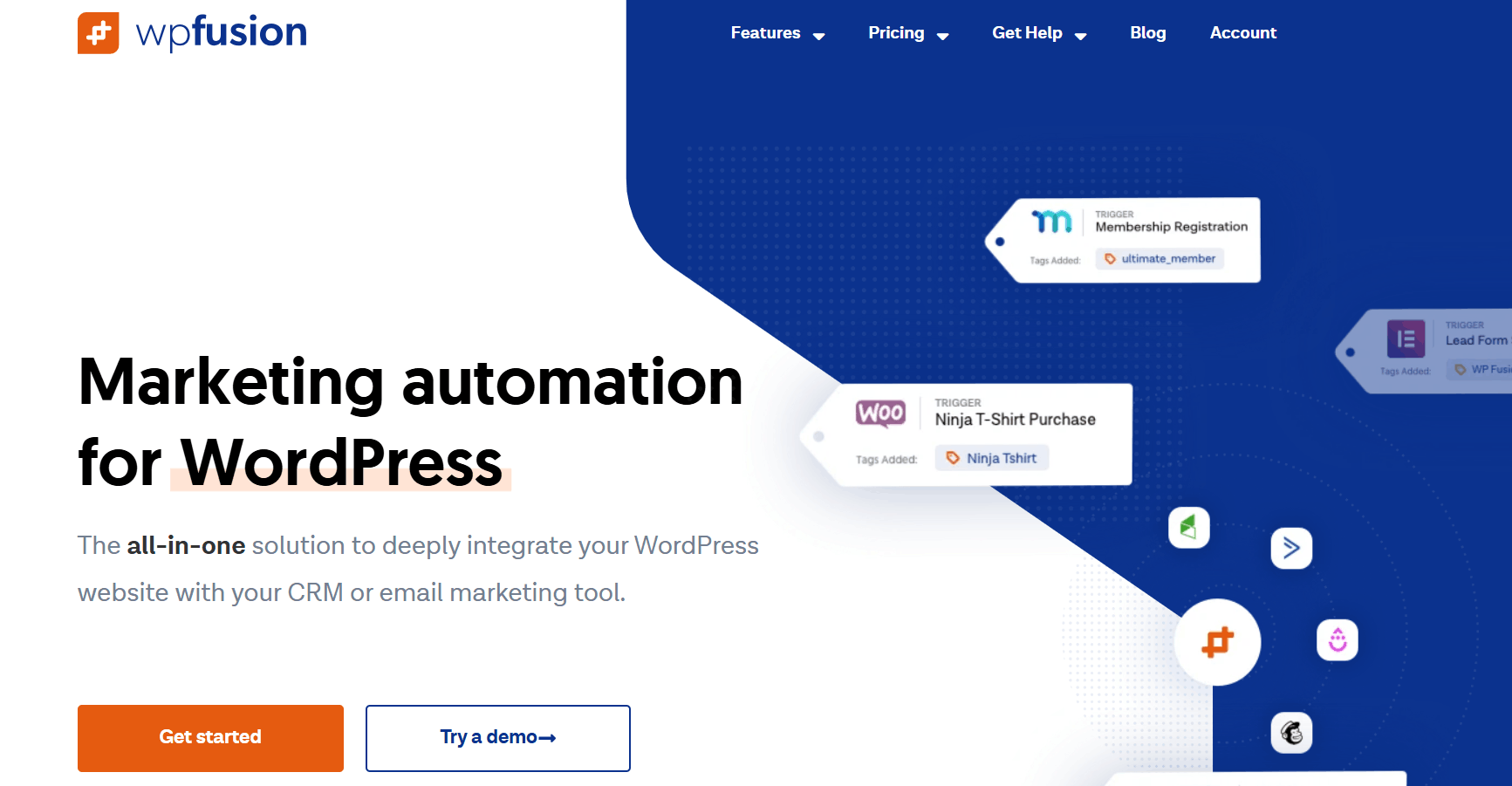
60+ CRM Support, 150+ Plugin Integrations, Tag-Based Logic
WP Fusion solves a specific but painful problem: plugins that don’t share data with your CRM. If you’re running a membership platform, a WooCommerce store, and an LMS simultaneously, each tracks user behavior in complete isolation. WP Fusion acts as the connective tissue — syncing events from across your entire plugin stack into a unified CRM contact record and triggering automations based on that combined view. It is not a replacement for a CRM; it is the layer that makes your existing CRM dramatically more useful.
Key Features
- Connect WooCommerce, LearnDash, MemberPress, BuddyBoss, and 150+ other plugins to your CRM through tags.
- Automatically applies or removes CRM tags in response to plugin events such as course completion, product purchase, or membership cancellation.
- Restrict content or unlock access based on CRM tag status — no custom code required.
- Works alongside FluentCRM, ActiveCampaign, HubSpot, and 60+ other CRM platforms.
Pricing: From $247/year (Personal)
Best For: Complex, multi-plugin WordPress sites
Side-by-Side Feature Comparison
|
Feature |
GemCRM |
FluentCRM |
MailPoet |
OptinMonster |
WP Fusion |
|
Self-Hosted / Data Ownership |
✔ Fully self-hosted |
✔ Fully self-hosted |
✔ WordPress-based (email sending may use an external service) |
✘ SaaS (cloud-based) |
✔ Self-hosted (connects external CRMs) |
|
Lifetime License Available |
✔ Yes (one-time payment) |
✘ Annual only |
✘ Monthly/annual |
✘ Monthly |
✘ Annual |
|
Unlimited Contacts (All Plans) |
✔ Unlimited |
⚠ Limited by plan tiers |
⚠ Free up to 1,000 |
✘ Not contact-based |
✔ Depends on connected CRM |
|
Visual Automation Builder |
Available |
✔ Advanced visual builder |
⚠ Basic automation only |
✘ No automation builder |
✘ No native builder |
|
Dynamic Segmentation |
Available |
✔ Advanced segmentation |
⚠ Basic segmentation |
✔ Behavior-based targeting |
✔ Tag-based segmentation |
|
Email Drip Sequences |
✔ Included |
✔ Included |
✔ Included |
✘ Not supported |
✘ Not native |
|
WooCommerce Integration |
✔ Native integration |
✔ Deep integration |
✔ Basic integration |
✔ Targeting only |
✔ Deep integration |
|
Lead Capture / Popups |
⚠ Via forms (no popup builder) |
⚠ Via forms (no popup builder) |
✔ Built-in forms |
✔ Advanced pop-up builder |
✘ Not available |
|
WordPress Role Auto-Sync |
✔ Automatic |
✔ Supported |
⚠ Manual setup |
✘ Not available |
✔ Automatic |
|
Estimated 5-Year Cost (1 Site) |
✔ One-time cost (most affordable long-term) |
$645+ |
$600+ |
$540+ |
$1,235+ |
How to Choose the Right Plugin for Your Site

The right tool depends on where you are, not just what you want. A few practical decision points:
- You’re just starting with email marketing: Begin with MailPoet’s free plan. Build your first welcome sequence, grow your list to 500–1,000 subscribers, and identify what automation patterns actually matter for your audience before committing to anything paid.
- You run a WooCommerce store that needs behavioral automation today: FluentCRM is the clear choice. Its behavioral triggers, WooCommerce purchase events, and dynamic segmentation are all live and mature — no waiting on roadmap updates.
- You’re an agency or solo developer managing multiple WordPress sites: Prioritize tools that offer flat-rate or lifetime licensing. Per-contact or per-seat pricing becomes expensive quickly across multiple client installs. Factor in total cost over three to five years, not just the sticker price.
- Your site uses multiple plugins that don’t talk to each other: Layer WP Fusion on top of your existing CRM. It solves the cross-plugin data problem without replacing anything you’ve already configured.
Whichever tool you choose, make sure it works with a reliable SMTP provider for strong deliverability, supports clean contact imports from your existing lists, and offers transparent pricing as your contact volume grows. WordPress’s official Plugin Developer documentation is a good reference for understanding how well-structured plugins are built before installing them on a production site.
Final Verdict
FluentCRM remains the most mature WordPress marketing automation tool in 2026, offering reliable automation, segmentation, and deep WooCommerce integration. GemCRM stands out with its lifetime license, unlimited contacts, and long-term cost efficiency—ideal for agencies and growth-focused users. Beginners can start with MailPoet, while OptinMonster excels in lead capture. For complex WordPress stacks, WP Fusion is the glue that holds everything together. Pairing it with other best-in-class tools in 2026 gives you a powerful, integrated automation engine built for scale.
FAQ
How do I automatically send onboarding emails for new students?
Use a WordPress CRM that integrates with your LMS. It triggers an email drip when a student enrolls (welcome email on day 1, guide on day 3, check-in on day 7). Once set up, every new student is onboarded automatically without manual work.
Why are my emails going to spam?
It’s usually not the plugin. WordPress default email (PHP mail) is unreliable. Fix it by using SMTP with services like Mailgun, Postmark, or SendGrid and adding SPF, DKIM, and DMARC records to your domain.
Can I send different emails for different membership tiers?
Yes. Use tags or user roles. When someone joins a membership tier, they’re assigned a tag (for example, “gold”), and your CRM automatically starts the corresponding email sequence. WP Fusion works especially well for syncing membership tiers with email automation.