

At 10,000 subscribers, Kit’s Creator plan costs $139 a month on monthly billing, or $1,390 a year if you pay upfront. The same list on MailerLite’s Comfort plan is $89 a month. On Ghost it is $105.
That gap is why people search for a ConvertKit alternative. But the cheapest tool is not automatically the right one. Kit’s free plan covers up to 10,000 subscribers, and several alternatives cannot send a sequence, sell a digital product, or pay you for a recommendation.
This guide compares eight tools on what they cost at the same list size, what you give up by leaving Kit, and what moves with you. ConvertKit rebranded as Kit in October 2024. It is the same company and product, so this article uses both names.
Quick Overview of ConvertKit Alternatives
The eight alternatives in this article, with what each is for and its price at 10,000 subscribers (per month, yearly billing unless noted):
For comparison, Kit’s Creator plan at 10,000 subscribers is $116 on yearly billing.
Why Switch from ConvertKit (Kit)?
Kit is a good product, built for creators. People still leave it, usually for one of four reasons.
1. The bill grows faster than the business
Kit prices by subscriber tier, and the tiers climb steeply. These are Creator-plan prices, read from Kit’s pricing page:
|
Subscribers |
Monthly billing |
Yearly billing (per month) |
Yearly total |
|
1,000 |
$39 |
$33 |
$390 |
|
5,000 |
$89 |
$75 |
$890 |
|
10,000 |
$139 |
$116 |
$1,390 |
Ten times the subscribers costs 3.6 times as much. Kit moves you up a tier automatically, but a downgrade after a list clean-up is done by hand.
2. The free plan stops where automation starts
Kit’s Free plan holds up to 10,000 subscribers, with unlimited landing pages, forms, and broadcasts. It has no automated sequences and no visual automations. Those start on Creator, at $39 a month.
3. A cut of every sale
Kit takes 3.5% + 30¢ on every sale, on every plan, including Free. That fee includes card processing, so on a $10 sale you keep $9.35. The table “Paid newsletters: what you keep” below compares this with other platforms.
4. Your list lives in one more system
If your site runs on WordPress, Kit is a second database with its own forms and billing. Some site owners want contacts, forms, and email in one place they own. They prefer a license to a subscriber meter, as a WordPress CRM like GemCRM offers.
How We Picked the Best ConvertKit Alternatives
We started with the reasons people leave Kit, not with a list of tools. We read Kit’s pricing page and the top-ranking comparison articles, then sorted tools by the job each does.
Each tool in the Quick Overview matches one of those jobs: ads and paid tiers, a cheaper bill, zero-setup writing, wide integrations, WordPress, per-email pricing, deep automation, or ownership.
Each tool was checked on six things:
We left out ecommerce-first tools (Klaviyo, Omnisend, Drip) and webinar-led suites (GetResponse). They solve a different problem from a creator list.
We did not run hands-on tests of these tools, and we did not measure deliverability. Where a claim comes from another publisher’s testing, we name them. The one tool we tested ourselves is GemCRM, and only its contact import.
ConvertKit Alternatives at a Glance
|
Tool |
Best for |
Key advantage |
Pricing model |
Free option |
Main limitation |
|
beehiiv |
Newsletters earning from ads, referrals, paid tiers |
0% take rate on subscriptions (Stripe applies) |
By subscribers; Lite $119/mo at 10,000 on yearly billing |
Free plan, 2,500 subscribers |
Automations start on Lite; newsletter-first |
|
MailerLite |
Kit’s core job at a lower price |
About a third less than Kit at 10,000 |
By subscribers; Comfort $80.10/mo at 10,000 on yearly billing |
Free plan, 250 subscribers |
Small free plan; suspension complaints |
|
Substack |
Paid writing with zero setup |
No monthly fee, built-in network |
10% of paid revenue + Stripe |
Free to publish |
Fee grows with revenue; no automation |
|
Mailchimp |
One suite, wide integrations |
Landing pages, site builder, large integration library |
By contact tier; Standard $135/mo regular at 10,000 |
Free plan, 250 contacts |
Unsubscribed contacts count unless archived |
|
GemCRM |
WordPress sites |
No per-subscriber fee; data on your server |
$59/yr or $139 one-time lifetime (1 site) |
Free version (subset of features) |
No creator publishing; needs your SMTP; WordPress only |
|
Brevo |
Rare sends to a big list |
Priced by emails, not subscribers |
Starter $9 (no automation); Standard $18 |
Free plan, 300 emails/day |
Contact storage tied to email volume |
|
ActiveCampaign |
Automation and CRM |
Branching flows, CRM, lead scoring |
By contacts; Plus $189/mo at 10,000 on yearly billing |
Trial only (14 days) |
Steepest learning curve; no free plan |
|
Ghost |
Owning the publication |
0% fees; site, members, and email together |
By members; Publisher $88/mo at 10,000 on yearly billing |
Trial only; self-host is free |
Separate CMS; basic automation |
Prices read from vendor pages on October 2026. Verify before you buy.
8 Best ConvertKit Alternatives Compared
Each review gives the verdict, the pricing, where the tool falls short, and what happens to your Kit data. Prices are per month, and the like-for-like table follows the reviews.
beehiiv — Best for Newsletter Growth and Monetization
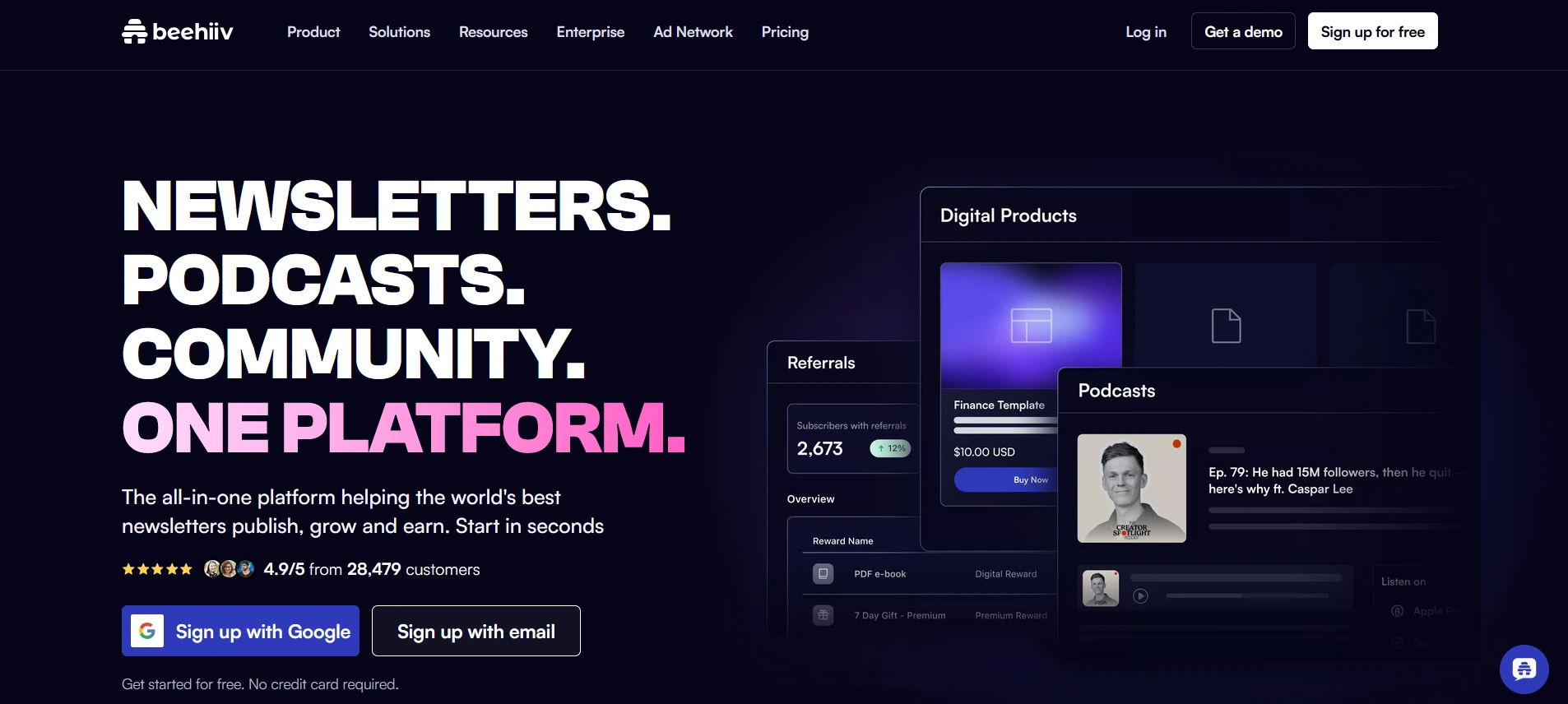
beehiiv is the right pick when the newsletter itself is the product: ads, referrals, and paid tiers in one dashboard. It is the wrong pick if your revenue comes from digital products or tag-driven sequences.
beehiiv hosts a publication site, a recommendation network, and paid-subscription tools. It renamed its plans on October 1, 2026 (Launch became Free, Scale became Lite, Max became Pro), so older reviews quote prices you can no longer get (PPC Land).
Pricing: The Free plan covers up to 2,500 subscribers with unlimited sends. Lite adds paid subscriptions (0% take rate, Stripe applies) and automations, at $95 a month for 5,000 subscribers and $119 for 10,000 on yearly billing ($109 and $139 monthly). Pro removes beehiiv branding at $169 and $199 yearly (pricing).
Where it falls short:
Moving from Kit: beehiiv’s guide says Kit’s CSV already includes tags and custom fields as columns. You map each column to a tag or custom field. Paid subscribers on Kit + Stripe Express cannot be moved and must re-subscribe.
Switch if ads, referrals, or paid tiers are your revenue plan. Stay with Kit if digital products or tag-driven sequences are.
MailerLite — Best for Budget-Conscious Email Marketing
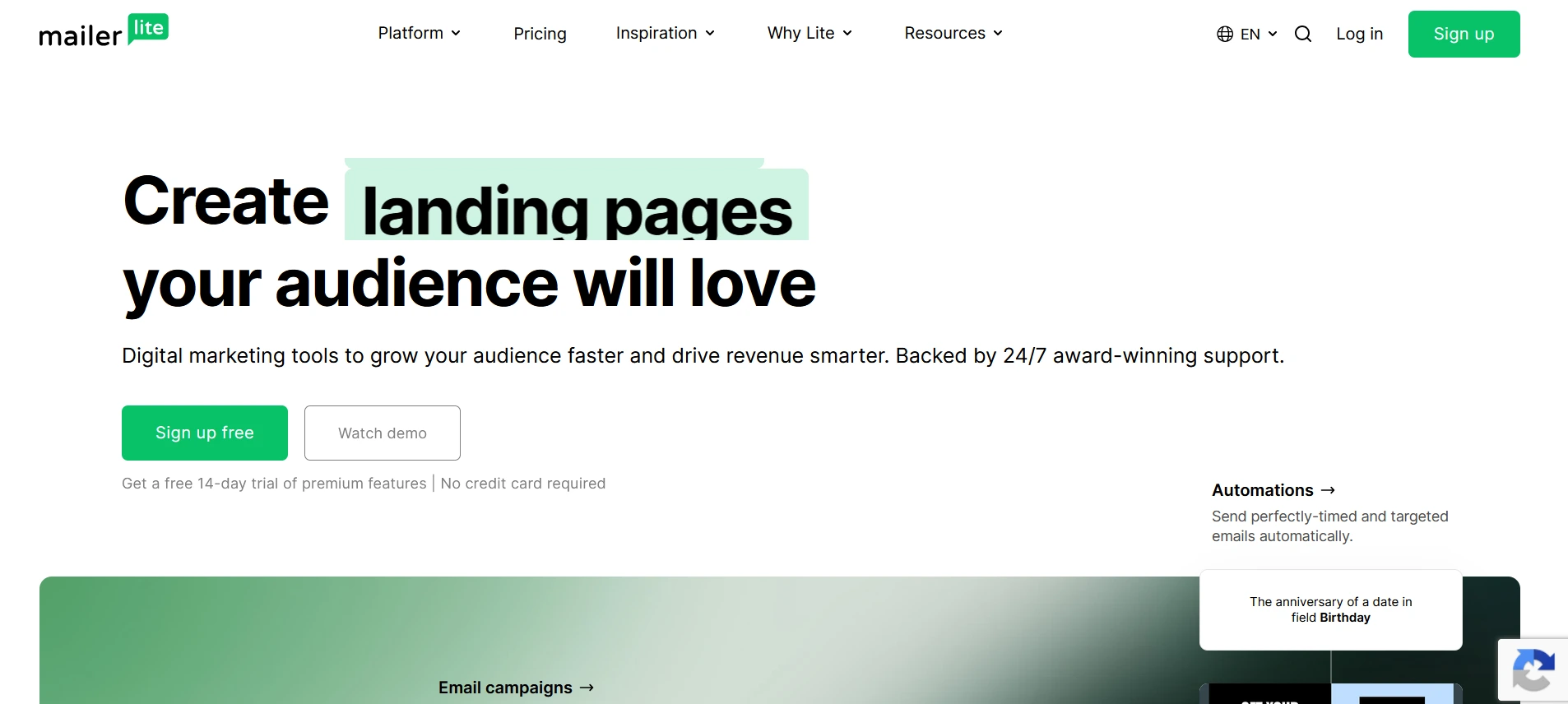
MailerLite does Kit’s core job (forms, subscriber groups, automations, landing pages) for about a third less at 10,000 subscribers.
Pricing: Free covers 250 subscribers and 2,500 emails a month, with 3 automations. Comfort allows 50 automations and costs $44.10 a month at 5,000 subscribers and $80.10 at 10,000 on yearly billing ($49 and $89 monthly). Power is $62.10 and $116.10 yearly, with unlimited automations and emails (pricing).
At 10,000 subscribers, Comfort is $961.20 a year on yearly billing, against Kit Creator’s $1,390.
Where it falls short:
WordPress: an official signup-forms plugin connects forms with an API key.
Moving from Kit: export from Kit and import the CSV. We found no MailerLite guide written for Kit, so test with 20 rows first.
Switch if price is the complaint and you use automations but not Kit’s commerce. Stay with Kit if you sell through Kit or rely on its recommendation network.
Substack — Best for Simple Newsletter Publishing
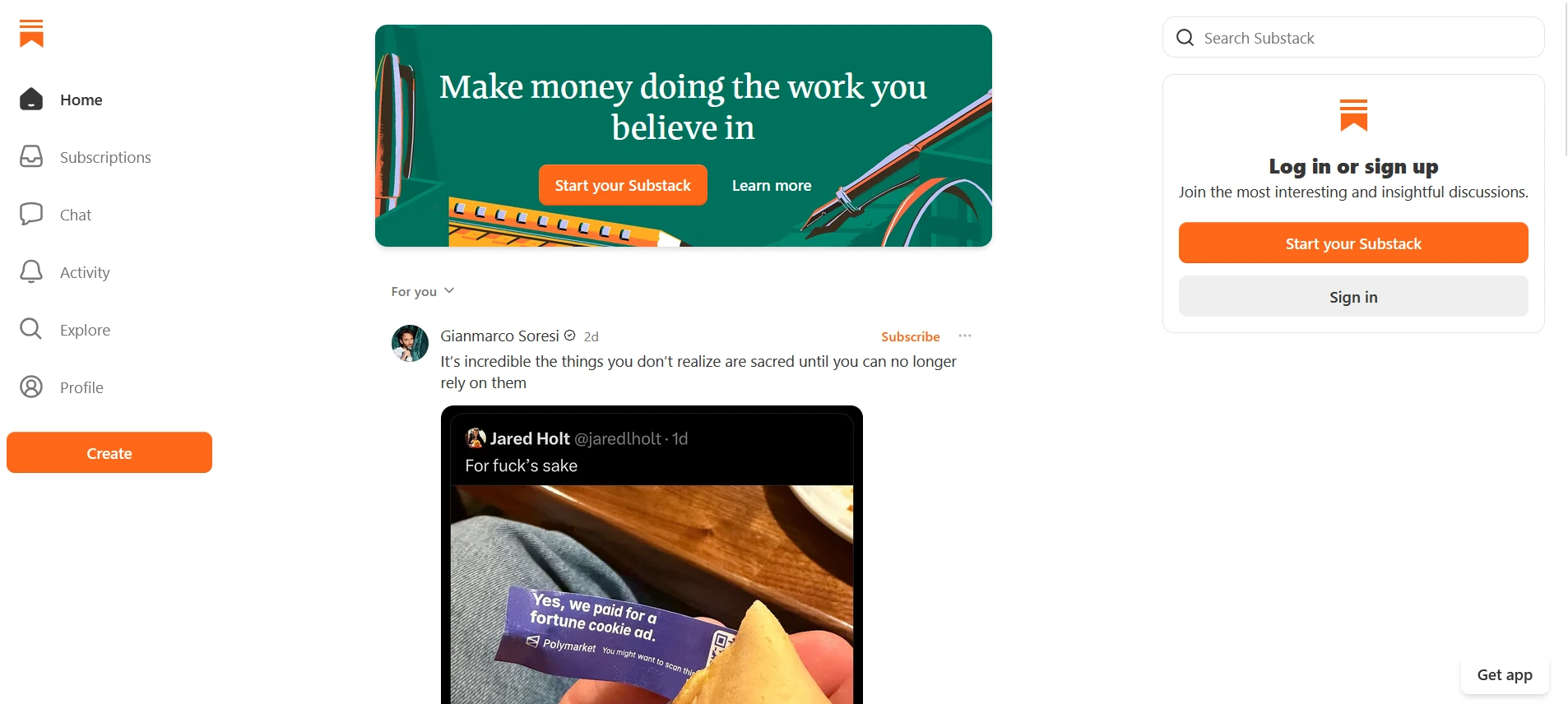
Substack is the cheapest way to start charging for a newsletter, and the most expensive way to keep doing it once the revenue is real.
Pricing: Publishing a free newsletter costs $0, at any number of subscribers. Paid subscriptions cost 10% to Substack, plus Stripe’s 2.9% + 30¢ and a 0.5% recurring-billing fee (Substack FAQ).
At $1,000 a month in paid revenue, 10% is $100 a month. At $10,000 a month, it is $1,000 every month.
Where it falls short: per Sender’s review, there is no automation layer, no segmentation, and no tag system. Your publication also looks like a Substack. We found no official WordPress integration.
Moving from Kit: per Sender’s review, only email and name carry over. Tags, custom fields, sequences, and segments are dropped.
Switch if writing is the product and discovery matters more than control. Stay with Kit if you need segmentation, sequences, or Kit’s checkout.
Mailchimp — Best for General-Purpose Email Marketing
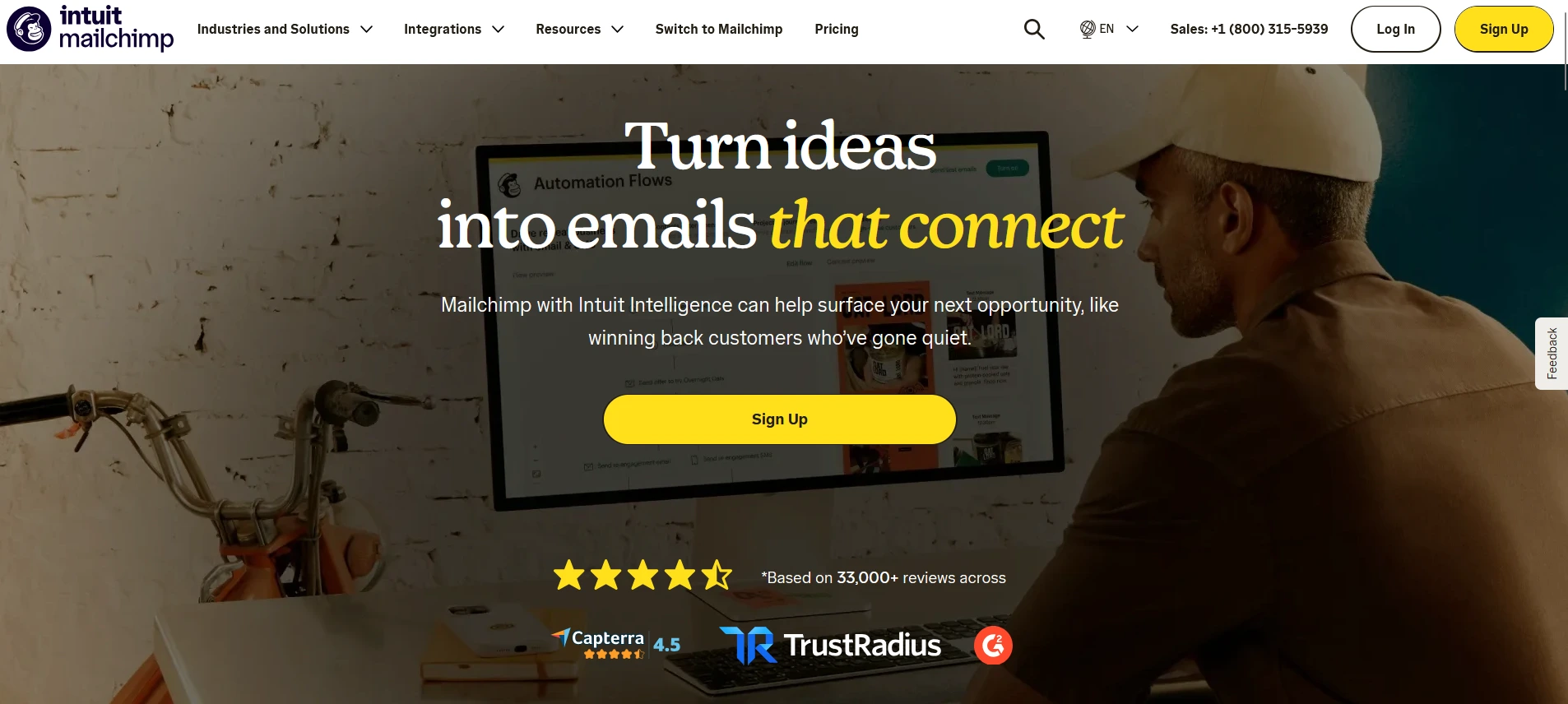
Mailchimp buys you breadth: landing pages, a website builder, and a wide integration library. It does not buy you a lower bill at Kit’s list sizes.
Pricing: Mailchimp bills monthly by contact tier and shows a 50% discount for the first 12 months, so these are regular rates. Essentials is $75 at up to 5,000 contacts and $110 at up to 10,000, with up to 4 flow steps. Standard is $100 and $135, with up to 200 flows, and Free covers 250 contacts and 500 sends a month with no flows (pricing).
Annual billing is limited to Standard and Premium at 10,000+ contacts. For automation comparable to Kit’s Creator plan, price Standard.
Where it falls short: contact counting. Mailchimp’s help center says unsubscribed contacts count toward your limit unless archived (legacy plans page; check your own plan). You can pay for people you can no longer email.
WordPress: Mailchimp for WooCommerce is the official plugin. See also our Mailchimp alternative for WordPress guide.
Moving from Kit: CSV import. “Premium migration services” are available on Premium only, through sales.
Switch if you need landing pages, a site builder, and wide integrations in one subscription. Stay with Kit if email is your whole use case and you want a lower bill.
GemCRM — Best for WordPress-Native Contacts and Email
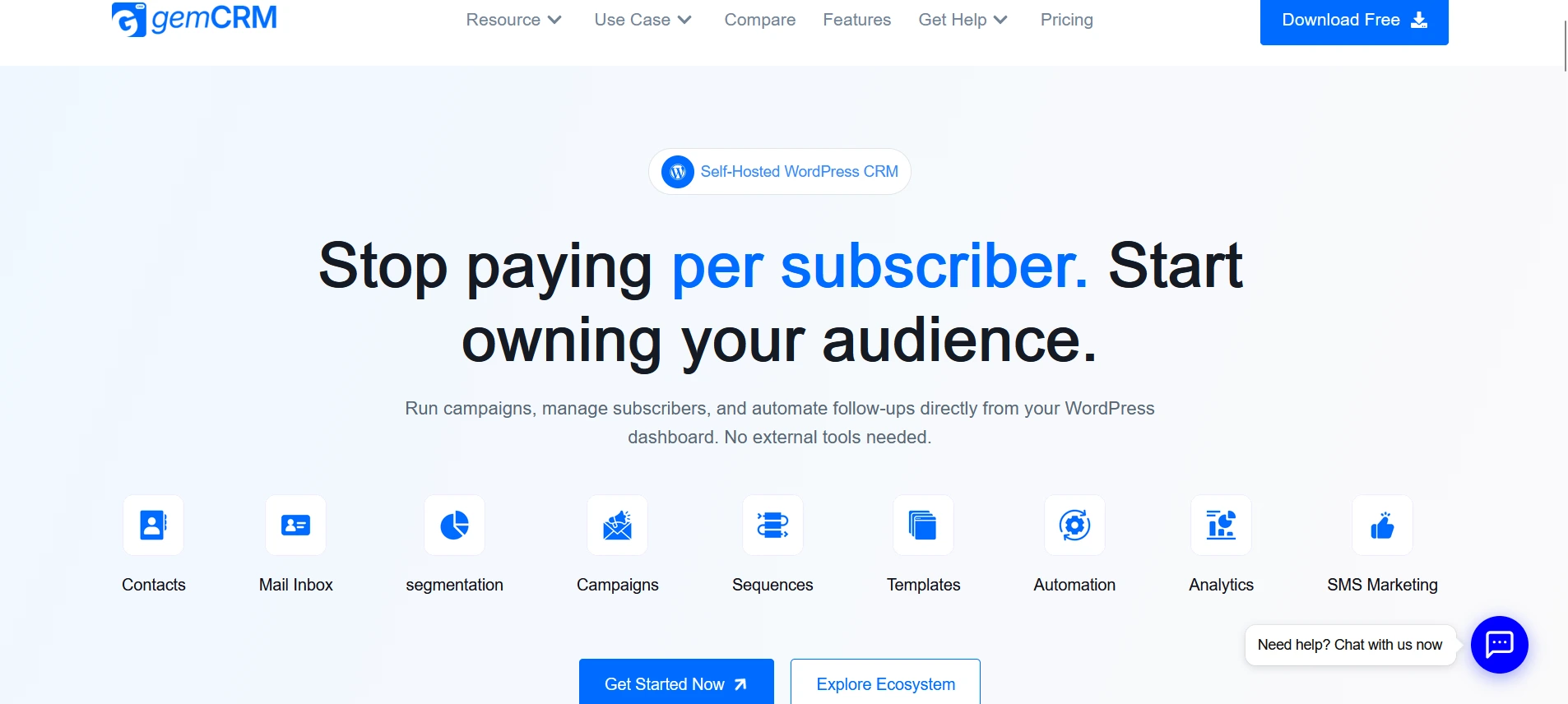
GemCRM is a WordPress plugin, so there is no per-subscriber bill. The trade-off is that you run your own sending setup, and it has no creator publishing or paid-newsletter tools.
Contacts, lists, and tags, campaigns, forms, and sequences live in your WordPress database. It integrates with WooCommerce and Academy LMS, per GemCRM’s own documentation.
Pricing: Every plan lists unlimited contacts, campaigns, and automations, with a 14-day money-back guarantee. Solo (1 site) is $59 a year or $139 once, and Team (10 sites) is $79 a year or $199 once. Agency (100 sites) and Enterprise (unlimited) are $149 and $199 a year, or $299 and $499 once (pricing).
A free version is also available. Sending runs through an SMTP service you choose and pay for separately (SMTP setup guide).
Where it falls short:
Before you switch:
Moving from Kit: only the email column mapped automatically in our test, and lists and tags apply to the whole file. The walkthrough is in the migration section below.
More WordPress options: FluentCRM is the other self-hosted choice and imports from Kit through an API key (docs). Our GemCRM vs FluentCRM comparison and FluentCRM alternative page cover it in detail.
Related reading: our email automation guide and WordPress automation setup.
Switch if your site is on WordPress and per-subscriber pricing is the complaint. Stay with Kit if you sell paid newsletters or digital products through Kit’s checkout.
Brevo — Best for Email and Broader Customer Communication
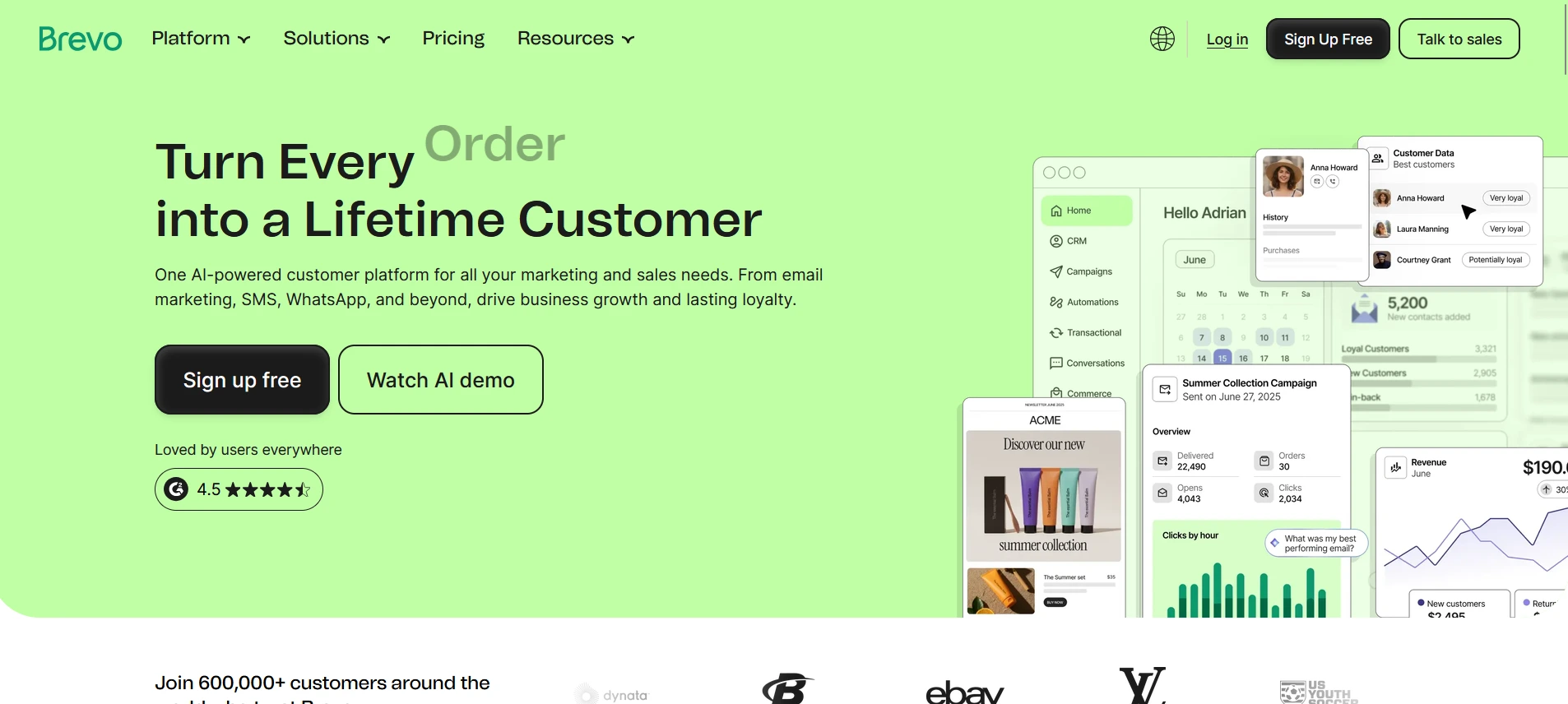
Brevo charges for emails sent, not subscribers. That is a bargain if you email a big list rarely, and a trap if you want automation on the cheapest plan.
Pricing: Brevo prices by monthly email volume. Free allows 300 emails a day and stores up to 100,000 contacts (Brevo help). Starter is $9 monthly ($8.08 yearly) from 5,000 emails with no automation, Standard is $18 ($16.17) and adds automation and A/B testing, and Professional is $499 ($449.08) from 150,000 emails (pricing).
A worked example: 5,000 subscribers and 4 campaigns a month is 20,000 emails. Starter at that volume is $32 monthly or $28.75 yearly, against Kit Creator’s $89 monthly. But Starter has no automation, and we did not read Standard’s price at that volume.
Where it falls short:
WordPress: an official Brevo plugin handles forms, lists, and email.
Switch if you send a few campaigns a month to a large list, or want email and SMS together. Stay with Kit if you send often or want automation without a plan bump.
ActiveCampaign — Best for Advanced Marketing Automation
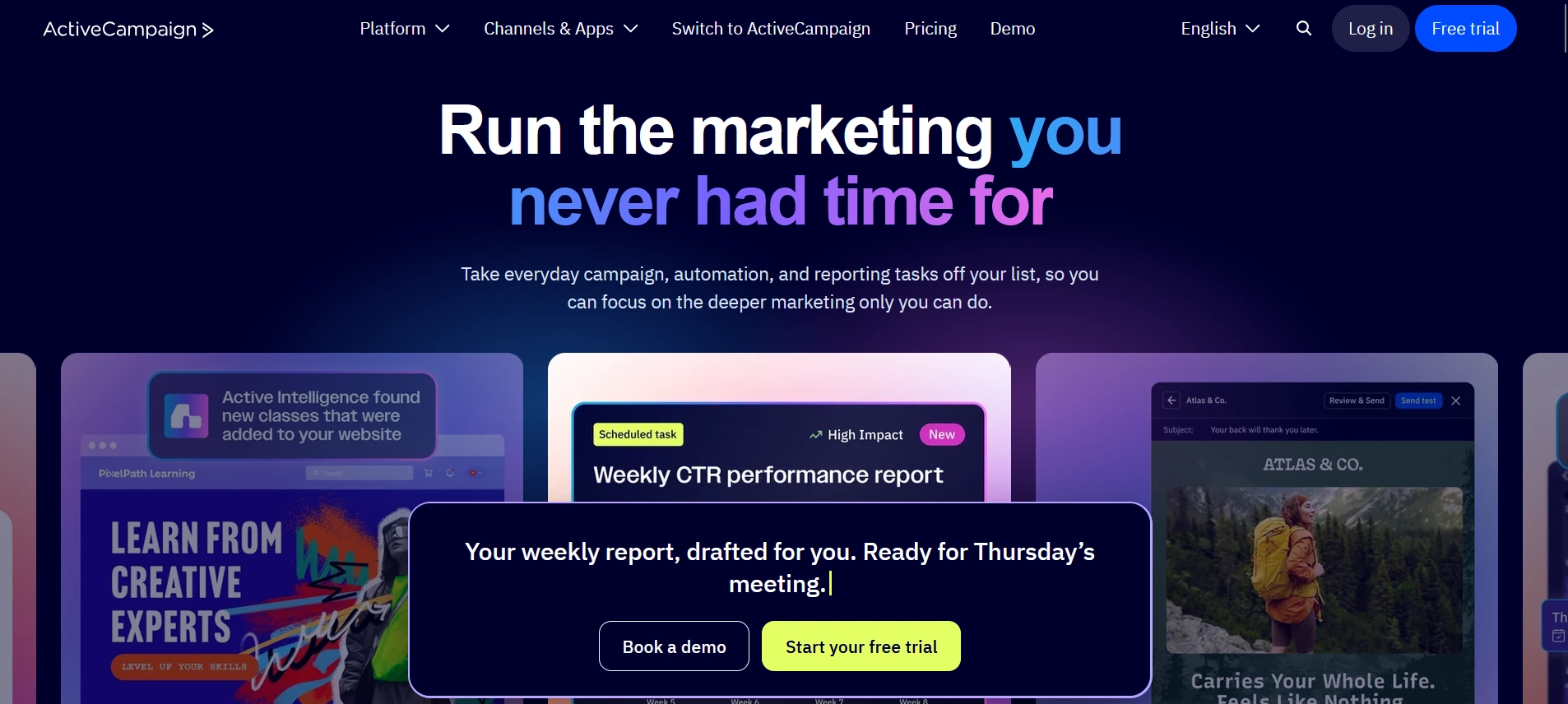
ActiveCampaign website, captured October 25, 2026.
ActiveCampaign is worth the money only if your automation needs branching and a CRM. For a newsletter, it costs more and takes longer to learn.
Pricing: Billed yearly, per month. Starter is $79 at 5,000 contacts and $149 at 10,000, with 5 actions per automation. Plus is $145 and $189 with unlimited actions, and Pro is $205 and $375 with predictive sending (pricing).
There is no free plan, only a 14-day trial. Pipelines (deals and lead scoring) are an add-on on Plus and above. We compare Plus, because Starter’s 5-action limit makes it a broadcast tool in practice.
Where it falls short:
WordPress: an official plugin embeds forms and enables site tracking.
Switch if automation is the product: lead scoring, deal stages, conditional journeys. Stay with Kit if your writing is.
Ghost — Best for Independent Publishing and Memberships
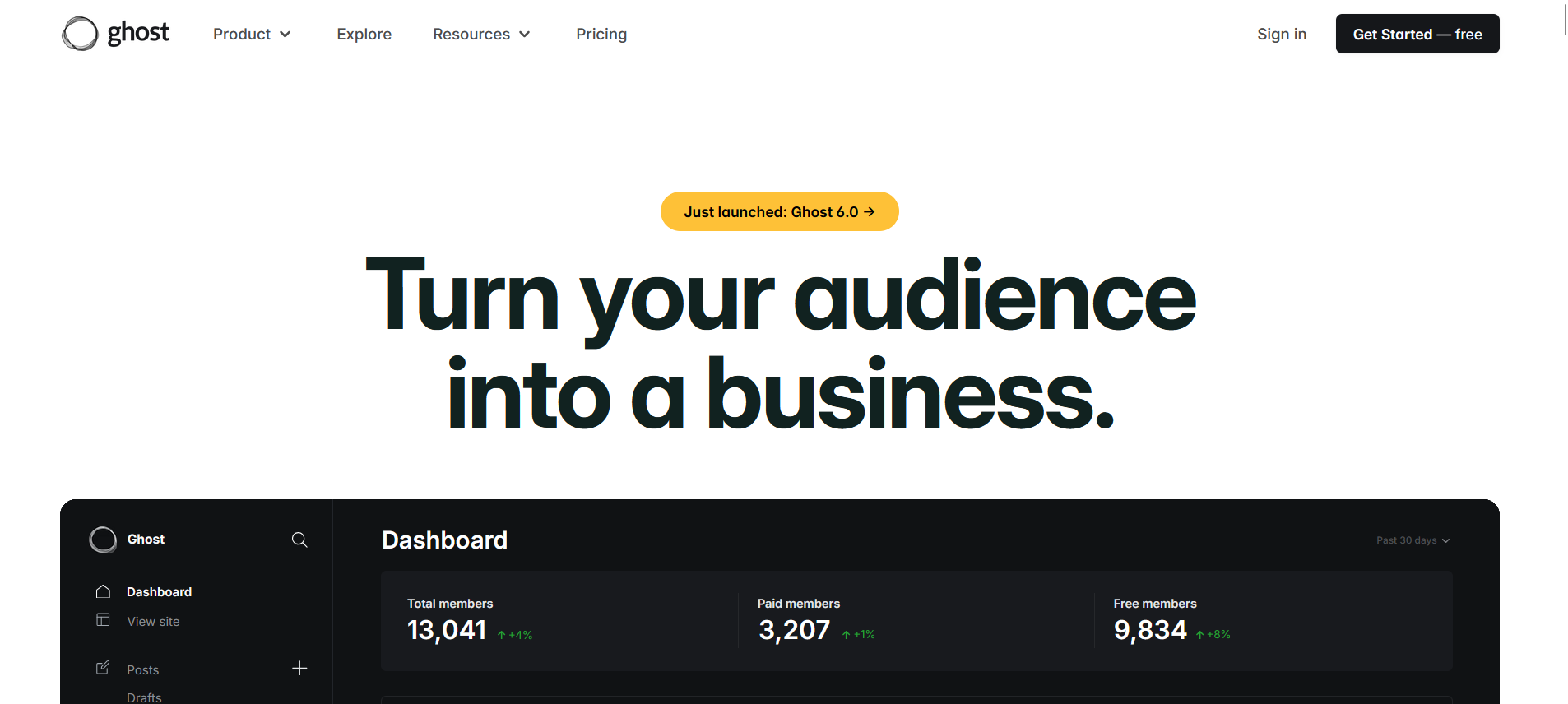
Ghost is the right answer when the newsletter is the business and you want the site, memberships, and email in one open-source system you control. It is a separate CMS, not a WordPress add-on.
Pricing: Ghost charges no payment fees, so you pay Stripe’s fees only. Publisher, which includes paid memberships, is $63 a month at 5,000 members and $88 at 10,000 on yearly billing ($75 and $105 monthly). Starter is $15 yearly ($18 monthly) for 1,000 members without paid subscriptions, and Business is $199 yearly (pricing).
You can also self-host Ghost.
Where it falls short:
email column and an optional labels column (Ghost help). One forum report says the name column was dropped, so test with a few rows.Switch if you want to own your publication and keep revenue minus Stripe. Stay with Kit if you want to stay on WordPress or need Kit’s sequences.
Free ConvertKit Alternatives
Most free plans cap either subscribers or automation, and rarely both. Pick the limit that will bite you last.
|
Tool |
Free plan limit |
Automation on free? |
|
beehiiv |
Up to 2,500 subscribers, unlimited sends |
Automations start on Lite |
|
MailerLite |
250 subscribers, 2,500 emails a month |
Yes, 3 automations of 5 steps |
|
Mailchimp |
250 contacts, 500 sends a month |
No automation flows |
|
Brevo |
300 emails a day, up to 100,000 contacts stored |
Automation starts on Standard |
|
Substack |
Free until you charge readers |
No |
|
GemCRM |
Free version, a subset of features (Free vs Pro) |
Basic automation; sequences are Pro |
|
ActiveCampaign, Ghost |
No free plan (trial only) |
Not applicable |
Best free plan for a big list: Kit itself, up to 10,000 subscribers. Best free plan with automation: MailerLite, though it stops at 250 subscribers.
Which ConvertKit Alternative Should You Choose?
Start with your constraint, not the tool.
“I write a weekly newsletter and want it to earn.” beehiiv for ads, referrals, and paid tiers. Ghost if you want to own the site. Substack if you want to start today and accept the 10%.
“I just want Kit for less.” MailerLite. At 10,000 subscribers you save about $35 a month on yearly billing and $50 on monthly. Check that you do not use Kit’s checkout or recommendation network first.
“I sell courses or digital products.” Stay with Kit unless price is the only pain. Moving means rebuilding its checkout somewhere else.
“I email a 20,000-person list twice a month.” Look at Brevo. Per-email pricing flips the cost model, but you give up Kit-style subscriber management.
“My business runs on automation: lead scoring, deal stages, branching.” ActiveCampaign, accepting the cost and the learning curve.
“My site runs on WordPress, and I am tired of paying per subscriber.” GemCRM or FluentCRM. Both keep contacts in your own database, and you take on the sending setup. See GemCRM pricing and the installation guide.
When ConvertKit (Kit) Is Still the Better Choice
Do the arithmetic before you move. Switching costs a weekend of rebuilding, and sometimes more.
How to Migrate from ConvertKit (Kit) Without Losing Your List
A CSV moves your contacts, not your setup. The list moves in an afternoon, and the rebuild is the real project.
What a CSV moves: email, names, tags, and custom fields, as columns. Each tool maps tags and fields differently.
What it does not move: forms, sequences, automations, templates, engagement history, and paid subscribers on Kit + Stripe, who must re-subscribe.
Example: importing a Kit CSV into GemCRM
Go to Contacts, open the three-dot menu, choose Import Contacts, and pick Import from CSV. The full steps are in the Import Contacts guide.
After upload, only the email column mapped automatically, so check every row. Create matching custom fields first, and they appear in the mapper as “(Custom Field)” options.
The lists and tags you pick apply to the whole file. GemCRM does not read a per-row tags column, so export one Kit segment per tag and import each file with its tag.
Afterward, the contacts table shows each person with their list, tag, and status. A contact imported as Pending showed one email sent on our test site, so run a small batch first and consider double opt-in.
Then rebuild your forms with Subscription Forms and your sequences with Email Sequences. Workflows run through Zaplane automation.
The same window lists ConvertKit under Import from Provider, using your Kit API key and secret. In GemCRM’s current code it pulls only email, first name, and phone, through Kit’s older v3 API. We did not run it, so use the CSV route when you need more.
Ready to Try a WordPress-Native Option?
If your site runs on WordPress, install the free version and import a 20-row test file before you commit. Start with the GemCRM overview, then follow the installation guide.
Frequently Asked Questions
Is there a free version of ConvertKit (Kit)?
Yes. Kit’s Free plan covers up to 10,000 subscribers, with unlimited landing pages, forms, and broadcasts. It has no sequences or visual automations, and a 3.5% + 30¢ fee applies to sales.
What is the best free ConvertKit alternative?
It depends on which limit hits first. beehiiv’s Free plan covers 2,500 subscribers, and MailerLite’s allows 250 with three automations. Substack is free until you charge readers.
Is MailerLite or ConvertKit better?
MailerLite is cheaper: $80.10 against $116 a month at 10,000 subscribers on yearly billing. Kit is better if you use its checkout, recommendations, or its 10,000-subscriber free plan. MailerLite’s free plan stops at 250.
Which is better, Flodesk or Kit?
Flodesk is design-first, and Kit is automation- and commerce-first. Per Sender’s review, Flodesk has no A/B testing and no conditional branching, and it retired its flat-rate plan for new users on December 2, 2025. We did not price Flodesk ourselves, so check its page.
Is Kit the same as ConvertKit?
Yes. ConvertKit rebranded as Kit in October 2024. It is the same company and product under a new name.
Can I import ConvertKit contacts into WordPress?
Yes. Export your subscribers from Kit as a CSV and import it into a WordPress CRM or email plugin. GemCRM takes a CSV (import guide), and FluentCRM can also import from Kit directly with an API key and secret.
Can I migrate custom fields and tags?
Kit’s export includes both as columns. Custom fields come across if you create them in the new tool first and map them. In GemCRM, tags are applied per import, so export one segment per tag.
Will my forms and automations transfer automatically?
No. A contact CSV carries subscribers, not forms, sequences, automations, templates, or engagement history. Every tool here makes you rebuild those.
Is it worth switching if I have under 1,000 subscribers?
Usually not. Kit’s free plan holds 10,000 subscribers, and rebuilding costs more time than the $0 to $10 a month you would save. The exception is a feature blocking you today.