



If you’ve been quietly watching your email marketing bill climb every few months, you’re in good company. Thousands of WordPress site owners, bloggers, and small store operators are asking the same question right now: Is there a real alternative to Mailchimp that doesn’t charge me every month just to email my own audience?
The short answer is yes — and this guide breaks down exactly what to look for, what to avoid, and which self-hosted tools are worth your time.
Why So Many WordPress Users Are Leaving Mailchimp

Mailchimp didn’t become the most recognized name in email marketing by accident. For a long time, Mailchimp truly stood out for its generosity — offering a free plan with support for 2,000 contacts, built-in basic automation, and a drag-and-drop editor that let non-technical users launch newsletters with ease. Today, that version of Mailchimp has all but disappeared.
Since Intuit acquired the platform for $12 billion in 2021, the pricing trajectory has been consistently upward, and the free tier has been gutted in stages. According to EmailToolTester’s pricing changelog, the free plan has dropped from 2,000 contacts in 2022, to 500 in 2023, to just 250 contacts and 500 monthly sends as of February 2026 — with all automation removed from the free tier by mid-2025.
Paid plans tell a similar story. Retainful’s March 2026 Mailchimp pricing analysis found that the Essentials plan starts at $13/month for 500 contacts, Standard at $20/month minimum, and Premium from $350/month — with prices scaling steeply as your list grows. What makes this worse is how Mailchimp counts contacts: according to Mailsoftly’s pricing breakdown, unsubscribed, duplicate, and non-engaged contacts all count toward your billing total unless you manually archive them. Most email lists see roughly 15–40% contact bloat each year, so your actual monthly cost often ends up 20–40% higher than the headline price suggests.
In April 2026, Mailchimp announced yet another round of increases — an 11–13% hike targeting accounts created before May 2019, according to Benchmark Email’s analysis. This is the second pricing change in three months.
The review data reflects the frustration. Retainful’s Mailchimp review noted that “Expensive” appears in 81 G2 reviews, and on Capterra, a recurring complaint is that pricing “outgrows small teams.” On Trustpilot, Mailchimp holds a 2.7 out of 5 rating based on more than 1,300 reviews, with rising costs consistently cited as the primary complaint.
For WordPress users specifically, the problem runs deeper: your subscriber data lives on Mailchimp’s servers, not yours. Every price increase is something you’re forced to absorb because your entire list is already locked in.
What a Good Mailchimp Alternative for WordPress Actually Needs

Not every alternative is the right fit for a WordPress environment. Before comparing tools, here’s what actually matters:
Self-hosted data ownership: Your contacts should live in your own database. If a vendor raises prices, gets acquired, or shuts down — your list stays yours.
No contact-based billing: The moment a tool charges per contact, you’re back on the same treadmill. Look for flat pricing, one-time payments, or unlimited-contact tiers.
Native WordPress integration: The tool should operate directly inside your WordPress dashboard, automatically syncing user roles, WooCommerce orders, form submissions, and membership data.
Automation without an upgrade wall: Welcome sequences, drip campaigns, and post-purchase follow-ups should be available without having to unlock a higher-priced tier.
A reliable SMTP connection. No self-hosted plugin delivers email on its own. Connect to a dedicated service like Amazon SES, Mailgun, or SendGrid for consistent inbox delivery.
The Real Cost of Staying vs. Switching
A WordPress business with 5,000 contacts on Mailchimp’s Standard plan pays approximately $100/month today — before contact bloat, overage charges, and add-ons. Over three years, that’s at least $3,600 paid to a platform that has raised its prices every year since 2021.
A self-hosted plugin with lifetime pricing recovers its full cost within the first two to three months of what you’d have spent on Mailchimp. The financial case for switching is not subtle.
According to Bluehost’s guide on WordPress CRM plugins, businesses using CRM systems have seen up to a 27% increase in customer retention and an average 29% increase in sales. A self-hosted setup lets you capture those gains without routing your customer relationships through a vendor whose pricing you don’t control.
The Best Self-Hosted Alternatives to Mailchimp for WordPress
1. GemCRM— Best for Lifetime Pricing and WordPress-Native Automation
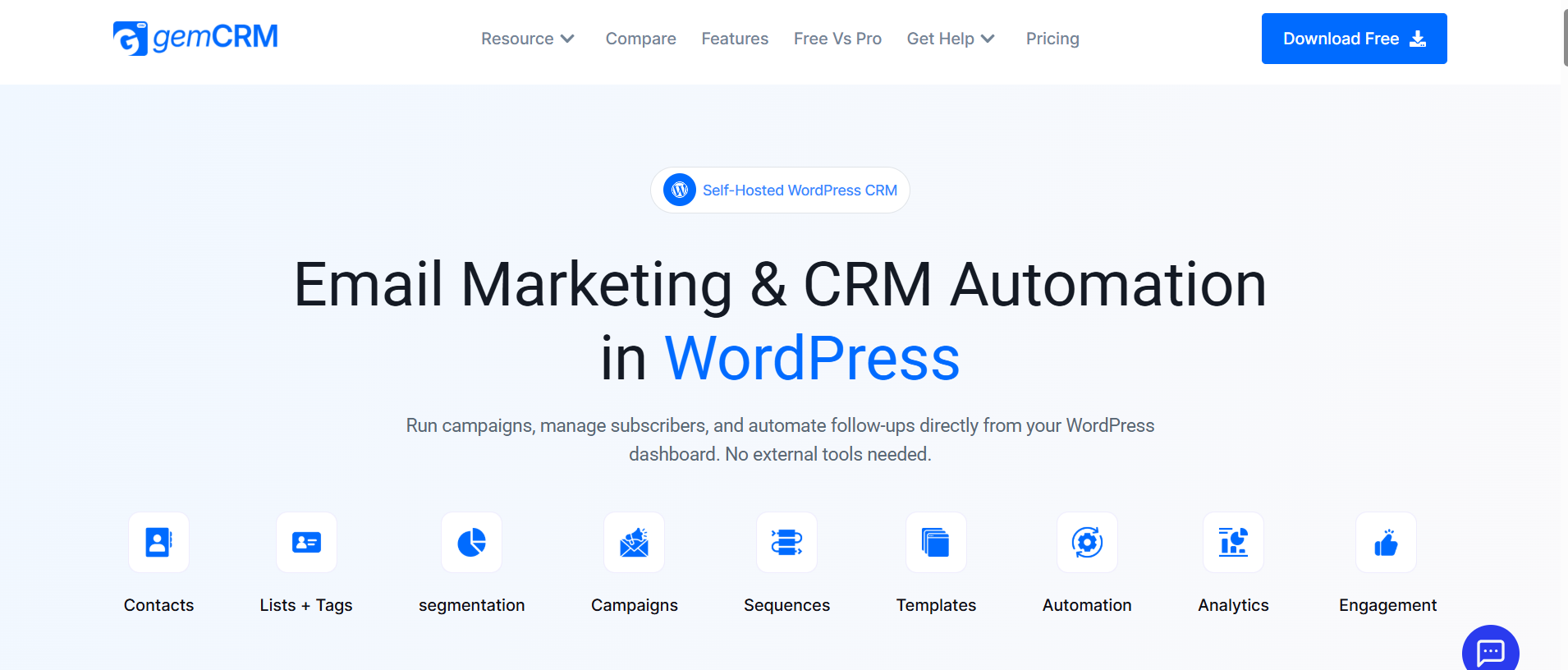
GemCRM is a self-hosted CRM and email marketing plugin built specifically for WordPress. Contact management, campaigns, sequences, and automation all run from inside your WordPress dashboard — no external accounts, no data routed to a third-party server, no monthly invoice.
What separates it from older alternatives is a lifetime pricing model — pay once, own it permanently. It automatically syncs with WordPress user roles, captures contacts from form submissions and purchases, and maps those roles to subscriber tags without any manual work. That kind of deep, native behaviour is something most general-purpose email tools don’t offer without paid add-ons.
Well-suited for content creators, course businesses, WooCommerce operators, and agencies managing multiple client sites who want predictable costs long-term.
See how it compares with the other leading option:GemCRM vs. FluentCRM — Full Breakdown
2.FluentCRM — Best for WooCommerce Power Users
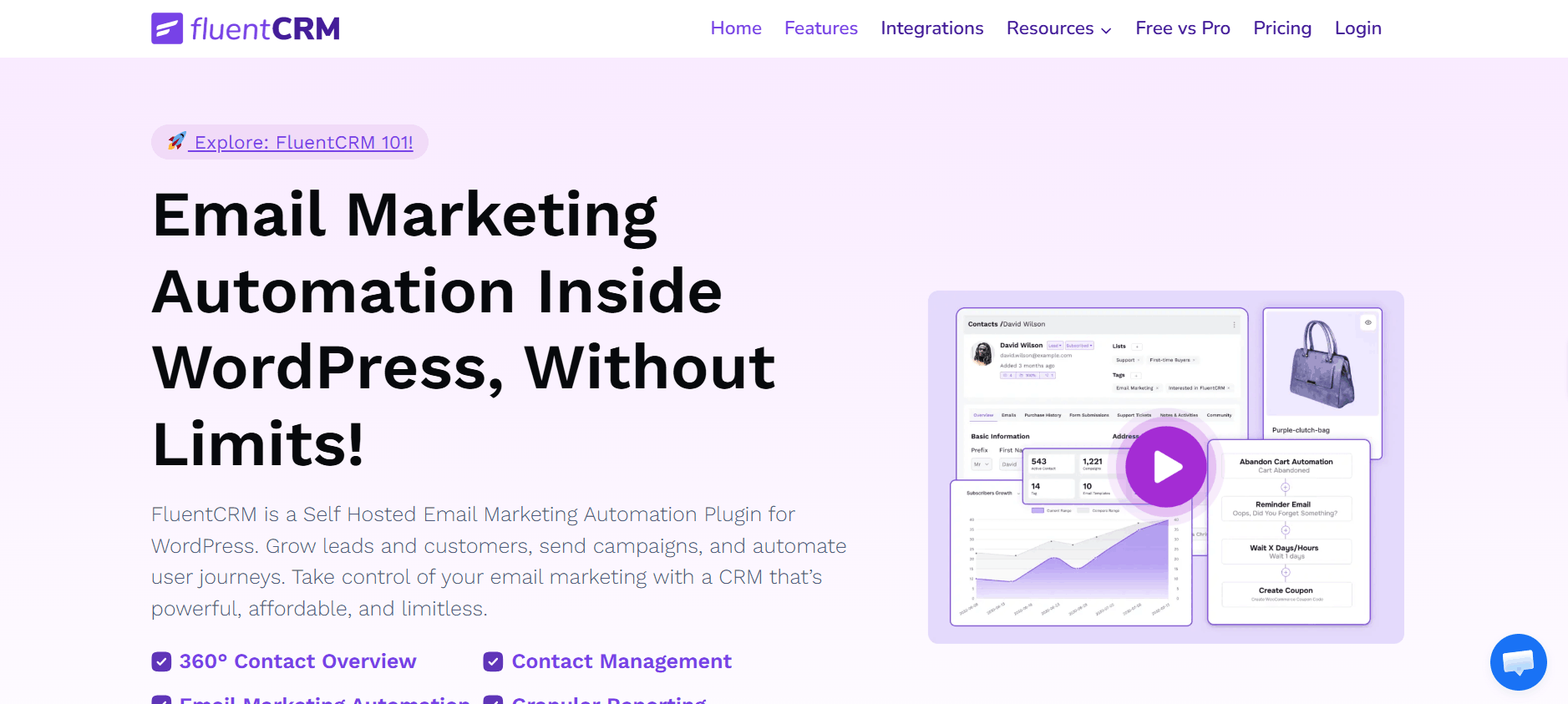
FluentCRM by WPManageNinja is the most widely deployed self-hosted WordPress CRM, powering over 25,000 businesses. Its free tier includes unlimited contacts with basic campaign management. The Pro tier at $129/year per site unlocks 45+ integrations, advanced segmentation, A/B testing, and a visual automation builder.
If you’re running WooCommerce alongside LearnDash, AffiliateWP, or MemberPress, FluentCRM’s native integrations make the annual fee easy to justify. Years of real-world deployment mean its documentation is thorough and edge cases are well-handled. For businesses that need deep WooCommerce automation in a self-hosted setup, it’s the strongest mature option available.
The annual renewal compounds over time, but for WooCommerce-heavy sites, the integration depth justifies it.
3. MailPoet— Best for Simple Newsletter Sending
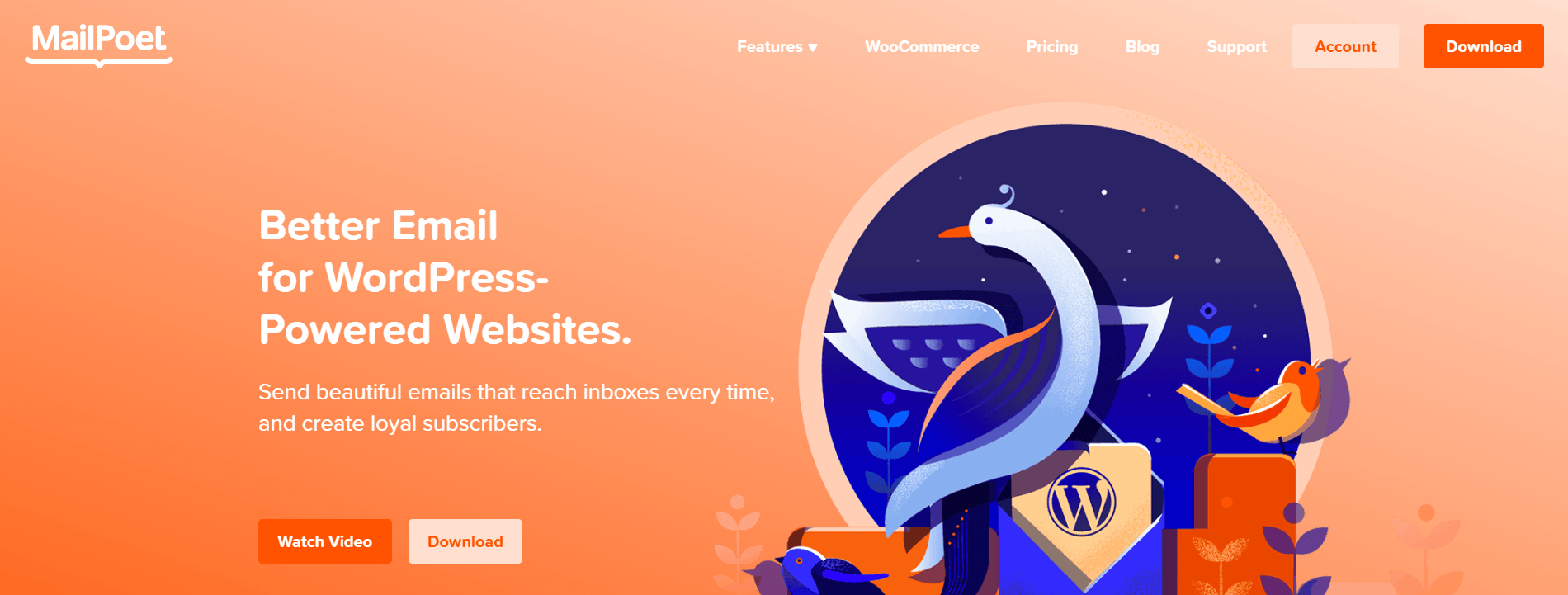
MailPoet is a WordPress-native newsletter plugin with a clean free tier and a straightforward editor. Purpose-built for bloggers and content publishers who want to send post notifications and newsletters without leaving WordPress.
It doesn’t carry the CRM depth or lifecycle automation of a full-stack tool, but for basic newsletter use cases, it’s one of the cleanest implementations available. On lower-volume plans, MailPoet handles deliverability through its own sending infrastructure — no separate SMTP setup needed immediately, which is a meaningful convenience for non-technical users.
4.Brevo(formerly Sendinblue) — Best SaaS Option if You Prefer External Infrastructure
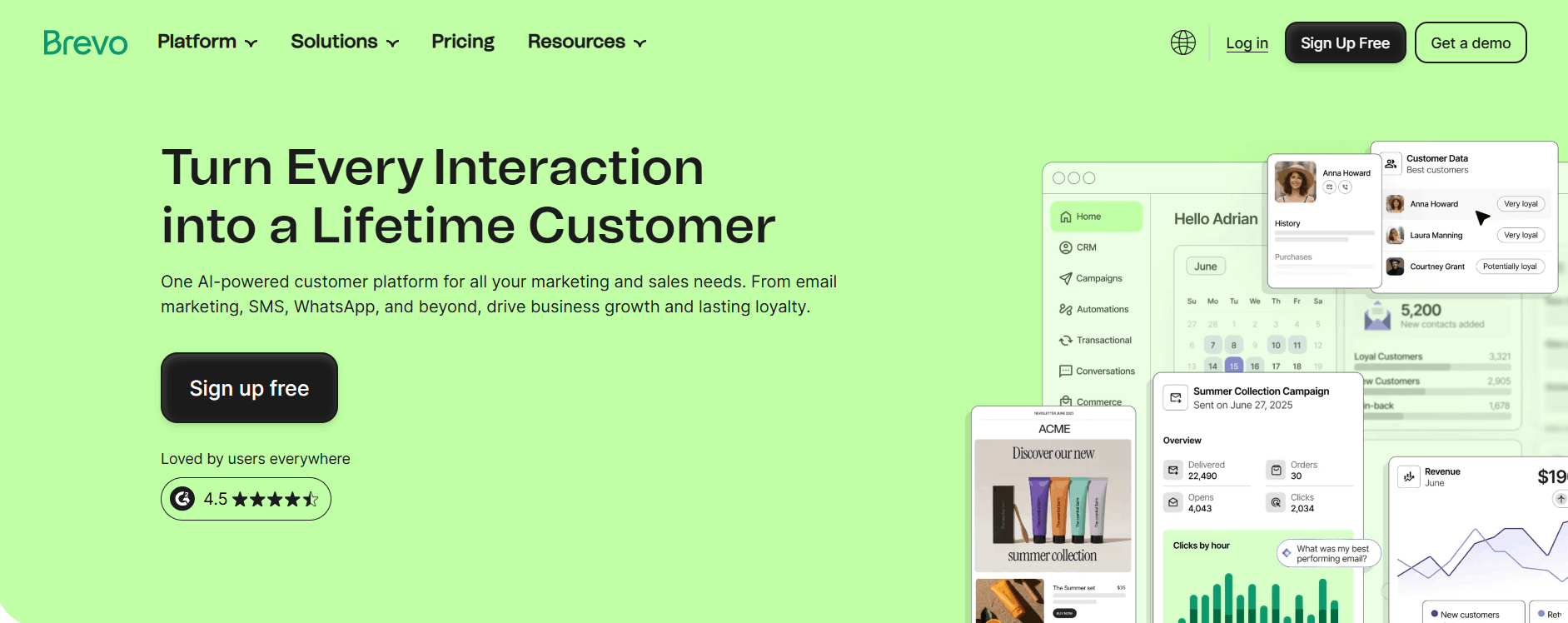
If you want a SaaS platform but need something more affordable than Mailchimp, Brevo is the most commonly recommended swap. It’s free plan allows 300 emails per day with no contact limit — far more functional than Mailchimp’s 250-contact ceiling. Paid plans are priced by email volume rather than contact count, which benefits businesses with large lists they don’t email daily.
The tradeoff: your data still lives on their servers, and pricing can change. Brevo has been more stable than Mailchimp in that regard, but worth noting before committing.
Side-by-Side Comparison: Which Tool Is Right for You?
|
Feature |
GemCRM |
FluentCRM |
MailPoet |
Brevo |
|
Hosting |
Self-hosted |
Self-hosted |
Self-hosted |
SaaS (external) |
|
Pricing Model |
Lifetime (one-time from $119) |
$129/year per site |
Free + paid tiers |
Free + volume-based |
|
Contact Limit |
Unlimited |
Unlimited |
Unlimited (paid) / 500 (free) |
Unlimited (free tier up to 100k contacts) |
|
Email Automation |
Yes (Full) |
Yes (Advanced in Pro) |
Limited (basic in free) |
Yes (limited in free tier) |
|
WooCommerce Integration |
Yes |
Deep (Pro) |
Basic |
Via API |
|
LMS Integration |
Yes (Academy LMS) |
Yes (LearnDash) |
No |
No |
|
Data Ownership |
Full — your server |
Full — your server |
Full — your server |
Vendor’s servers |
|
SMTP Required |
Yes |
Yes |
Optional |
Built-in |
A few things worth calling out from the table:
The pricing model is the biggest dividing line. GemCRM and MailPoet both offer routes to avoid recurring fees entirely. FluentCRM’s $129/year is reasonable for a single site, but compounds across multiple sites or years. Brevo’s free tier is genuinely useful but keeps your data off your own server.
Automation depth varies significantly. FluentCRM has the most mature visual automation builder among the self-hosted options, built over years of real-world use. GemCRM covers the core automation needs — sequences, triggers, tags, recurring campaigns — cleanly and without requiring an annual Pro upgrade. MailPoet is functional but limited to simpler flows.
WooCommerce operators have a clear choice. If your site is WooCommerce-first and you need revenue-linked automation, abandoned cart flows, and purchase-based segmentation, FluentCRM’s Pro tier integration depth is unmatched in the self-hosted space. For everything else, GemCRM handles store-connected follow-ups without the annual renewal.
Data ownership is non-negotiable for some businesses. If you operate in a region with strict data privacy requirements, or simply don’t want customer records living on a third-party server, both GemCRM and FluentCRM give you full ownership. Brevo does not — your contacts live on their infrastructure, subject to their terms.
Real-World Use Cases: Which Setup Fits You?
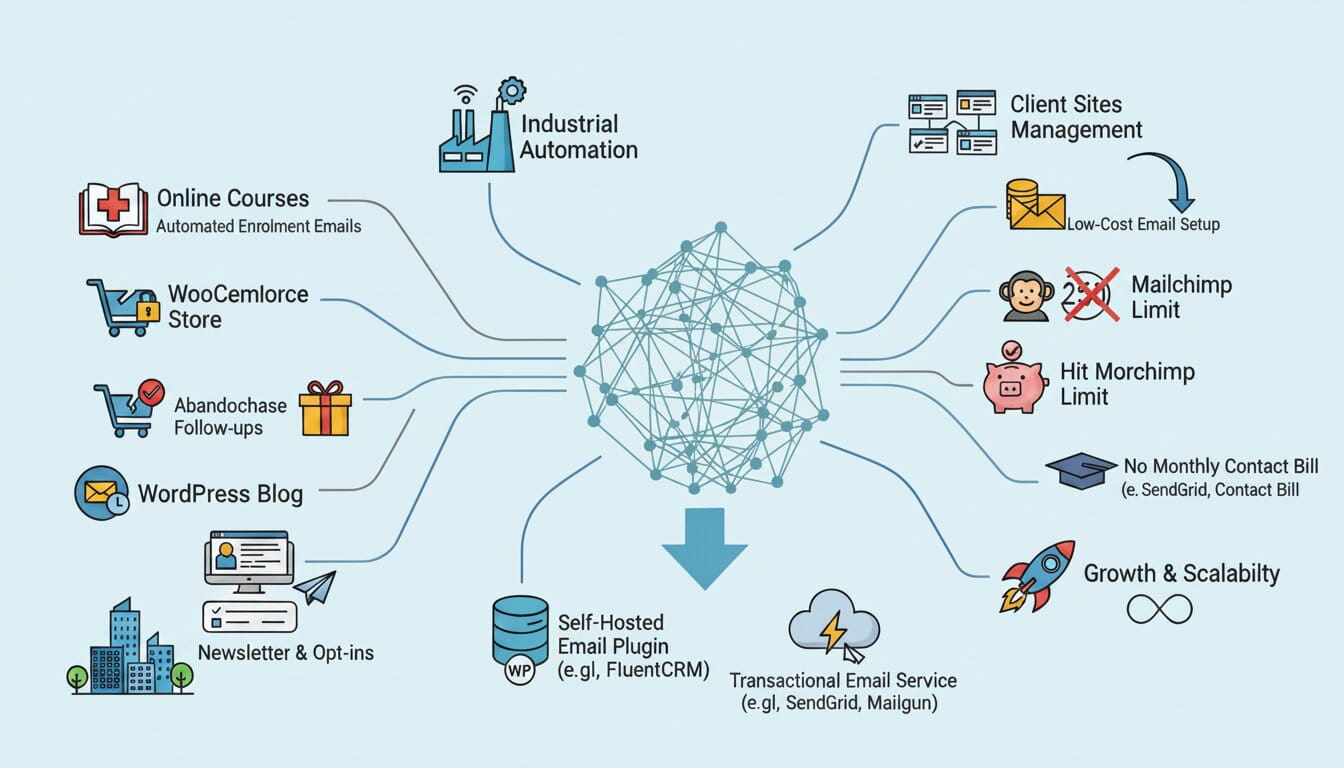
“I run a WordPress blog and want to grow a newsletter without a monthly bill.” Start with MailPoet’s free tier. Once you hit 1,000–2,000 subscribers and want segmentation or behaviour-based sequences, move to a plugin with full CRM capabilities. Starting simple and scaling up is easier than the reverse.
“I sell online courses and need automated emails tied to enrollment.” You need a plugin that connects to your LMS and triggers sequences based on course activity — enrollment, progress, and completion. Generic newsletter tools won’t do this. Confirm that any plugin has a documented, working integration with your specific LMS before installing it.
“I run a WooCommerce store and need abandoned cart emails and post-purchase follow-ups.” Native WooCommerce integration is what matters. A plugin that reads order data, segments by purchase history, and triggers emails based on store events will outperform any newsletter tool here. FluentCRM’s WooCommerce integration is the deepest available in the self-hosted space.
“I manage WordPress sites for clients and need a low-cost email setup across all of them.” Per-site annual renewals add up fast across an agency portfolio. A plugin with lifetime multi-site licensing gives you a fixed cost that doesn’t grow with your client roster.
“I just hit Mailchimp’s 250-contact limit. What should I do?” Either upgrade to Mailchimp’s Essentials tier at $13/month, or switch to a self-hosted plugin now while your list is small and migration is easy. Both FluentCRM and other self-hosted tools support CSV import, and a one-time cost locked in now saves considerably compared to contact-based billing scaling alongside your audience.
The Bottom Line
Mailchimp’s value has eroded since 2021. The platform that once set the standard for accessible email marketing now charges more, strips features from lower tiers, and raises prices on a near-annual basis. For WordPress users, there’s no compelling reason to accept that when self-hosted alternatives run inside your own dashboard, keep your data on your own server, and charge you nothing extra as your list grows.
The right tool depends on your use case — a blogger’s needs are different from those of a WooCommerce operator or an agency. But every option covered here represents a more sustainable, ownership-based approach than continuing to pay a platform built to charge you more over time.
Frequently Asked Questions
Do I need a separate sending service with a self-hosted plugin?
Yes. Connect a dedicated SMTP service such as Amazon SES, Mailgun, or Postmark to ensure reliable email delivery. Self-hosted plugins handle campaigns and logic; SMTP handles actual delivery.
What happens to my Mailchimp list when I switch?
Export as CSV, import into your new plugin, and apply tags on import to keep segmentation intact. Automation workflows need to be rebuilt manually — but it’s faster than it sounds.
Will my deliverability suffer if I leave Mailchimp?
No, as long as you connect to a quality SMTP service and configure SPF, DKIM, and DMARC records on your domain. Deliverability is about your sending infrastructure, not your campaign interface.
Can a WordPress plugin handle a list of 10,000+ contacts?
Yes, but use a VPS or managed hosting — shared hosting struggles at high volumes. Routing actual sends through an SMTP API keeps server load manageable regardless of list size.