



If you run a WordPress site and you’re still managing customer relationships through a patchwork of contact forms, spreadsheets, and a SaaS email tool that charges more every time your list grows — you’re not alone. This is where most small WordPress businesses get stuck. A self-hosted CRM changes that equation entirely.
This guide cuts through the noise. You’ll get honest comparisons of the top plugins, real-world examples of what goes wrong when businesses pick the wrong tool, and clear guidance on how to choose the right one for your situation.
Why Self-Hosted WordPress CRMs Matter in 2026
The question is no longer “do I need a CRM?” — it’s “why am I still sending my customer data to a third-party server and paying monthly for it?”
As SaaS subscription fees keep climbing and data privacy regulations tighten, self-hosted CRMs have gone from a fringe choice to the default strategy for many WordPress businesses.
This shift is not simply about saving money — it reflects a broader change in how businesses think about digital infrastructure. Owning your CRM stack means you are no longer at the mercy of a vendor’s pricing decisions, feature roadmap, or acquisition by a larger company. The businesses that made the switch earliest are now operating with stability and predictability that their SaaS-dependent competitors cannot match.
WordPress, in particular, has become the natural home for this transition. With its mature plugin ecosystem, active developer community, and near-universal hosting support, it offers a self-hosted CRM experience that requires minimal technical overhead while delivering enterprise-grade functionality. For businesses already running their website on WordPress, adding a self-hosted CRM is less a migration and more a natural extension of the infrastructure they already own and control.
According to Bluehost’s 2026 guide on WordPress CRM plugins, businesses using CRM systems have seen up to a 27% increase in customer retention and an average 29% increase in sales. With over 85% of modern CRM plugins integrating seamlessly with popular marketing tools, the choice of plugin has become one of the most consequential technical decisions for any WordPress-powered business.
What Makes a CRM “Self-Hosted” on WordPress?

A self-hosted WordPress CRM is a plugin installed directly onto your site. Contact records, email lists, automation rules, and campaign history all live in your own database — not a vendor’s cloud. You control the data, the privacy settings, and the sending configuration.
This is different from SaaS CRMs like HubSpot or Brevo, which connect to WordPress via a plugin but store contact data externally. Both approaches have their place, but self-hosted plugins win on long-term cost, data privacy, and native WordPress integration.
Key features to look for:
- Contact management with custom fields, tagging, and list organization
- Email campaign sending with a template builder or a custom HTML option
- Automation and drip sequences that run unattended
- Native WooCommerce or LMS integration — not a Zapier workaround
- SMTP compatibility with your preferred transactional email provider
- GDPR tooling — data export, consent management, and working unsubscribe links
When CRM Choices Go Wrong

Most guides skip this. Here are the most common failure patterns — and what caused them.
The Freelancer Who Picked the Cheapest Option: A freelance designer installed a free, unmaintained CRM plugin to manage 600 client contacts. After a WordPress core update, the plugin broke silently — unsubscribe links stopped working, and contacts started marking emails as spam. Sending reputation collapsed. The fix required migrating all contacts manually and warming up a new sender domain from scratch.
The Course Creator Locked Into Annual Fees: An online educator signed up for a premium CRM on an annual plan. Over three years, the renewal price increased twice. When they tried to export their 8,000-subscriber list, the format was non-standard, and segmentation tags didn’t transfer cleanly. Two weeks were spent cleaning data that should have taken an afternoon.
The WooCommerce Store with No Sync: A small e-commerce store used a general-purpose CRM not built for WooCommerce. Purchase data lived in WooCommerce, subscriber data lived in the CRM, and the two never communicated. When they ran a re-engagement campaign, they emailed people who had just purchased, generating confusion and a wave of unsubscribes from their best customers.
The Agency That Got It Right: A small digital agency installed a self-hosted CRM on each client’s WordPress site individually. Each client owned their own data. The agency connected Amazon SES for deliverability, built standard onboarding sequences as reusable templates, and deployed them across 12 clients. Total monthly cost: near zero beyond hosting overhead.
The Best Self-Hosted WordPress CRM Plugins in 2026
1. GemCRM — Best for Lifetime Ownership & Modern Architecture
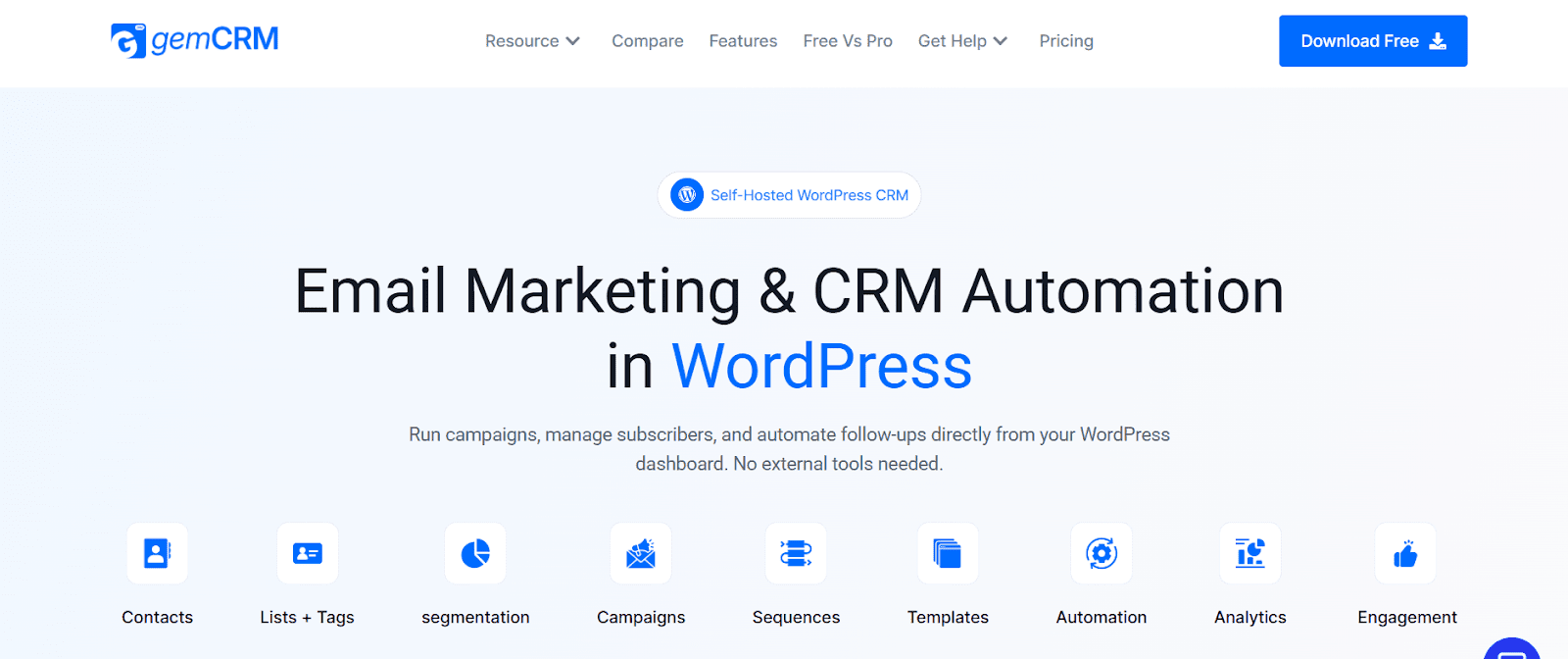
GemCRM is a fully self-hosted WordPress CRM currently in public beta, built specifically to solve the recurring-cost problem. Everything runs inside your WordPress dashboard — no external tools, no SaaS overhead, no per-contact pricing. Its lifetime license means you pay once and own it permanently, making it especially attractive for agencies and growing businesses doing long-term cost planning.
The core workflow is clean: contact collection, list and tag management, email campaigns, and drip sequences. Its public roadmap includes abandoned cart automation, dynamic segmentation, webhook triggers, custom fields, and deep WooCommerce and LMS integration — features that established plugins typically lock behind premium tiers. The plugin auto-syncs with WordPress user roles, captures leads directly from comment submissions, and automatically maps user roles to subscriber tags. For publishers, course creators, and content-heavy sites, these native hooks remove meaningful manual overhead without requiring additional plugins.
Key Features:
- Fully self-hosted — all data stays on your server
- Contact management with lists, tags, and WordPress user role sync
- One-time and recurring email campaign sending
- Automated drip sequences with scheduled follow-ups
- CSV import and export without data loss
- Ready-made templates plus a custom HTML option
- Lifetime pricing — no renewals, no contact count limits
What Works: No recurring fees, 100% WordPress-native, active development with a public roadmap, and a clean dashboard interface.
Watch Out For: Still in beta, smaller community, WooCommerce sync not yet live, limited third-party documentation.
2. FluentCRM — The Established Standard
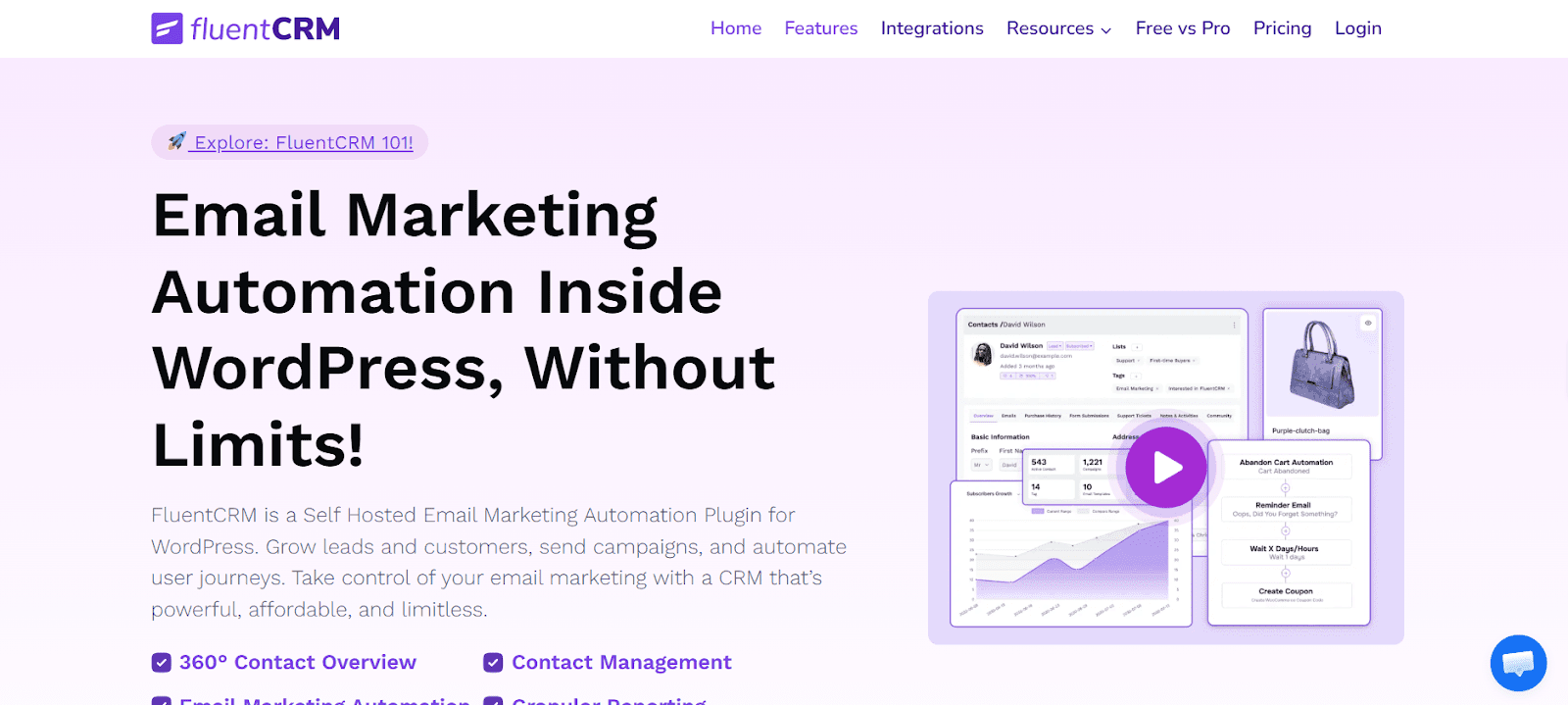
FluentCRM by WPManageNinja is the most widely trusted self-hosted CRM in the WordPress ecosystem. It runs entirely within your WordPress dashboard and offers advanced segmentation, drip sequences, a visual automation funnel builder, and deep WooCommerce integration.
The free version covers basic contact management and campaign sending. The Pro tier unlocks advanced automations, WooCommerce purchase triggers, and integrations with LearnDash and LifterLMS. Its main limitation is annual renewal pricing — costs compound over time, and Pro is required for most serious use cases.
Key Features:
- Advanced segmentation by tags, lists, and custom fields
- Visual automation funnel builder with conditional logic
- Native WooCommerce integration — triggers on purchase, refund, and subscription
- LearnDash, LifterLMS, and Tutor LMS integration
- A/B testing for email subject lines
- REST API and webhook support
- GDPR-compliant unsubscribe and data management tools
What Works: Mature plugin, large community, deep WooCommerce and LMS integration, visual automation builder, strong free version.
Watch Out For: Annual renewal compounds over three or more years, Pro required for advanced segmentation, no lifetime license option.
3. Groundhogg — Best for Developers and Technical Teams
Groundhogg is an open-source WordPress CRM focused on marketing automation. Its developer-first approach makes it best suited for technical teams in regulated industries who need code-level customization and full audit access. Comprehensive functionality requires paid extensions that can total $600–$1,000 per year — not ideal for non-technical users or lean budgets.
Key Features:
- Open-source core with full code access
- Marketing automation with funnel builder and step-based triggers
- Modular extension library — add only what you need
- Developer-friendly REST API and CLI tools
- GDPR tooling and consent management built in
What Works: Full code transparency, powerful automation, ideal for compliance-heavy industries.
Watch Out For: Steep learning curve, expensive when fully extended, not suited for non-technical teams.
4. WP-CRM System— Contact and Project Tracker
WP-CRM System is better described as a contact and project management tool than a full marketing CRM. It supports unlimited records, GDPR compliance features, and integrates with WooCommerce and Zapier via extensions. It has no native email automation, making it a strong choice for agencies tracking client projects and correspondence — but not for businesses that need campaign sending and drip sequences.
Key Features:
- Unlimited contact and organization records
- Project and task management linked to contacts
- One-click contact creation from existing WordPress users
- CSV import from other CRM systems
5. HubSpot for WordPress— When You Need the Broader Ecosystem
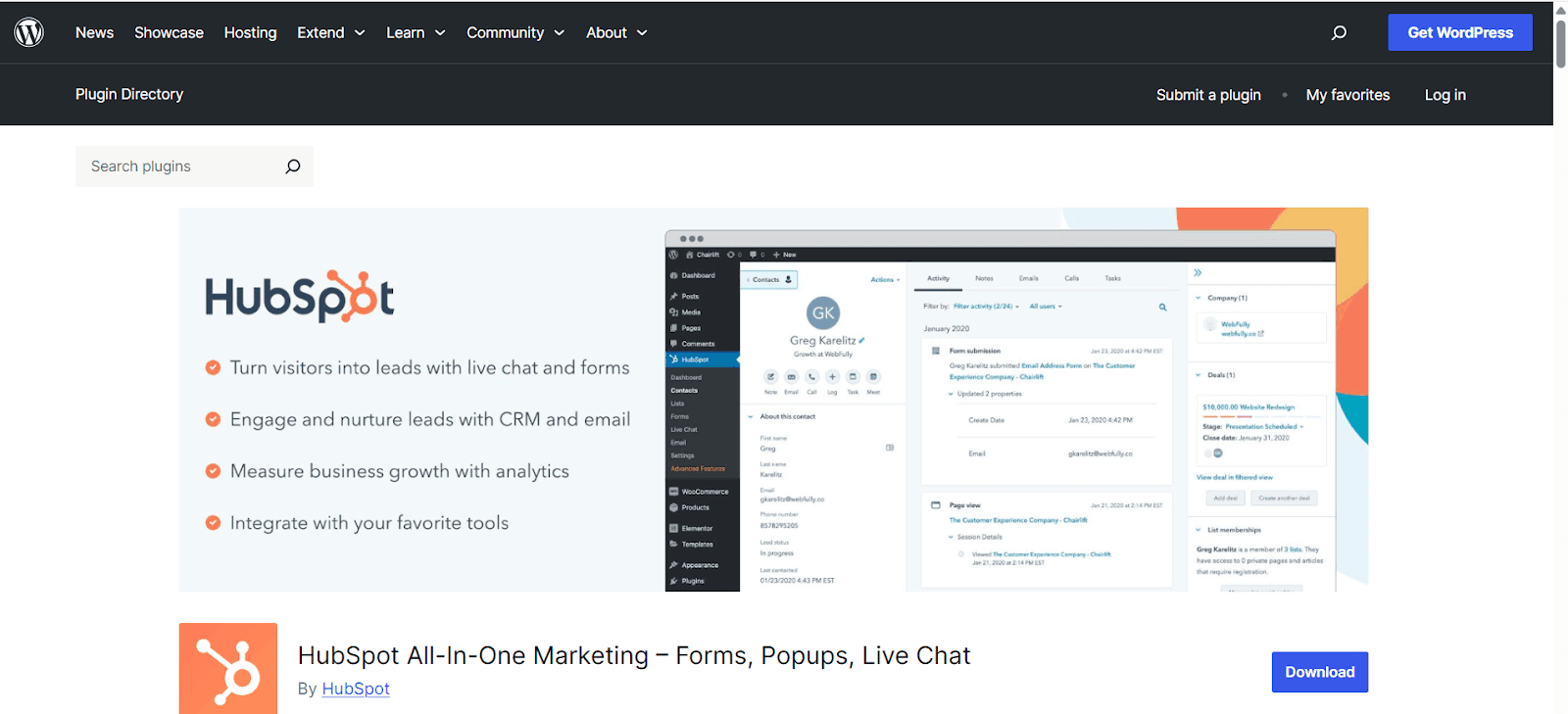
HubSpot’s WordPress plugin is free to get started, but your contact data is stored on HubSpot’s servers—not on your own. The free tier works for basic lead capture and contact management. Serious automation and reporting require paid plans, and the total cost can reach $28,000+ over three years compared to self-hosted alternatives. Best for teams already embedded in the HubSpot ecosystem, not for operators who prioritize data ownership.
Key Features:
- Free CRM with unlimited contacts (data stored on HubSpot servers)
- Live chat and chatbot builder for WordPress pages
- Pop-up and inline lead capture forms
- Contact activity timeline — page visits, form fills, email interactions
- Email marketing with drag-and-drop builder (paid tier)
Side-by-Side Comparison
|
Plugin |
Self-Hosted |
Email Automation |
WooCommerce |
Lifetime Option |
Free Version |
|
GemCRM |
✓ |
✓ (Roadmap for advanced) |
✓ |
✓ ($119 single / $299 unlimited) |
Beta only / No |
|
FluentCRM |
✓ |
✓ Advanced |
✓ Native |
✗ (Annual renewals) |
✓ |
|
Groundhogg |
✓ |
✓ (Powerful flows) |
✓ (with Extensions) |
✗ (Yearly plans) |
✓ (Strong core) |
|
WP-CRM System |
✓ |
Partial (via Extensions) |
✓ (via Extension) |
✗ (Free core + paid extensions) |
✓ (Full core) |
|
HubSpot WP |
✗ |
✓ (Via HubSpot) |
Partial |
✗ |
✓ |
Matching the CRM to Your Situation
Not sure which plugin fits your workflow? These scenarios map common WordPress site types to the right tool. Already know what you need?
🛒WooCommerce Store Owner
You need purchase-triggered automations — abandoned cart recovery, post-purchase upsells, and win-back sequences. Look for native WooCommerce data sync, not a plugin that reads order data via Zapier. FluentCRM is the strongest choice here.
🎓Online Course Creator
The CRM needs to trigger automations based on enrollment events, course completion, and quiz performance. This requires direct LMS integration. FluentCRM covers LearnDash and LifterLMS natively. GemCRM targets the AcademyLMS ecosystem.
🏢Digital Agency Managing Multiple Client WordPress Sites
Install a separate self-hosted CRM instance on each client’s site. Each client owns their data, with no risk of it being stored in a shared database. WP-CRM System handles contact and project tracking; FluentCRM is the better choice when clients also need email campaign capability.
✍️Content Publisher or Blogger Building a Newsletter
Your priority is list growth, segmentation by content interest, and broadcast sending without hitting subscriber pricing tiers. A self-hosted CRM with tag-based segmentation lets you send relevant content to specific reader segments without paying for upgrades.
⚕️Healthcare, Legal, or Finance Businesses
If your business operates under GDPR or financial privacy regulations, self-hosting is not optional. Cloud-based CRMs create third-party data processor relationships that demand specific contractual safeguards. A self-hosted CRM eliminates an entire category of compliance risk. Groundhogg’s open-source architecture is worth considering here — you can audit the actual code handling sensitive contact data.
How to Choose: Five Questions to Answer First
- What is your primary goal? Email marketing, contact tracking, sales pipeline, or all three? Not every CRM handles all three well.
- What’s already in your stack? WooCommerce, LearnDash, Gravity Forms — your CRM needs to connect to these natively, not via Zapier.
- What is the 3-year total cost? Annual renewal vs. lifetime license vs. the hidden cost of migrating later.
- How technical is your team? Groundhogg is powerful but demanding. FluentCRM is approachable for marketers. Match complexity to actual capacity.
- Can you export your data cleanly today? Test the export immediately after installing. Download a CSV, confirm all tags and custom fields transfer correctly. If they don’t know, the problem only gets worse.
Bottom Line
FluentCRM is the safest all-around pick if you need a proven, fully integrated solution right now. Groundhogg is the preferred choice for developers and regulated industries that require full access to open-source code. WP-CRM System fits agencies managing client projects without running campaigns. And if long-term cost ownership is your priority, GemCRM stands out as the strongest emerging option for 2026, offering a lifetime license and a roadmap that’s rapidly closing the feature gap.
The plugin you choose today will still be running your business three years from now. Pick accordingly.
FAQ
Can I migrate from HubSpot or Mailchimp to a self-hosted WordPress CRM?
Yes. Export your contacts as a CSV and import them into the new plugin. Automation sequences don’t transfer — you’ll rebuild those manually. If you’re switching for long-term cost reasons, GemCRM’s lifetime pricing means you won’t face the same renewal problem you’re leaving behind.
What happens to my CRM data if I switch hosting providers?
Nothing is lost. Your data lives in the WordPress database and migrates with a standard site backup. Reconfigure your SMTP settings at the new host before sending any campaigns.
I run a membership site. How do I auto-tag members by subscription plan?
FluentCRM and Groundhogg both integrate directly with MemberPress and WooCommerce Subscriptions. If your membership plugin isn’t natively supported, WP Fusion bridges the gap without custom code.