



Getting traffic to a WooCommerce store is hard enough. Keeping customers coming back — and turning one-time buyers into repeat ones — is where most store owners leave money on the table. That’s the exact problem a CRM solves. It gives you a structured, automated way to understand your customers, communicate at the right moment, and build the kind of relationship that drives real revenue.
In 2026, the options have matured significantly. From self-hosted WordPress plugins to full cloud platforms, there’s a CRM for every store size and budget. This guide breaks down the best choices, what real success looks like, and — just as importantly — the common mistakes that cause CRM investments to fail.
Why WooCommerce Stores Need a CRM in 2026
WooCommerce is exceptional at managing products, orders, and payments. What it doesn’t do natively is tell you who your best customers are, when they’re likely to buy again, or why someone left without checking out. A CRM bridges that gap.
The moment a customer lands on your store, every action they take — browsing, adding to cart, purchasing, abandoning — is data. Without a CRM, that data disappears or sits in disconnected spreadsheets. With one, it becomes the engine for personalized marketing, automated follow-up, and long-term retention.
Behavioral Segmentation
Group buyers by purchase frequency, product category, or spend level — then market to each group differently.
Abandoned Cart Recovery
Automatically follow up with shoppers who left before checking out. This alone can recover 15–30% of lost revenue.
Lifecycle Email Automation
Welcome sequences, post-purchase flows, and win-back campaigns — all triggered automatically based on store activity.
Customer Lifetime Value
Identify which customers are most valuable over time and concentrate retention efforts where they matter most.
What Makes a Good WooCommerce CRM?
Not all CRMs are built for eCommerce. Many are sales-pipeline tools designed for B2B teams. When evaluating a WooCommerce CRM, five qualities separate a useful tool from an expensive one:
1. Native WooCommerce Data Sync
Your CRM should pull order history, product data, and user roles directly from WooCommerce — without middleware like Zapier. Native sync means automations can trigger based on actual purchase behavior, not just form submissions.
2. Automation Depth
Look beyond “send an email after purchase.” The best CRMs offer conditional branching — only sending a coupon if a customer hasn’t bought in 45 days, or skipping a re-engagement email if they opened your last campaign.
3. Segmentation Flexibility
You should be able to filter contacts by order count, product purchased, cart value, last order date, and customer location — then save those as dynamic lists that update automatically.
4. Data Ownership
Self-hosted CRMs store your contacts in your own WordPress database. Cloud-based tools sync data to external servers. For stores operating under GDPR or handling large contact lists, self-hosted is often the more defensible long-term choice.
5. Pricing at Scale
SaaS CRMs charge per contact — affordable at 500 subscribers but expensive at 10,000+. Documented case studies from WP Fusion show businesses saving over $2,900 per year after migrating from ActiveCampaign to a self-hosted CRM, while growing their list from 10,000 to 21,000+ contacts.
The Best CRM Options for WooCommerce Stores in 2026
1. GemCRM — Best New Entrant for WordPress-Native Simplicity
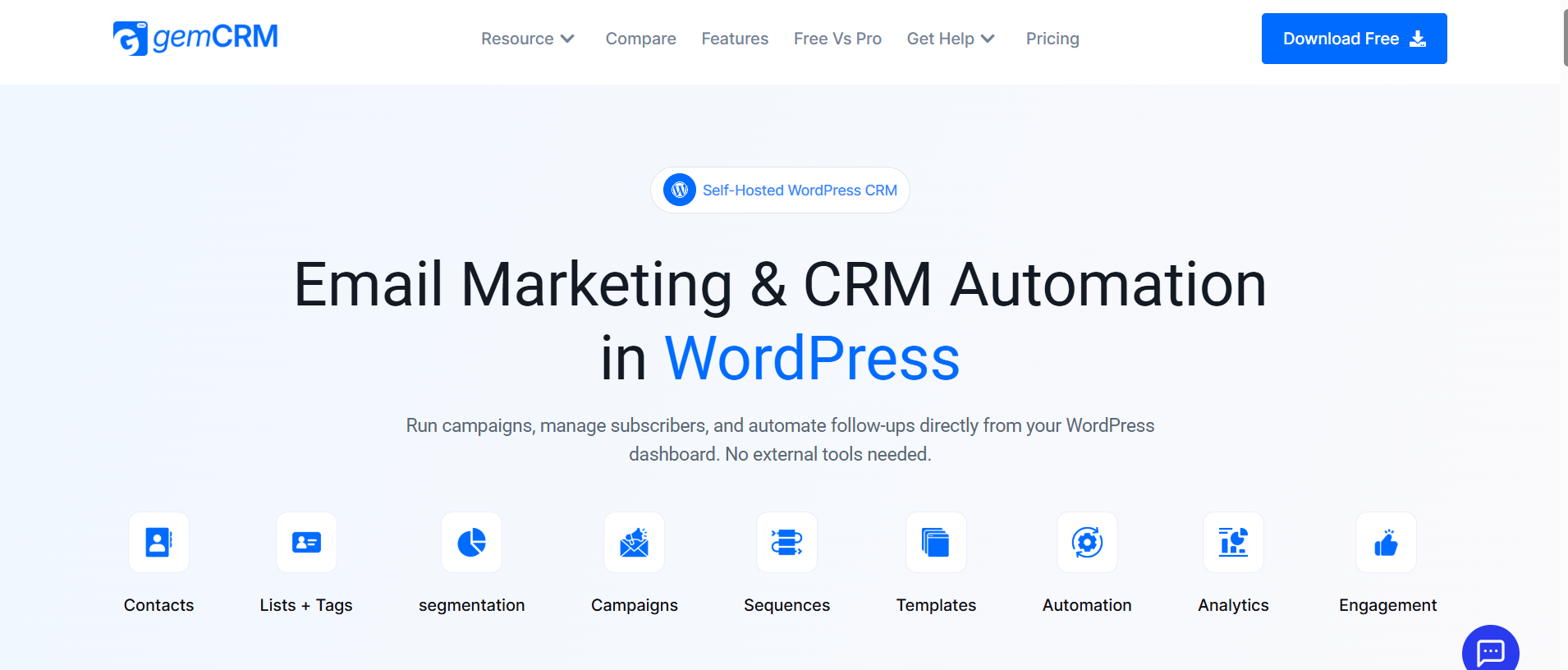
Pricing: Lifetime license (currently in free beta)
A newer but well-built self-hosted WordPress CRM with lifetime pricing across all plans. It integrates with WooCommerce and StoreEngine, keeps all data inside your own database, and requires no external SaaS accounts. For stores that want cost-efficiency and data control without the annual renewal cycle, GemCRM is a strong choice.
Key Feature
- Fully self-hosted inside WordPress
- WooCommerce & StoreEngine integration
- Email sequences and campaign builder
- List, tag & user role segmentation
- Contact import with zero data loss
- Recurring campaign support
- No per-contact or per-email billing
- 14-day money-back guarantee
✅ Pros
- One-time cost, not annual
- Data stays in your database
- No technical knowledge required
- Scales without added cost
⚠️ Cons
- Needs SMTP for deliverability
- Smaller community than FluentCRM
- Advanced automation is still maturing
2. FluentCRM— Best for Email Automation and Power Users

Pricing: Free core; Pro from $129/year (1 site)
The most widely used self-hosted WordPress CRM, with over 70,000 active installations and a 96% five-star rating (source: oddjar.com). It has the deepest WooCommerce integration of any plugin on this list and a mature automation builder that handles complex conditional flows.
Key Feature
- Visual automation builder
- WooCommerce purchase triggers
- 45+ native integrations
- A/B testing for email sequences
- SMS marketing (v3.0+)
- Unlimited contacts on all plans
✅ Pros
- Large, active community
- Mature, battle-tested platform
- Best-in-class WooCommerce depth
⚠️ Cons
- Annual renewal required
- Email editor lacks polish
- No visual pipeline/deal tracking
3.HubSpot for WooCommerce— Best Free Tier for Getting Started
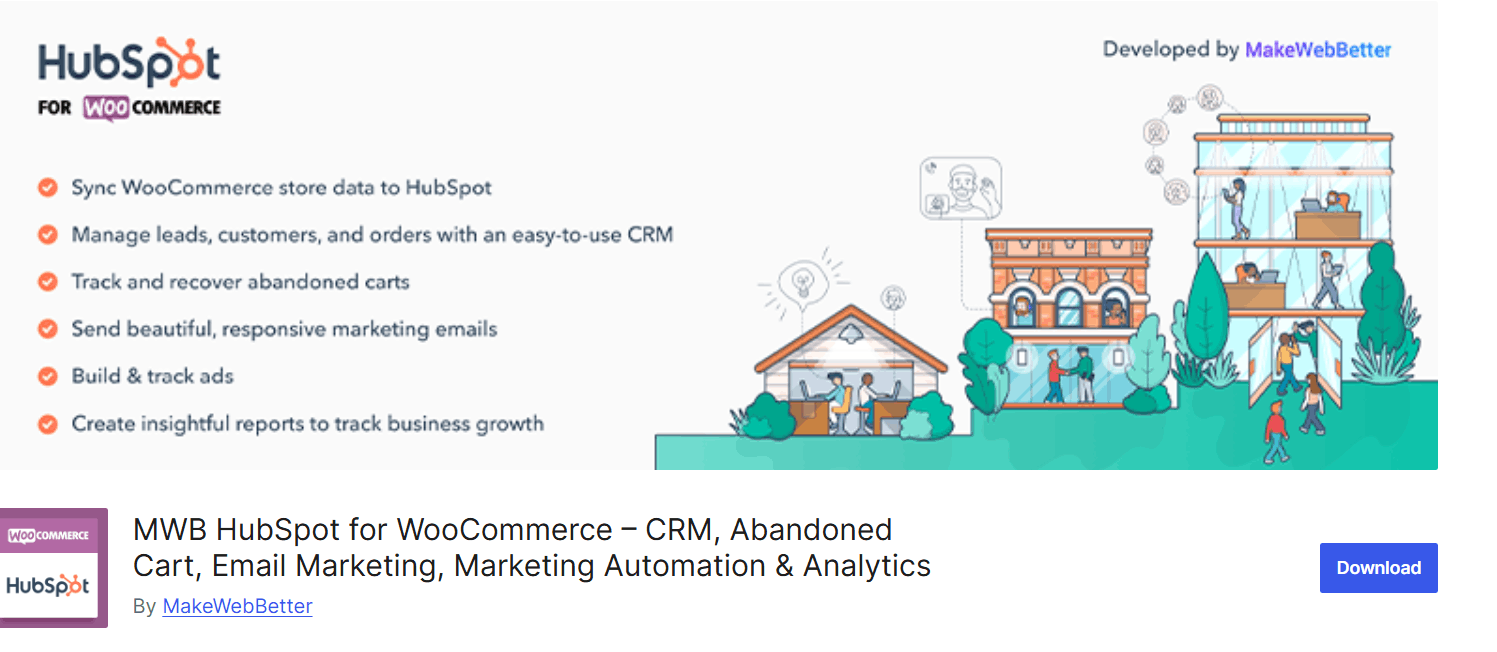
Pricing: Free → $20+/month
Cloud-based all-rounder. According to WPBeginner, HubSpot syncs WooCommerce customers, products, and orders in real time and includes 7 built-in eCommerce reports. Best suited for larger teams that need multi-channel marketing alongside CRM features.
Key Feature
- Real-time WooCommerce data sync
- Cart abandonment email templates
- Facebook, Instagram & Google ad tools
- 7 built-in eCommerce reports
- Free CRM tier available
- Live chat & landing page builder
✅ Pros
- Free to start
- Excellent analytics and reporting
- Large ecosystem of integrations
⚠️ Cons
- Data lives on HubSpot servers
- Cost escalates quickly at scale
- Overkill for smaller stores
4.FunnelKit Automations — Best for WooCommerce Revenue Automation
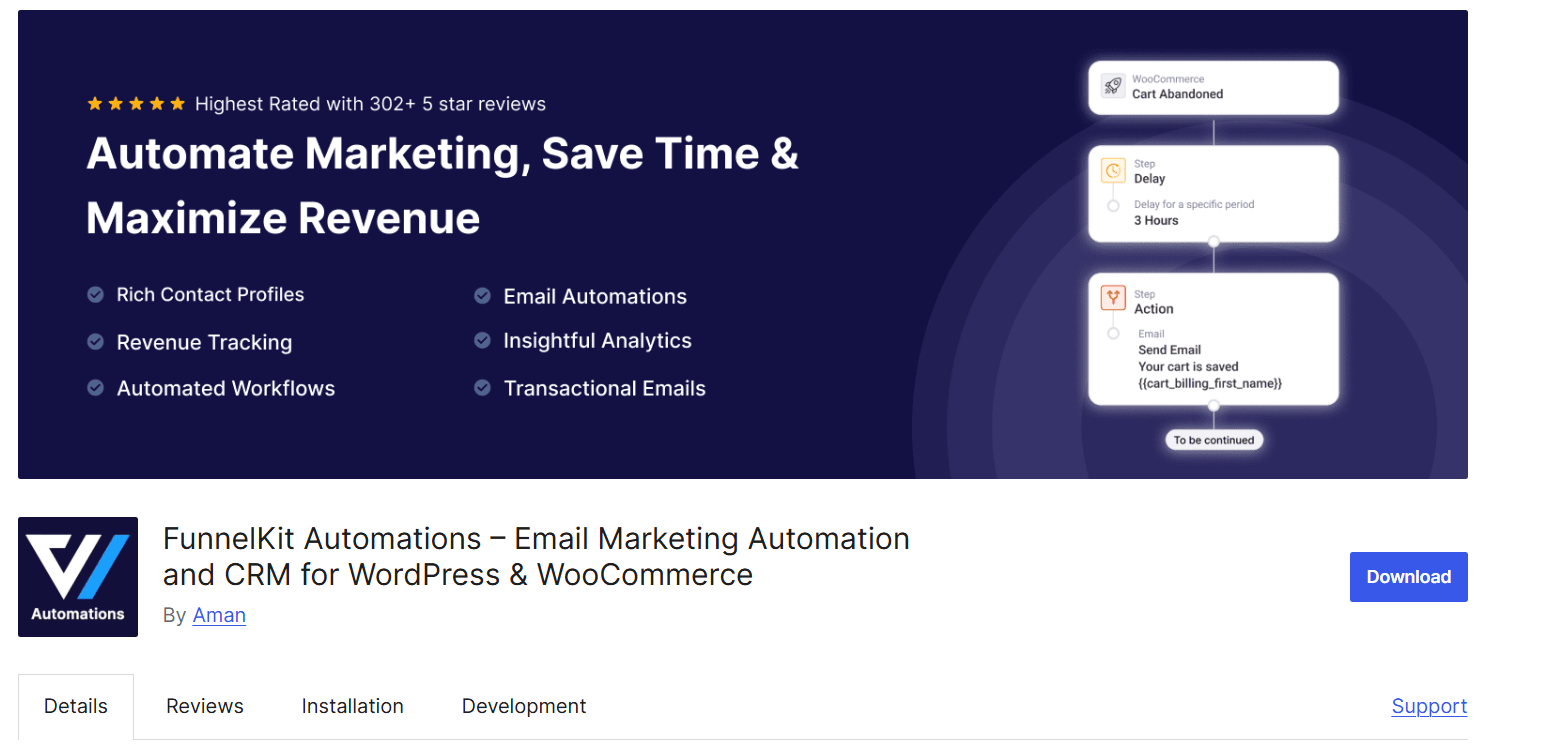
Pricing: From $249.50/year
Built specifically around WooCommerce checkout flows and cart recovery. According to FunnelKit, it delivers pre-built cart abandonment automation recipes with set delays and conditions that can be imported with a single click. Best for stores where cart abandonment is the primary revenue leak.
Key Feature
- Order-based segmentation
- One-click abandonment automation recipes
- Dynamic coupon generation with expiry control
- Win-back and upsell automation
- Unlimited email & SMS automations
- Contact-level analytics dashboard
5. Drip
Pricing: Per-contact SaaS
eCommerce-focused CRM used by many high-volume DTC brands, including WPBeginner (for their newsletter). Strong behavioral segmentation and revenue attribution. Costs scale with contact count — significant beyond 10,000 subscribers.
Key Feature
- Behavioral email triggers
- Revenue attribution reporting
- Advanced segmentation engine
- WooCommerce plugin integration
- Visual workflow builder
Quick Comparison: WooCommerce CRMs Side by Side
Here is an honest side-by-side of the leading CRMs available to WooCommerce store owners right now, covering both WordPress-native plugins and cloud-based SaaS tools.
|
CRM |
Self-Hosted |
WooCommerce Sync |
Unlimited Contacts |
Pricing |
Best For |
|
GemCRM |
✓ |
✓ |
✓ |
Lifetime / one-time |
Cost control & data ownership |
|
FluentCRM |
✓ |
✓ |
✓ |
$129+/year |
Advanced automation depth |
|
HubSpot |
✗ |
✓ |
✗ |
Free → $20+/mo |
Larger teams, heavy reporting |
|
FunnelKit |
✓ |
✓ |
✓ |
$249.50+/year |
Cart recovery specialists |
|
Drip |
✗ |
✓ |
✗ |
Per-contact SaaS |
High-volume DTC brands |
On the broader question of self-hosted versus SaaS: WordPress-native plugins keep all data inside your own installation with no per-contact fees and no dependency on a third party’s uptime or pricing decisions. SaaS tools typically offer more advanced predictive analytics, multi-channel reach, and a lower setup ceiling — but you pay for every contact and accept that your data lives somewhere you do not own.
Among WordPress-native options, GemCRM stands out for its lifetime pricing — all plans include unlimited contacts, campaigns, and automations for a single payment, making it particularly cost-effective for growing stores. AcademyLMS has a detailed comparison of GemCRM vs FluentCRM if you want to dig into the differences between the two self-hosted options.
7 Proven CRM Strategies to Grow WooCommerce Sales
1. Build a 3-Step Abandoned Cart Sequence
According to WooCommerce.com, just 3 out of 10 shoppers who start checkout actually complete it. A well-timed recovery sequence — email at 1 hour, a reminder at 24 hours, and an optional discount at 72 hours — can recover 15–30% of those orders. Klaviyo’s benchmark data shows the top 10% of abandoned cart flows achieve close to a 7% order rate and over $27 revenue per email recipient for top-performing brands.
2. Segment Before You Send
Divide your contact list by purchase behavior at a minimum: first-time buyers, repeat customers, high-LTV accounts, and dormant subscribers. Send each group a fundamentally different message. First-time buyers need reassurance; VIPs want exclusivity; dormant customers need a reason to return.
3. Automate Post-Purchase Upsells
Trigger a product recommendation email 3–5 days after an order is fulfilled. Match recommendations to what the customer already bought — someone who bought a cleanser is a high-probability candidate for toner or moisturizer. This is the most cost-efficient way to increase average order value without running a sale.
4. Win-Back Campaign for Dormant Buyers
Tag customers who haven’t ordered in 60–90 days and run a dedicated re-engagement sequence. Personalize it by referencing their last purchase. Stores that use targeted win-back campaigns consistently see 10–15% reactivation rates among customers who would otherwise churn quietly.
5. VIP Tier Recognition
Identify your top 10–20% of customers by total spend and create a dedicated segment. Give them early access to new products, exclusive discounts, or loyalty perks before they’re available to the public. According to FunnelKit, high-LTV customers are 5x less expensive to retain than acquiring new ones and have significantly higher referral rates.
6. Review Request Automation
Schedule a review request email 10–14 days after the estimated delivery date. Customers who just received a product they’re happy with are in the optimal window to write a review ECommerce studies consistently cite social proof as the highest-converting trust signal — yet most stores never ask for it systematically.
7. Product Launch by Buyer History
When you launch a new product, filter your CRM for customers who previously bought from the same category and email them first. Category-matched announcements typically achieve 2–3x higher click-through rates than untargeted broadcast emails — and preserve your deliverability reputation with the rest of your list.
Common CRM Mistakes WooCommerce Stores Make
Mistake #1
Installing a CRM but not connecting it to WooCommerce data. Many store owners set up a CRM but rely on manually imported lists. Without live order data feeding the CRM, automations can’t trigger based on purchases, and segmentation quickly becomes outdated.
Mistake #2
Skipping SMTP configuration. Self-hosted CRMs rely on your server’s default mail function, which has poor deliverability. Without a transactional email service like Amazon SES, SendGrid, or Brevo, a significant portion of automated emails will land in spam — making the CRM appear to “not work” when the problem is actually infrastructure.
Mistake #3
Building automations without exit conditions. If a customer completes a purchase but is still inside your abandoned cart sequence, they’ll receive a recovery email for an order they already paid for. Every automation needs a “goal” trigger — usually “order completed” — so the sequence stops when the desired action is taken.
Mistake #4
Choosing a CRM based on price alone. The cheapest option often lacks native WooCommerce integration, forcing workarounds that break during plugin updates. The cost of a properly connected CRM is almost always lower than the recurring cost of troubleshooting a disconnected one.
Final Verdict
There is no single “best” CRM for every WooCommerce store. The right choice depends on your store size, technical comfort, and whether you value data ownership or advanced SaaS features.
If you need deep multi-channel reach (SMS, push, WhatsApp) and predictive analytics, Klaviyo is a strong pick. If you want an all‑in‑one platform for marketing, sales, and support, HubSpot remains a leading option. For data control and avoiding rising subscription costs, self‑hosted WordPress CRMs are more sustainable as you grow.
Regardless of platform, results come from three habits: proper SMTP setup, smart segmentation, and quarterly automation audits.
FAQ
Do I actually need a CRM if I already use Mailchimp or Klaviyo?
Mailchimp is great for basic email campaigns, while Klaviyo offers stronger eCommerce analytics but at a higher per-contact cost and with your data on their servers. A dedicated WooCommerce CRM provides the deeper behavioral triggers, segmentation, and data ownership many stores need, often used alongside a separate sender for bulk broadcasts.
What is the difference between a self-hosted CRM and a SaaS CRM for WooCommerce?
A self-hosted CRM runs on your own WordPress server, keeping all contacts, campaigns, and automations under your control with no per-contact fees. A SaaS CRM runs in the provider’s cloud with more built-in features and infrastructure, but you pay ongoing subscriptions and rely on their pricing, policies, and uptime — a key concern for GDPR-focused stores or large lists.
My store gets fewer than 100 orders a month. Is a CRM worth it at that scale?
Early-stage stores gain the most from CRM, as even simple abandoned-cart automations can quickly pay for the tool and drive extra orders without additional ad spend, while setting up clean systems early is far easier than retrofitting them onto a large, messy list later.