



FluentCRM earned its place as a WordPress staple. It brought self-hosted CRM and email automation into the WordPress dashboard at a time when the only real options were expensive SaaS platforms that owned your data and charged you more as you grew. For thousands of businesses, it solved a real problem.
But in 2026, the situation has changed. Newer tools have matured, pricing expectations have shifted, and the limitations inside FluentCRM — the ones users have quietly worked around for years — are now addressed directly by legitimate alternatives. If you’re reconsidering FluentCRM or choosing a WordPress CRM for the first time, this guide gives you an honest breakdown of every option worth considering, including key features, pricing models, and who each tool is actually built for.
Why People Are Moving Away from FluentCRM
Before jumping to alternatives, it helps to understand the specific frustrations driving people to look in the first place.
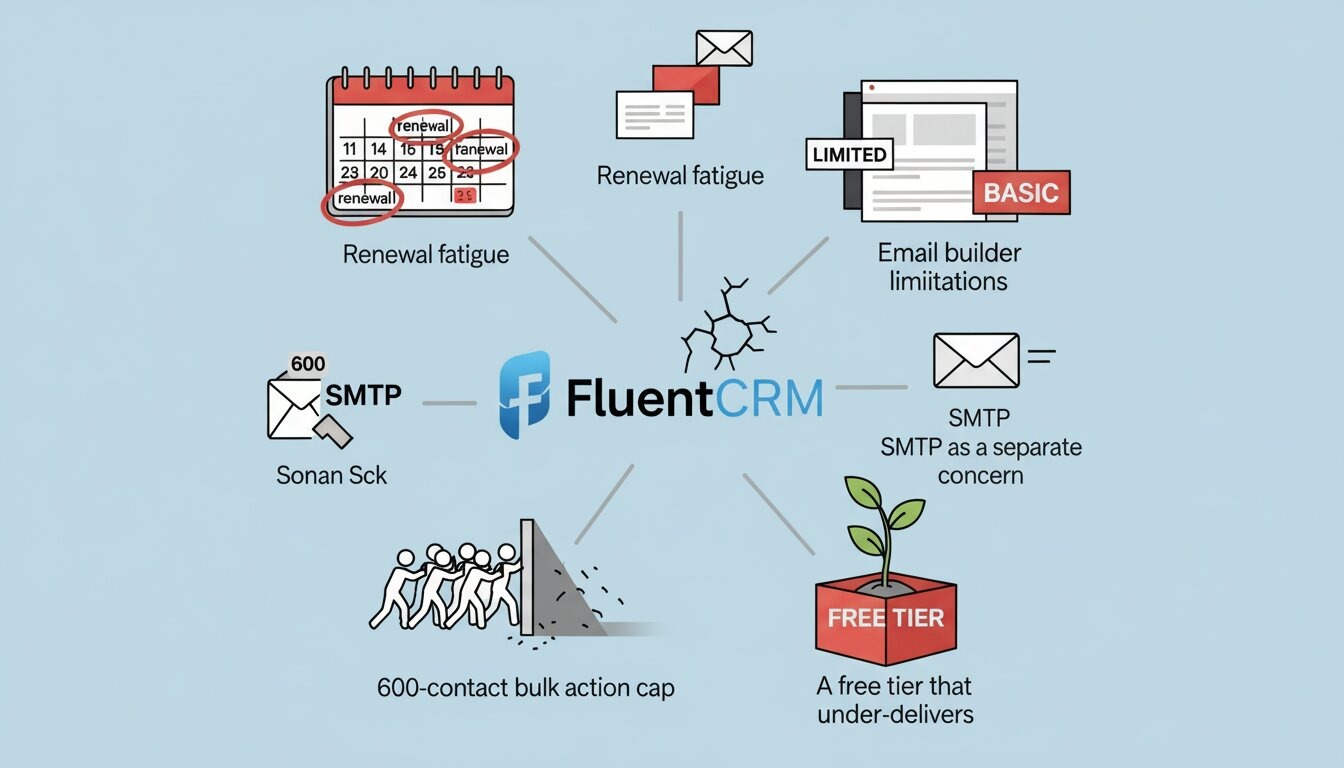
Renewal fatigue: FluentCRM Pro starts at $129 per year, per site. For a single WordPress site, that’s manageable. For an agency handling multiple installs, those renewal invoices compound fast — and there’s no lifetime licensing option to escape the cycle.
Email builder limitations: The editor is built on Gutenberg blocks, which sounds modern but plays out as restrictive in practice. There’s very limited design flexibility, and — the complaint that comes up most consistently — there’s no autosave. Users on G2 have repeatedly flagged losing email drafts mid-session. In 2026, that’s a difficult thing to defend at any price point.
The 600-contact bulk action cap: FluentCRM limits how many contacts you can tag, move, or update in a single bulk operation to 600 records. This exists for a practical reason — it prevents server overloads on cheap shared hosting — but for anyone managing a list in the tens of thousands, working around it is genuinely tedious.
SMTP as a separate concern: Reliable email delivery in FluentCRM requires setting up a separate SMTP plugin. Bounce handling and spam management only work natively with Amazon SES and Mailgun. Every other provider needs additional configuration.
A free tier that under-delivers: FluentCRM’s free version lacks the email marketing automation features that most users actually need. It often sends people straight to a paid plan without giving them enough to properly evaluate whether the tool is right for them.
These aren’t dealbreakers for everyone. But they’re consistent enough that it’s worth knowing what else the market offers before committing.
What a Solid Alternative Actually Needs
Before jumping into comparisons, here’s the baseline any serious FluentCRM replacement should clear:
- Contact data stays inside your own WordPress database — no SaaS middleman.
- A proper email builder with drag-and-drop, templates, and autosave
- Automation triggers covering purchases, enrollments, role changes, and inactivity
- Segmentation using tags, lists, and dynamic conditions
- Predictable pricing — lifetime preferred, or at a minimum, no hidden scaling costs
- Native WooCommerce and LMS integration
- No arbitrary caps on contact operations
With that in mind, here are the tools actually worth your attention.
The Best FluentCRM Alternatives for WordPress in 2026
1. GemCRM— Best All-Round FluentCRM Alternative
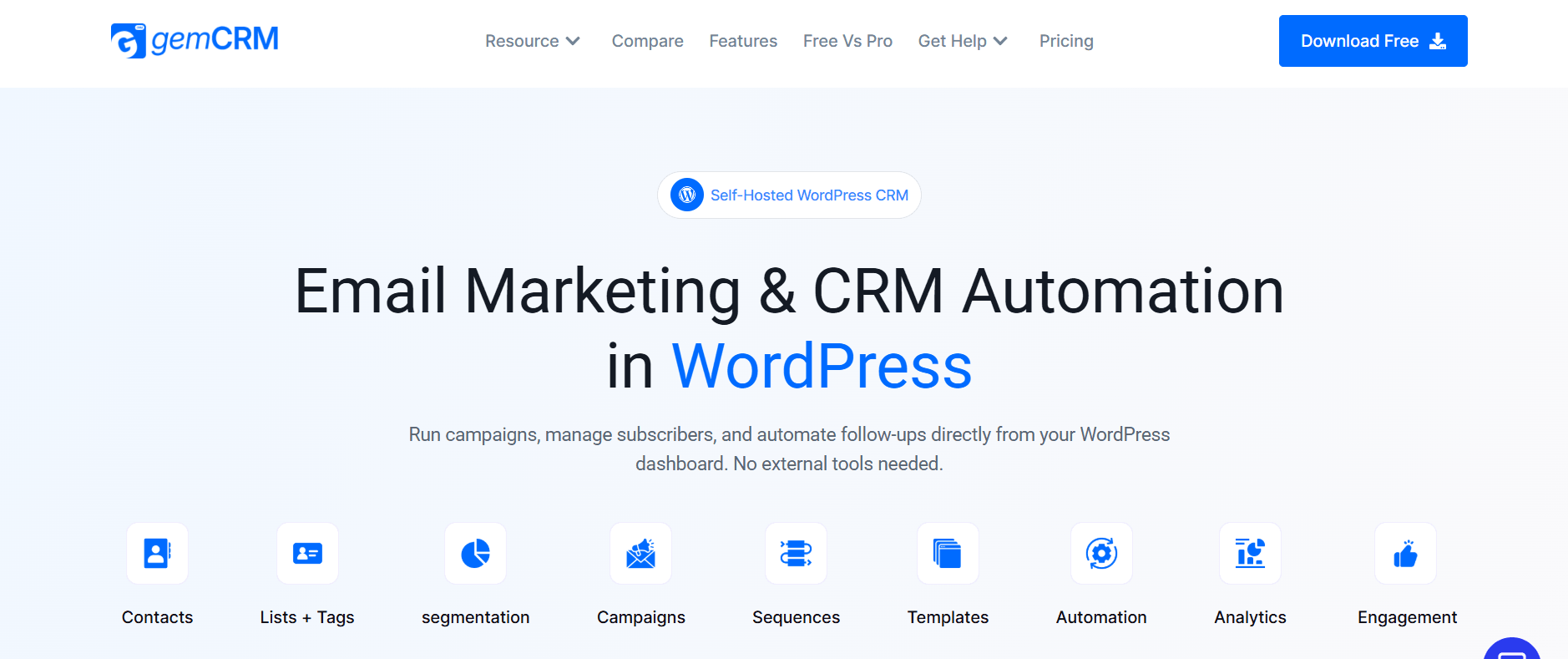
GemCRM is the most direct answer to what FluentCRM should have become. It’s fully self-hosted — everything runs inside your WordPress dashboard, all data stays in your own database — but it addresses the specific pain points that push FluentCRM users out the door.
The email builder is properly modern: template-driven, autosave-enabled, and designed for non-technical users without sacrificing flexibility. Automation sequences are handled through a clean step-by-step builder with triggers covering form submissions, WooCommerce purchases, course enrollments, user role changes, and more. And unlike FluentCRM, there’s no cap on bulk contact operations — you can tag, move, or update your entire list in one go.
The pricing model is the sharpest differentiator. A one-time lifetime license, rather than ongoing annual renewals, makes GemCRM far more cost-effective over time — especially for agencies managing multiple WordPress sites. It integrates with WooCommerce, StoreEngine, and Academy LMS for course-based businesses. A free beta program is currently open for anyone who wants to test it before the full launch.
Key Features:
- Fully self-hosted — all data stored inside WordPress
- Modern email builder with drag-and-drop templates and autosave
- Drip sequences, welcome flows, post-purchase, and re-engagement automation
- Contact segmentation via tags, lists, user roles, and conditional filters
- No bulk action limits on contact operations
- WooCommerce, StoreEngine, and Academy LMS integration
- Automatic contact sync from forms, purchases, and course enrollments
- Lifetime license — zero annual renewal fees
- Free beta access currently available
Pricing: Lifetime license
Best For: Agencies, WooCommerce stores, course platforms, and growing WordPress businesses.
2.MailPoet — Best for Newsletter-First Content Sites
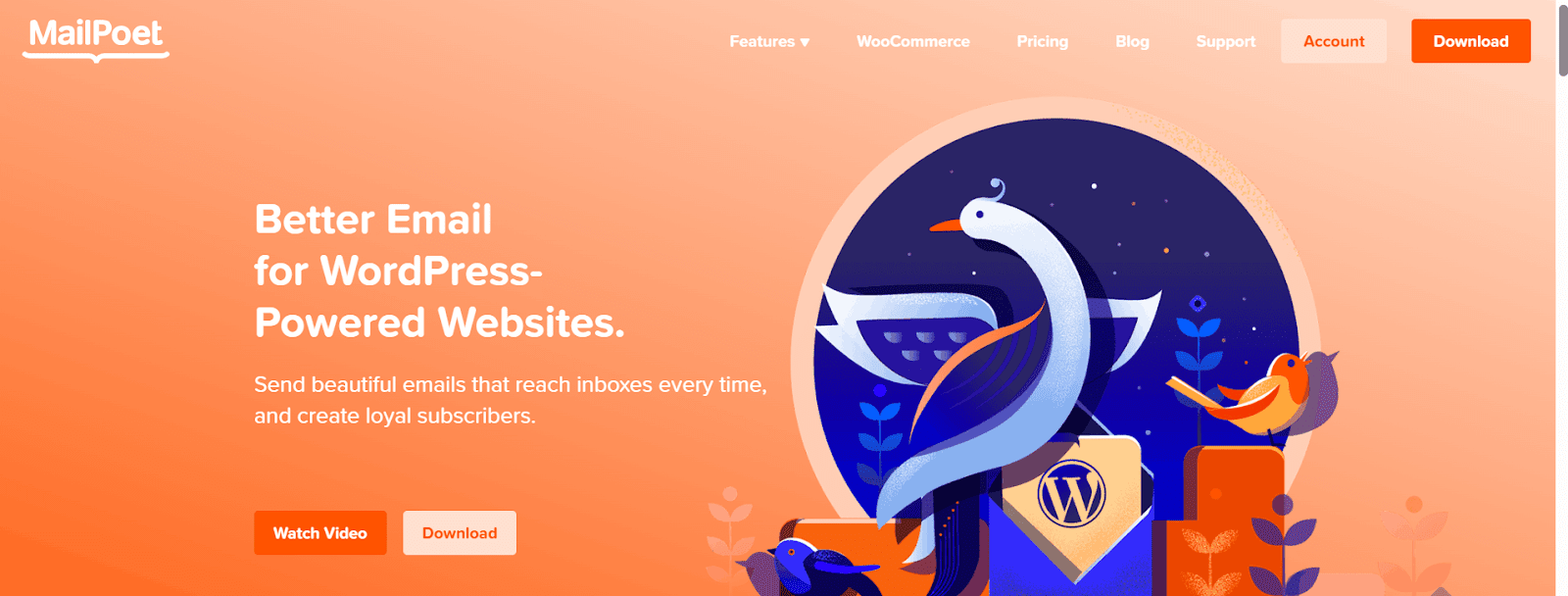
MailPoet is what you reach for when newsletters are the primary goal, and you don’t need a full CRM layer underneath them. It’s a WordPress-native email marketing plugin with one of the cleanest drag-and-drop builders in the space, solid WooCommerce integration for product emails, and an auto-send feature that dispatches a newsletter every time you publish a new post — genuinely useful for editorial-driven sites.
The free tier is meaningfully generous compared to FluentCRM. Up to 1,000 subscribers with full sending capability is enough for a lot of early-stage sites to run without paying anything. The trade-off is depth: MailPoet is not a CRM. There are no deal pipelines, no lifecycle stages, and no behavioral automation beyond basic triggers. If you’re moving away from FluentCRM because you need more capabilities, MailPoet won’t solve that problem. But if your real requirement is clean, reliable newsletters with minimal setup, it’s hard to beat.
Key Features:
- Drag-and-drop email builder — polished and beginner-friendly
- Auto-send newsletters when new posts are published
- WooCommerce integration for cart recovery and order emails
- Free tier up to 1,000 subscribers with full sending capability
- Subscriber segmentation by engagement and purchase behavior
- Flexible sending — use MailPoet’s infrastructure or your own SMTP
- Signup forms and popups included in the core plugin
Pricing: Free up to 1,000 subscribers; paid plans scale from there
Best For: Bloggers, media sites, and content publishers.
3. HubSpot for WordPress — Best for Teams Already on HubSpot
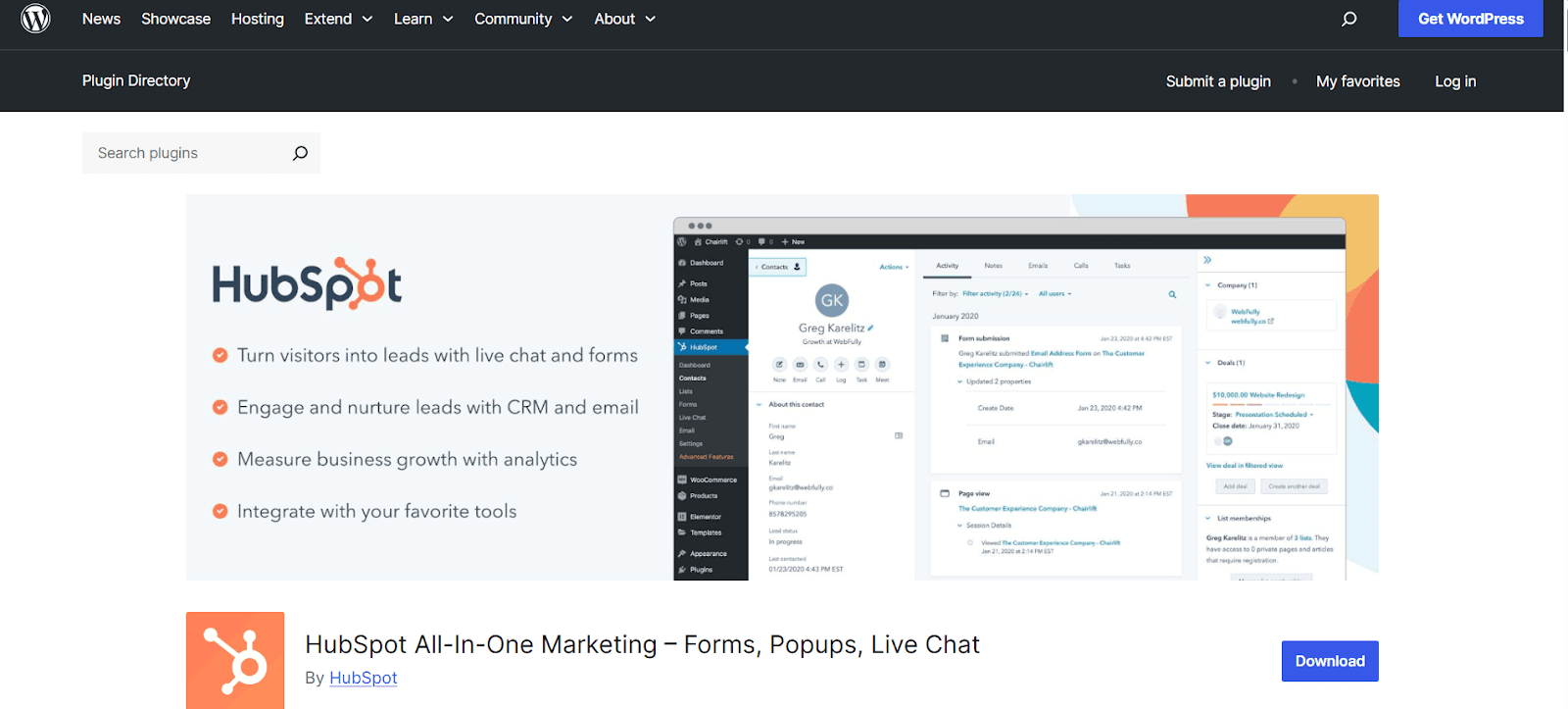
HubSpot’s WordPress plugin connects your site to HubSpot’s full cloud CRM suite — forms, live chat, contact management, deal pipelines, email marketing, and analytics all funnel into one platform used by over 194,000 businesses worldwide. If you’re already using HubSpot, this plugin is a straightforward way to pipe your WordPress activity into your existing CRM.
The core issue for WordPress purists is data ownership. Your contacts and campaign data live on HubSpot’s servers, not yours — which is the opposite of why most people prefer WordPress-native tools. The free tier covers lead capture and basic contact management reasonably well, but advanced segmentation, automation workflows, and reporting are locked behind paid HubSpot plans that can quickly climb into the hundreds of dollars per month. For businesses building from scratch and looking for a cost-effective CRM that stays inside WordPress, HubSpot creates more dependency than it solves.
Key Features:
- Full CRM suite — contacts, deal pipelines, email, live chat, and analytics
- Forms sync directly to HubSpot CRM on submission
- Built-in chatbot and live chat widget
- Free tier covers lead capture and basic contact management
- Advanced automation and segmentation on paid plans
- Lead scoring, A/B testing, and detailed reporting are available
- Widely used ecosystem with strong third-party integrations
Pricing: Plugin is free; HubSpot platform plans start free, scale to $800+/month
Best For: Businesses already invested in the HubSpot CRM ecosystem
4.Jetpack CRM — Best for Freelancers and Service Businesses
Jetpack CRM — formerly Zero BS CRM — strips the CRM concept back to its essentials. The core plugin is lightweight and modular, covering contact management, client notes, invoicing, basic pipeline tracking, and task reminders. You only add functionality when you actually need it, using individual extensions instead of a single monolithic pro upgrade, which keeps things lean and reduces the impact on WordPress performance.
The self-hosted, free core makes it accessible to freelancers and very small teams with no dedicated CRM budget who still need a system more reliable than spreadsheets. The honest limitation is that email marketing automation is not part of the picture. If you’re evaluating Jetpack CRM as a FluentCRM replacement because you need more automation capability, it’s not the right fit — it’s a different category of tool. But for service businesses that need clean client records and a basic sales pipeline without the complexity of a full marketing automation platform, it does the job well.
Key Features:
- Self-hosted — all data stored inside WordPress with no contact limits
- Contact management with full client history, notes, and activity log
- Invoice creation and payment tracking are built into the core
- Visual sales pipeline with customizable stages
- Modular extensions — add only the features you need
- WooCommerce and Gravity Forms integration via extensions
- Free core plugin with no time restrictions or forced upgrades
Pricing: Free core; paid extensions available individually
Best For: Freelancers, consultants, small service-based businesses.
5. FunnelKit Automations — Best for High-Volume WooCommerce Stores
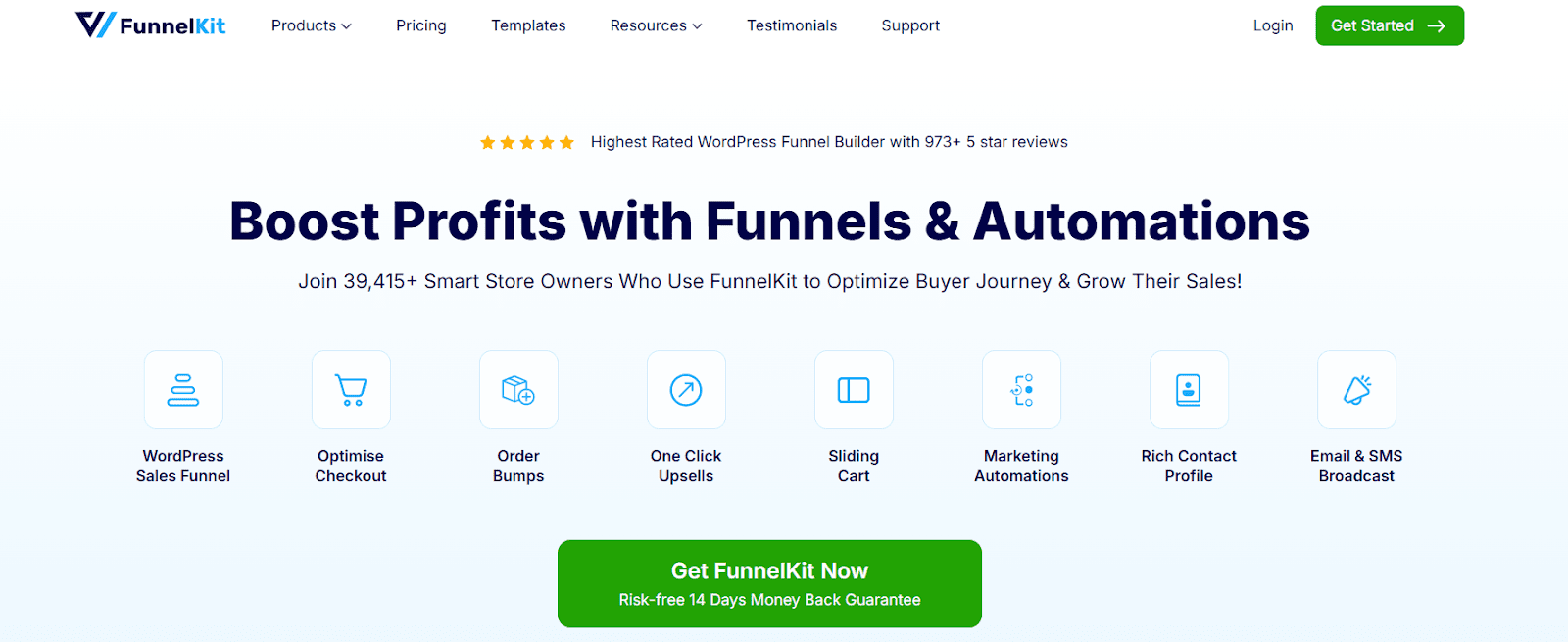
FunnelKit Automations — previously known as Autonami — is purpose-engineered for WooCommerce in a way that FluentCRM simply isn’t. Abandoned cart recovery, post-purchase upsell sequences, customer win-back campaigns, subscription renewal reminders, and revenue tracking are all part of the core product. The visual workflow builder is genuinely well-designed and handles branching logic, delays, and conditional paths without becoming unwieldy.
The specificity is both its strength and its limitation. FunnelKit is deeply WooCommerce-focused — if your business model is primarily eCommerce, that focus is an asset. If you run a membership site, a course platform, or a service business that doesn’t rely heavily on WooCommerce, FunnelKit’s value proposition weakens significantly. Pricing is annual, putting long-term costs in a similar bracket to FluentCRM, and the complexity of the tool reflects its target audience: serious eCommerce operators, not beginners.
Key Features:
- Deep WooCommerce integration with purchase triggers and revenue tracking
- Abandoned cart recovery via email and SMS sequences
- Visual automation builder with branching logic and conditional paths
- Post-purchase upsells, win-back campaigns, and subscription reminders
- A/B testing for email subject lines and automation sequences
- Lead scoring and customer lifetime value reporting
- Integrates with form plugins, LMS tools, and membership platforms
Pricing: From $99.50/year
Best For: WooCommerce stores with complex, high-volume customer journeys
6. Groundhogg — Best Open-Source CRM for Developers
Groundhogg is the open-source option in this category, and it’s more capable at the free tier than most people expect. The visual funnel builder handles contact management, email campaigns, and multi-step automation workflows without requiring any paid add-ons. Everything is self-hosted, everything lives in your WordPress database, and — because the codebase is fully open — you can extend, modify, and integrate it in ways that proprietary plugins simply won’t allow.
For developers and technical agencies building heavily customized WordPress solutions, Groundhogg is worth serious consideration. The paid add-on ecosystem covers SMS, booking, advanced CRM reporting, and third-party integrations, and those add-ons stack up over time — but you control the pace and the scope. There’s no vendor lock-in, no data held on someone else’s infrastructure, and no forced upgrade path. The learning curve is steeper than with more polished alternatives, but in return, you get a level of flexibility that nothing else on this list offers.
Key Features:
- Fully open-source — self-hosted with no vendor lock-in
- Visual funnel and automation builder are included in the free core
- Unlimited contacts and email sends on all plans
- Developer-friendly with full hook, filter, and integration API access
- Contact management with custom fields, tagging, and activity tracking
- WooCommerce, LearnDash, and major form plugin integrations
- Paid add-ons for SMS, booking, advanced CRM features, and reporting
Pricing: Free core plugin; paid add-ons from around $20/month
Best For: Developers, technical agencies, businesses with custom workflow requirements.
Quick Comparison Table
|
Tool |
Self-Hosted |
Lifetime License |
Email Builder |
Automation |
WooCommerce |
Free Option |
Best For |
|
GemCRM |
✅ Yes |
✅ Yes |
✅ Modern |
✅ Strong |
✅ Beta |
✅ Beta |
All-round WordPress CRM |
|
MailPoet |
✅ Yes |
❌ No |
✅ Excellent |
⚠️ Basic |
✅ Yes |
Up to 1K subscribers |
Newsletters |
|
HubSpot |
❌ Cloud |
❌ No |
✅ Good |
✅ Strong |
✅ Limited |
Free tier |
HubSpot users |
|
Jetpack CRM |
✅ Yes |
Partial |
❌ None |
❌ Minimal |
⚠️ Extension |
✅ Core |
Service businesses |
|
FunnelKit |
✅ Yes |
❌ No |
✅ Good |
✅ Deep |
✅ Strong |
❌ No |
WooCommerce stores |
|
Groundhogg |
✅ Yes |
✅ Core |
✅ Good |
✅ Strong |
✅ Core |
✅ Core |
Developers |
|
FluentCRM |
❌ No |
⚠️ Gutenberg |
✅ Strong |
✅ Strong |
⚠️ Limited |
Existing users |
✅ Limited |
Which One Should You Choose?
Frustrated by FluentCRM’s annual renewals and email editor? The tool that directly addresses both — with a lifetime license, a modern builder, and no bulk contact caps — is GemCRM. It’s the most logical migration path for existing FluentCRM users.
Running a WooCommerce store with complex customer journeys? FunnelKit Automations goes deeper on eCommerce automation than any other option here.
Primarily need newsletters with minimal setup? MailPoet is cleaner and more beginner-friendly, with a generous free tier for small lists.
Already using HubSpot as your CRM? The WordPress plugin is the obvious connector, despite the data ownership trade-offs.
Need a developer-extensible open-source platform? Groundhogg’s free core gives you full control without vendor dependency.
Service business needing just client records and invoices? Jetpack CRM handles that without unnecessary complexity.
Final Thoughts
FluentCRM isn’t going anywhere, and for sites already running the full Fluent stack, it remains a coherent choice. But 2026 offers more genuine alternatives than any previous year, and “the best WordPress CRM” now has a more complicated answer than it used to.
Before committing to a migration, test your shortlist properly — import contacts, build a test automation, and send a campaign. Most of the tools above offer free access in some form. Real-world testing will tell you more than any feature table. Pick the platform that matches your real workflow, rather than the one with the biggest feature checklist.
Frequently Asked Questions
How do I migrate contacts from FluentCRM?
Export your contacts from FluentCRM as a CSV, then import them into your chosen alternative using field mapping. Expect to recreate tags and custom fields manually in many tools.
Which tools keep data fully inside WordPress?
Export your contacts from FluentCRM as a CSV, then import them into your chosen alternative using field mapping. Expect to recreate tags and custom fields manually in many tools.
Is there a genuinely free long-term option?
Groundhogg and Jetpack CRM have capable free cores with no time limit. MailPoet is free up to 1,000 subscribers.