



If you’re using WordPress and looking for a CRM, chances are you’ve already tried or at least considered HubSpot CRM. It’s a powerful, beginner-friendly tool that even offers a generous free plan, making it very appealing at the start.
However, the reality in 2026 is a bit different. As your business grows, HubSpot can quickly become expensive, complex, and somewhat restrictive. Many essential features, such as automation, advanced reporting, and key integrations, are locked behind higher-priced plans, making it less budget-friendly for small- to medium-sized WordPress users.
Because of this, more people are now moving toward simpler, more affordable, and flexible CRM solutions that work better within the WordPress ecosystem. These alternatives often provide better control, easier integration, and lower long-term costs.
In this guide, you’ll explore the best HubSpot alternatives for WordPress in 2026, understand the differences between free and paid options, learn why tools like GemCRM are gaining popularity, and find out which CRM is the right fit based on your specific needs and goals.
Why WordPress Users Are Rethinking HubSpot
HubSpot is not a bad product. But it was built for a broad audience, and that mismatch with WordPress shows up in three specific ways that matter to site owners in 2026.
Data leaves your server. HubSpot stores all contact data on its own infrastructure. For businesses operating under GDPR or regional privacy regulations, this adds compliance complexity and vendor dependency. If you cancel, your audience data stays inside a platform you no longer control.
The scaling cliff is real. HubSpot’s free tier covers basic contact management and live chat. According to WPBeginner’s 2026 CRM plugin guide, paid plans start at $20 per user per month — and unlocking marketing automation or removing HubSpot branding quickly pushes costs into significantly higher tiers.
WordPress integration is shallow. HubSpot’s live chat widget is known to affect page load times. Native WooCommerce sync requires third-party middleware. Plugins built specifically for WordPress handle user roles, post types, and plugin ecosystems far more cleanly from the start.
Best HubSpot Alternatives for WordPress (2026)
1. GemCRM — (Best WordPress-Native CRM)
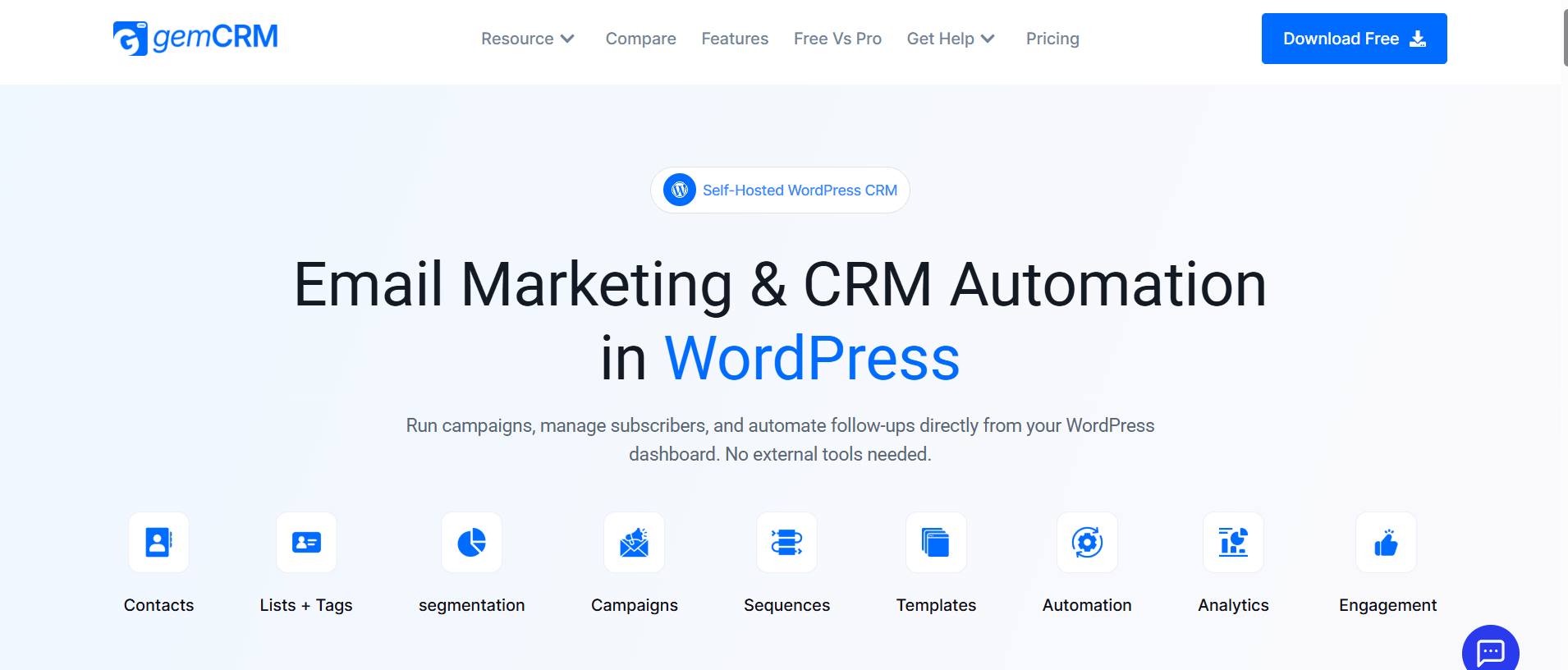
Free Beta, Lifetime License, Self-Hosted
GemCRM is a WordPress-native CRM that keeps everything — contacts, campaigns, and automated follow-up sequences — inside your own dashboard without routing data through an external platform. The key differentiator is its lifetime licensing model: pay once and own it permanently—no annual renewal, no contact-based pricing that inflates as your list scales.
It automatically syncs WordPress user roles with subscriber tags, eliminating the manual setup most CRMs require. Segmentation through lists, tags, roles, and conditions is built into the core rather than locked behind a paid tier. For agencies managing multiple client sites, or course creators who want structured follow-up sequences without a recurring SaaS bill, it’s a compelling option to test — especially while it’s still in open beta.
Built by the Academy LMS team. Runs contacts, campaigns, and follow-up sequences entirely from inside your WordPress dashboard.
Best fit for: Bloggers, freelancers, small businesses, WordPress-focused marketers.
Pricing: One-time lifetime fee — no annual renewals, no per-contact charges
✅ Pros
- One-time cost — no annual renewal
- All data stays on your own server
- Syncs automatically with WordPress user roles
- Tags, lists, and segmentation included
- Captures leads from forms, purchases & registrations
- CSV import with tag mapping
❌ Cons
- Newer plugin — smaller community history
- Requires a separate SMTP plugin for email delivery
- Fewer third-party integrations currently
- Still in beta phase
2.FluentCRM— The Established Self-Hosted Option
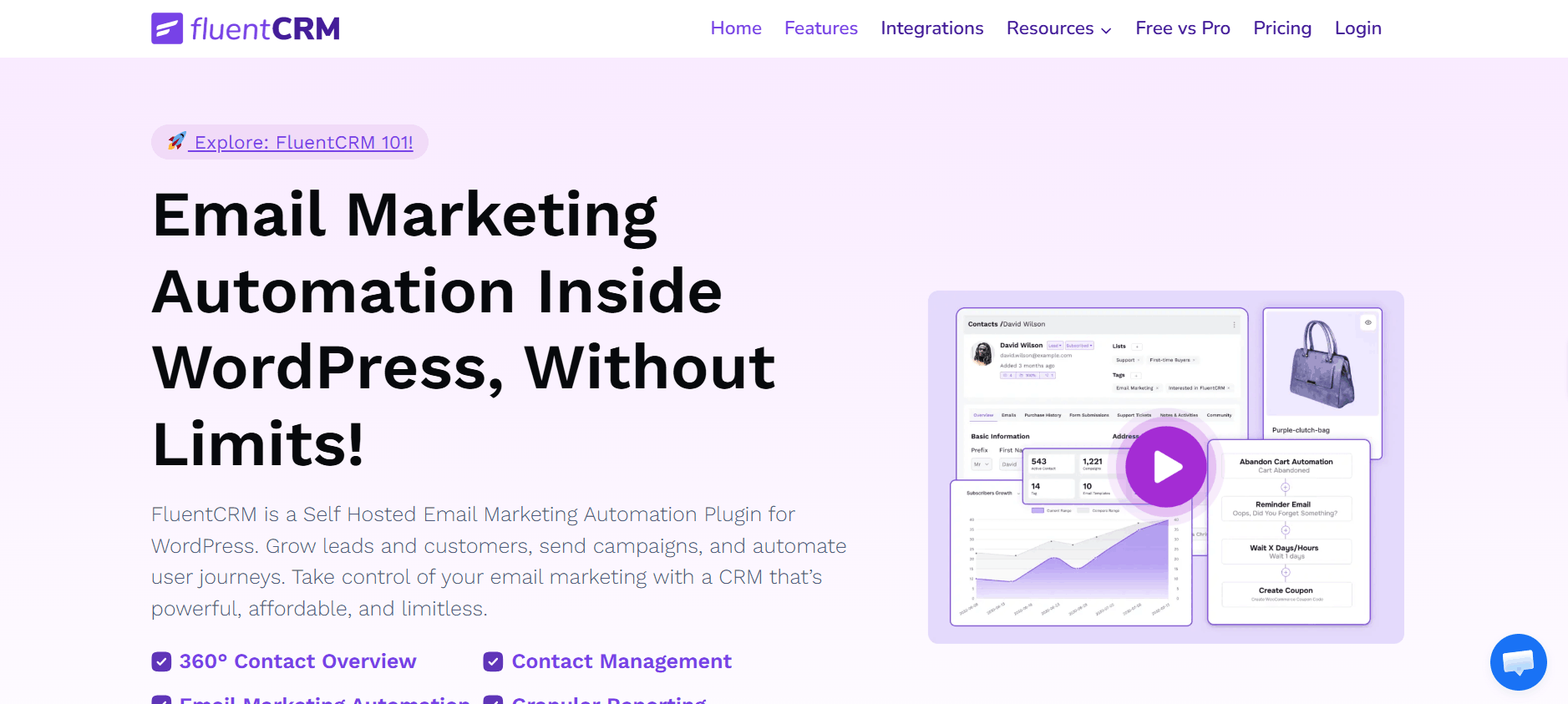
Free Tiern, $129/year Pro, Self-Hosted
FluentCRM is the most widely deployed self-hosted CRM plugin for WordPress today. Its free tier includes unlimited contacts and basic campaign management. The Pro tier at $129 per year unlocks 45+ integrations, email sequencing, A/B testing, and dynamic segments. For businesses running WooCommerce, AffiliateWP, or MemberPress, the native integrations are genuinely hard to beat. Its maturity also shows in quieter but critical areas: years of real-world edge-case handling, responsive support, and a large active community. The main trade-off is annual cost — on a single site over five years, that’s $645+ before any price adjustments.
Best fit for: Businesses that need powerful email automation and funnels directly inside WordPress.
Pricing: Free core · Pro from $129/year per site
✅ Pros
- Trusted by 25,000+ businesses
- 45+ integrations — WooCommerce, LearnDash, MemberPress
- Visual automation builder with A/B testing
- Active community and thorough documentation
❌ Cons
- Annual license — costs compound across multiple sites
- Most powerful features locked behind the Pro tier
- Requires a separate SMTP plugin for sending
3. Jetpack CRM — Automattic’s Free Alternative
Free Core, Paid Extensions, Self-Hosted
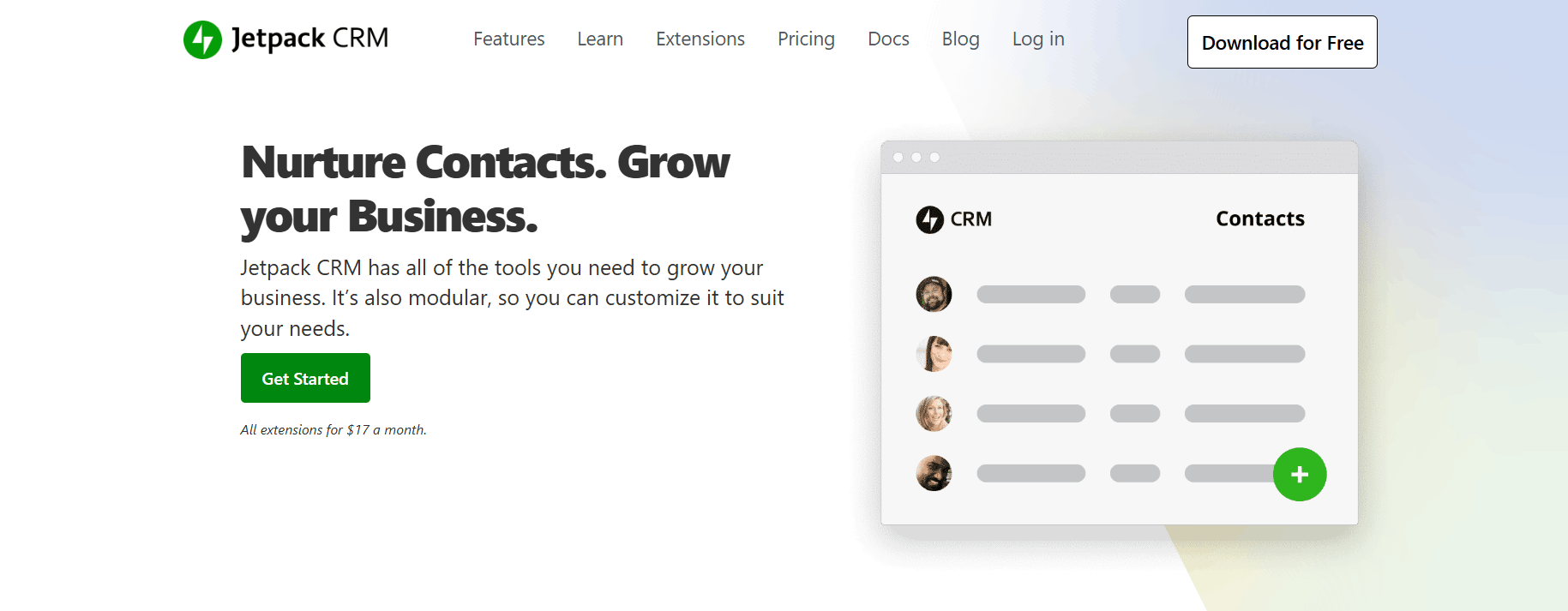
Jetpack CRM (formerly Zero BS CRM) is the most accessible free entry point for WordPress-based contact management. All data stays on your server. It ships with lead management, detailed contact history, invoicing, and client portals out of the box — features usually sold separately elsewhere. The extension model means you pay only for what you actually use.
Best fit for: freelancers and small agencies that need invoicing alongside basic CRM without any monthly commitment.
Pricing: Free core · Paid extensions for invoicing, email marketing & more
✅ Pros
- Backed by Automattic (WordPress.com team)
- Invoicing and client portals built in
- Full data ownership — nothing leaves your server
- Clean, lightweight interface
❌ Cons
- Email marketing needs a paid extension
- Extension costs can add up as you stack features
- Less automation depth than Groundhogg or FluentCRM
4. Groundhogg— Built for Automation-Heavy Workflows
Free Tier, From $20/month, Self-Hosted
Groundhogg is the closest direct replacement for HubSpot’s marketing automation capabilities within WordPress. It features a drag-and-drop funnel builder, conditional workflow logic, lead scoring, and built-in GDPR tools — all self-hosted with your data staying in your WordPress database. The free tier handles basic workflows. Paid plans unlock SMS, advanced reporting, and deeper automation. If multi-step funnel building with conditional logic is your priority rather than simple broadcast emails, Groundhogg is worth serious evaluation.
Best fit for: technically comfortable marketers who need real automation complexity.
Pricing: Free core · Paid plans from $20/month
✅ Pros
- Visual drag-and-drop funnel builder
- Lead scoring is built in
- Native GDPR compliance tools
- Self-hosted — full data ownership
❌ Cons
- Steeper learning curve for non-technical users
- Monthly pricing on paid tiers
- SMS features require add-ons
5. WP ERP— CRM + HR + Accounting in One
Free Core, Extensions from $9.99/mo, Self-Hosted
WP ERP sits in a completely different niche from every other plugin on this list. No other WordPress CRM solution bundles human resource management and accounting alongside contact management. For small businesses that want to handle payroll, expense tracking, and customer relationships inside one WordPress installation — without maintaining separate tools for each function — WP ERP is uniquely positioned.
Best fit for: small businesses that need operational breadth over CRM depth.
Pricing: Free core · Paid extensions from $9.99/month
✅ Pros
- Only plugin bundling CRM + HR + Accounting
- Payroll and expense tracking included
- Self-hosted, full data control
- Well-documented and actively maintained
❌ Cons
- CRM module is less deep than FluentCRM or Groundhogg
- Overkill for businesses that only need email CRM
- Denser UI than purpose-built CRM tools
6. EngageBay— Affordable SaaS for Lean Teams
Free (250 contacts), From $12.74/user/mo, SaaS
If you prefer a SaaS dashboard but want to reduce your CRM bill significantly, EngageBay delivers marketing automation, CRM, live chat, and a helpdesk in one platform — at roughly 60–70% less than HubSpot’s comparable tiers. The free plan covers 250 contacts and 1,000 branded emails per month, which is enough to validate the tool before committing. It integrates with WordPress via a plugin and supports drip campaigns, deal pipelines, and contact segmentation.
Best fit for: lean teams that want a polished SaaS experience without HubSpot’s pricing structure.
Pricing: Free up to 250 contacts · Paid from $12.74/user/month
✅ Pros
- Marketing + CRM + helpdesk in one platform
- Significantly cheaper than equivalent HubSpot tiers
- Cleaner onboarding than HubSpot for new users
- Free tier is genuinely functional
❌ Cons
- Data stored on EngageBay’s servers — not yours
- WordPress connection via plugin, not native
- Monthly recurring cost still applies
7. Zoho CRM— Enterprise Features Without the Price Tag
Free (3 users), From $14/user/mo, SaaS
Zoho CRM connects to WordPress through its official plugin and brings enterprise-grade capabilities — AI-driven lead scoring, advanced deal pipelines, workflow automation, and reporting — at a price meaningfully below HubSpot’s equivalent tiers. The free plan supports up to 3 users, making it accessible for small sales teams to trial properly.
Best fit for: sales-driven businesses that prioritize pipeline and deal tracking over email marketing automation.
Pricing: Free up to 3 users · Paid from $14/user/month
✅ Pros
- AI-driven lead scoring and sales predictions
- Advanced pipeline and deal management
- Noticeably cheaper than HubSpot at scale
- Official WordPress plugin available
❌ Cons
- Complex interface — steeper learning curve
- Data lives on Zoho’s servers
- Email marketing is not its primary strength
Side-by-Side Comparison
|
Plugin |
Type |
Free Tier |
Data Ownership |
Starting Price |
Best For |
|
GemCRM |
Self-hosted |
✓ Full |
✓ Full |
Lifetime $119 (one-time) |
Courses, WooCommerce, Agencies, WordPress businesses |
|
FluentCRM |
Self-hosted |
✓ Limited (Good) |
✓ Full |
$129/year (single site) |
WooCommerce, Complex automation |
|
Jetpack CRM |
Self-hosted |
✓ Core (Strong) |
✓ Full |
Free + add-ons (~$11/mo) |
Freelancers needing invoicing & basic CRM |
|
Groundhogg |
Self-hosted |
✓ Limited |
✓ Full |
~$20/month (Basic plan) |
Complex automation funnels & CRM pipelines |
|
WP ERP |
Self-hosted |
✓ Core |
✓ Full |
$9.99/month (Pro base) |
CRM + HR + Accounting bundle |
Which One Is Right for You?
The right CRM depends entirely on your workflow, team size, and how much you value owning your own data. There is no single correct answer — but the decision framework is fairly straightforward.
- Best Long-Term Value GemCRM: Lifetime license, no recurring cost, full data ownership.
- Most Battle-Tested FluentCRM: 25,000+ businesses, 45+ integrations, proven at scale.
- Best Free Option Jetpack CRM: Free core, invoicing included, Automattic-backed.
- Best for Automation Groundhogg: Visual funnels, lead scoring, and conditional workflows.
- Best Operational Bundle WP ERP: The only plugin with CRM + HR + Accounting.
- Best SaaS Alternative EngageBay: HubSpot-level features at significantly lower cost.
Final Thoughts
HubSpot works — but in 2026, paying recurring SaaS fees for a platform that doesn’t natively speak WordPress is harder to justify. Self-hosted CRMs have matured significantly, and for most WordPress businesses, the combination of data ownership, tighter plugin integration, and lower long-term cost makes them the smarter default. Start with a free tier, test it against your real workflow, and calculate the 3-year cost honestly before committing to any paid plan. The right CRM is the one that fits your actual setup — not the most well-known name on the market.
FAQs
I have 5,000 contacts in HubSpot. Can I migrate without losing everything?
Yes. All self-hosted options here support CSV import with tag and list mapping. Contact data transfers cleanly — but automation workflows and email sequences are platform-specific, so you’ll need to rebuild those manually.
I need email marketing and a sales pipeline together. Any WordPress plugin that covers both?
Most self-hosted WordPress CRMs focus on email, not no-deal pipelines. For both together, Zoho CRM or EngageBay (both SaaS) are better fits. If staying self-hosted matters, Groundhogg covers both at a basic level on paid plans.
How do self-hosted CRMs handle GDPR- unsubscribes and data deletion?
Since all data stays in your WordPress database, GDPR requests like unsubscribes and data deletion are easy to manage without third-party involvement. Tools like GemCRM, FluentCRM, and Groundhogg include features like double opt-in, unsubscribe management, and contact deletion by default.