




Most WordPress site owners don’t lose customers because of a bad product — they lose them because nobody followed up. A contact form gets filled in, a WooCommerce order ships, a course enrollment goes through, and then… silence. No welcome sequence, no check-in, no re-engagement. Just a missed opportunity sitting quietly in a database.
The fix isn’t another standalone subscription tool. It’s a CRM that lives inside WordPress and handles email campaigns without you having to switch tabs. Here’s a current, honest look at your best options in 2026.
Why Use a WordPress CRM with Email Campaigns?
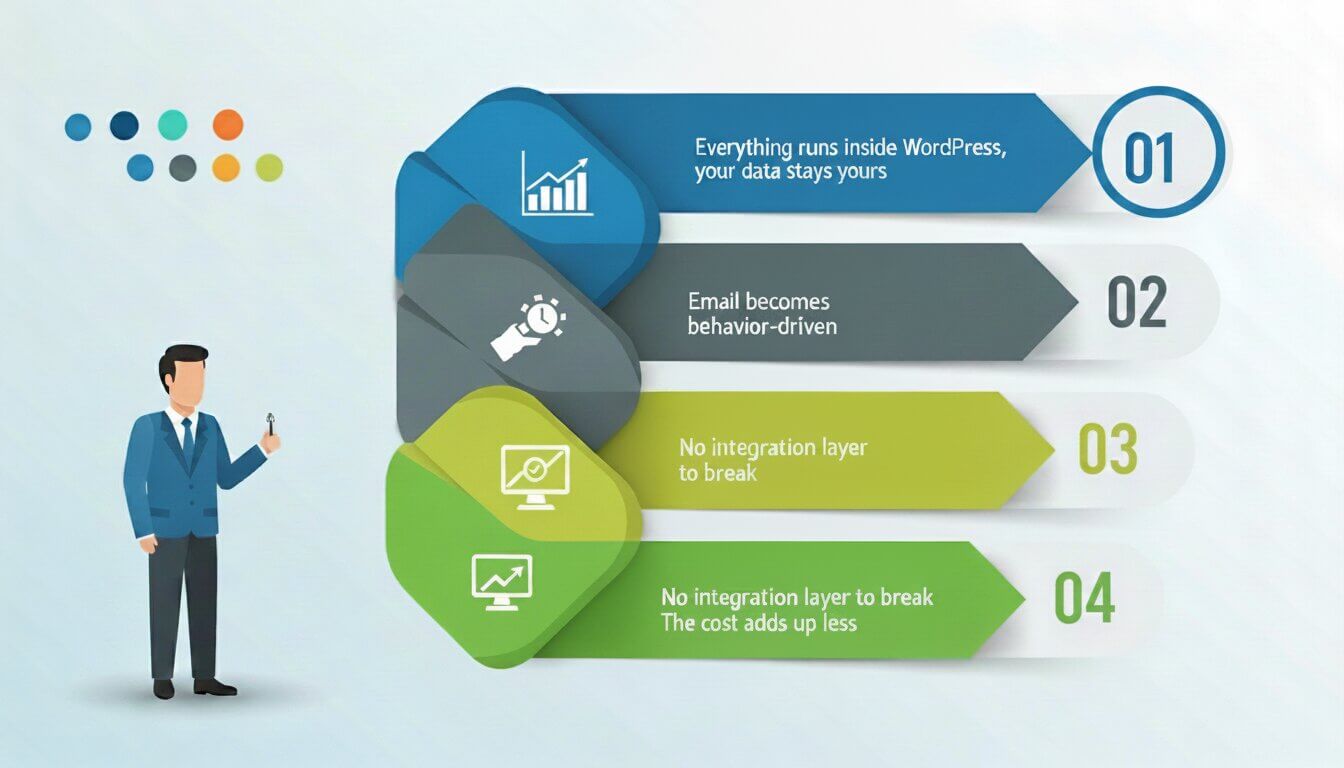
Most WordPress sites already have the pieces — a contact form, a store, maybe an LMS. What they’re missing is a central place that ties it all together and handles automatic follow-ups.
Everything runs inside WordPress: Contacts, campaigns, and automations live in the same dashboard you already use — no platform-switching, no broken API syncs.
Your data stays yours: SaaS tools like Mailchimp store your subscribers on their servers. A native WordPress CRM keeps everything in your own database, on your own terms.
Email becomes behavior-driven: Trigger emails the moment someone buys, enrolls, abandons a cart, or goes quiet. A standard newsletter tool can’t do that — it has no idea what’s happening on your site.
No integration layer to break: When your CRM and email live in the same plugin, there’s nothing to sync — and nothing to debug.
The cost adds up less: One self-hosted plugin replaces a CRM subscription, an email marketing service, and the connectors between them.
What to Look for in a WordPress CRM in 2026
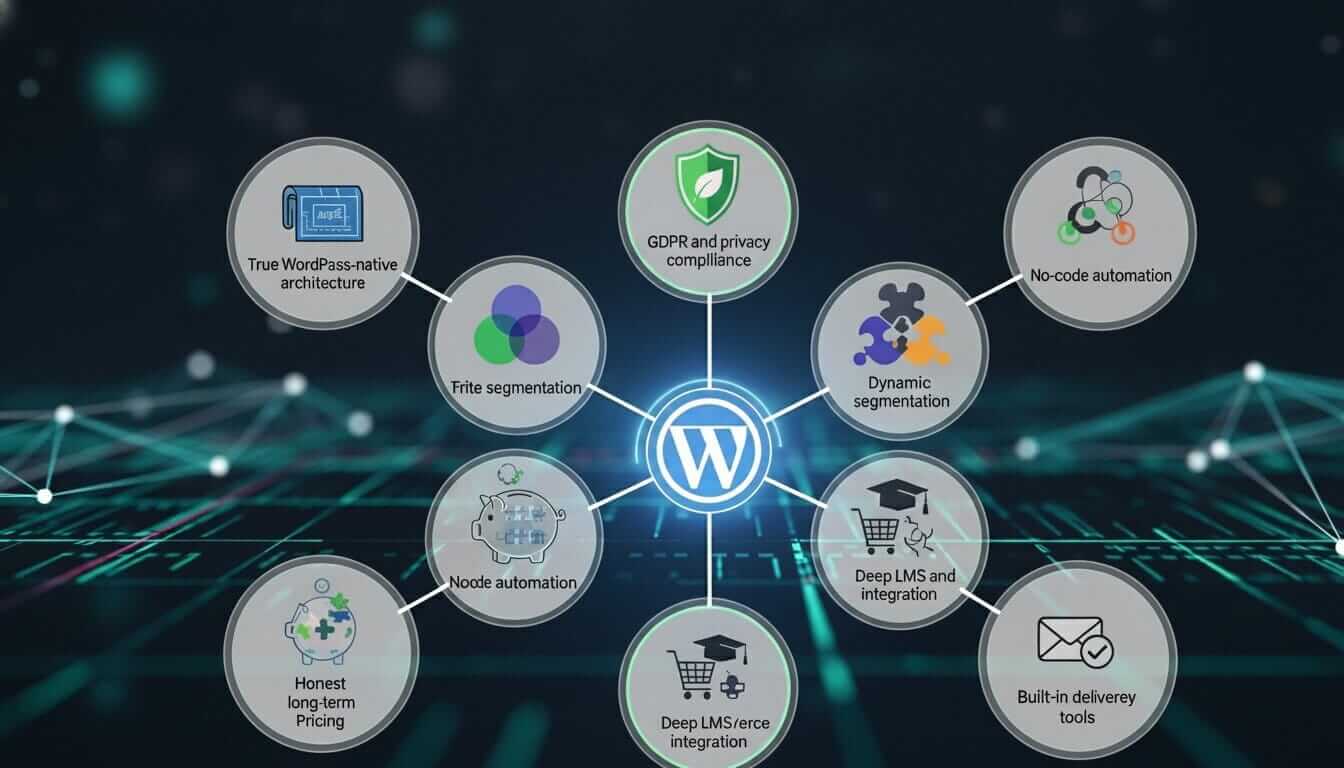
The market has matured. Features that were once premium — visual automation builders, lead scoring, SMS — are now table stakes. Here’s what separates a solid pick from a poor one in 2026:
True WordPress-native architecture: Some plugins are just SaaS platforms wrapped in a WordPress interface. Your data should live in your own database, not on a third-party server.
GDPR and privacy compliance: Consent tracking, contact deletion on request, and audit logs are non-negotiable. SellersCommerce notes that 65% of businesses implement a CRM within their first five years — most skip compliance setup entirely.
Dynamic segmentation: Static tag-based lists go stale fast. Look for segments that update automatically based on real contact behavior — purchases, email opens, and course completions.
No-code automation: If building a basic follow-up sequence requires a developer, the plugin is behind the curve. Drag-and-drop editors are the standard now.
Honest long-term pricing: Per-contact fees punish growth. Per Quill Forms’ cost analysis, SaaS CRMs can cost $8,000–$28,000 more than self-hosted alternatives over three years.
Deep LMS and eCommerce integration: A CRM that only connects to WooCommerce but ignores your LMS leaves half your data out of the loop. Verify integrations for your specific stack before committing.
Built-in deliverability tools: Suppression lists, bounce handling, and SMTP compatibility are essentials — not extras. Plugins that rely on WordPress’s default mailer will land in spam.
The Case for a Native WordPress CRM
Before comparing tools, the numbers are worth understanding.
Wave Connect reports that 91% of companies with 10 or more employees now use a CRM system — but only 50% of businesses with fewer than 10 employees do. That gap is where most small WordPress site owners sit, and it’s costing them.
Wave Connect also found that personalized email campaigns powered by CRM data achieve a 14% higher click-through rate compared to generic broadcasts, and that CRM systems can improve customer retention by up to 27% through centralized data and proactive outreach.
DemandSage confirms that CRM adoption among businesses with 10+ employees has reached 91% globally — making it less of a competitive edge and more of a baseline requirement for any business serious about growth.
The question isn’t whether you need a CRM. It’s whether the one you choose plays well with WordPress — or creates yet another disconnected system to manage.
What to Actually Look for (Beyond the Feature Checklist)
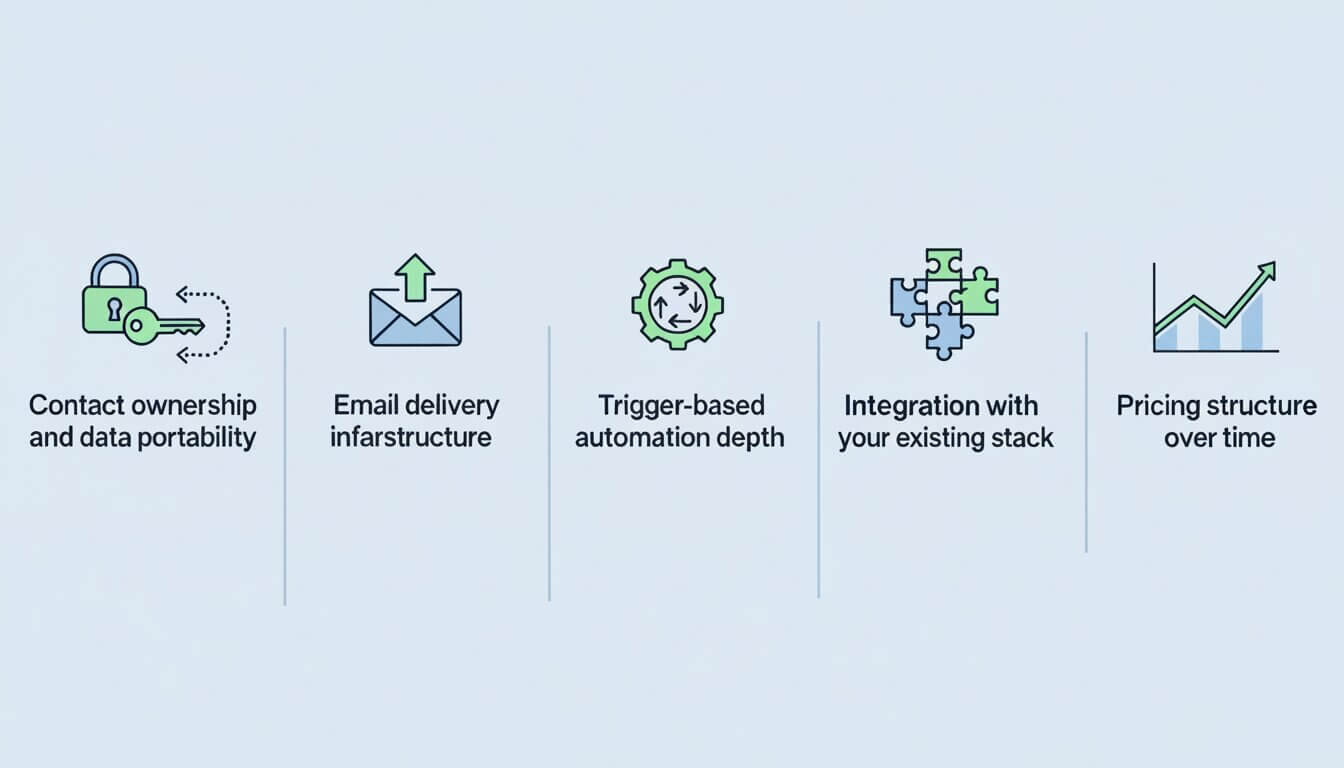
Most buyer guides hand you a bullet-point list of features without explaining which ones actually matter for a WordPress site. Here’s what to prioritize:
Contact ownership and data portability: If your CRM vendor goes down, raises prices, or closes, can you export your full contact history? Self-hosted solutions store everything in your own WordPress database, which means you own it unconditionally.
Email delivery infrastructure: A CRM with a built-in email builder is useless if your emails land in spam. Look for SMTP compatibility (AWS SES, SendGrid, Postmark) or confirm the plugin integrates with a dedicated delivery service.
Trigger-based automation depth: “Automation” can mean anything from a basic welcome email to complex branching sequences that respond to purchases, course completions, or tag changes. Know what level of complexity you actually need.
Integration with your existing stack: A CRM that doesn’t talk to your WooCommerce store, LMS plugin, or lead generation forms will require manual data entry, which defeats the purpose entirely.
Pricing structure over time: Per-contact pricing sounds cheap until your list hits 10,000. Annual renewals feel fine until year three. Calculate the three-year total cost, not just the introductory price.
The Best WordPress CRM Plugins with Built-in Email Campaigns
1. GemCRM — Best New Entrant for WordPress-Native Simplicity
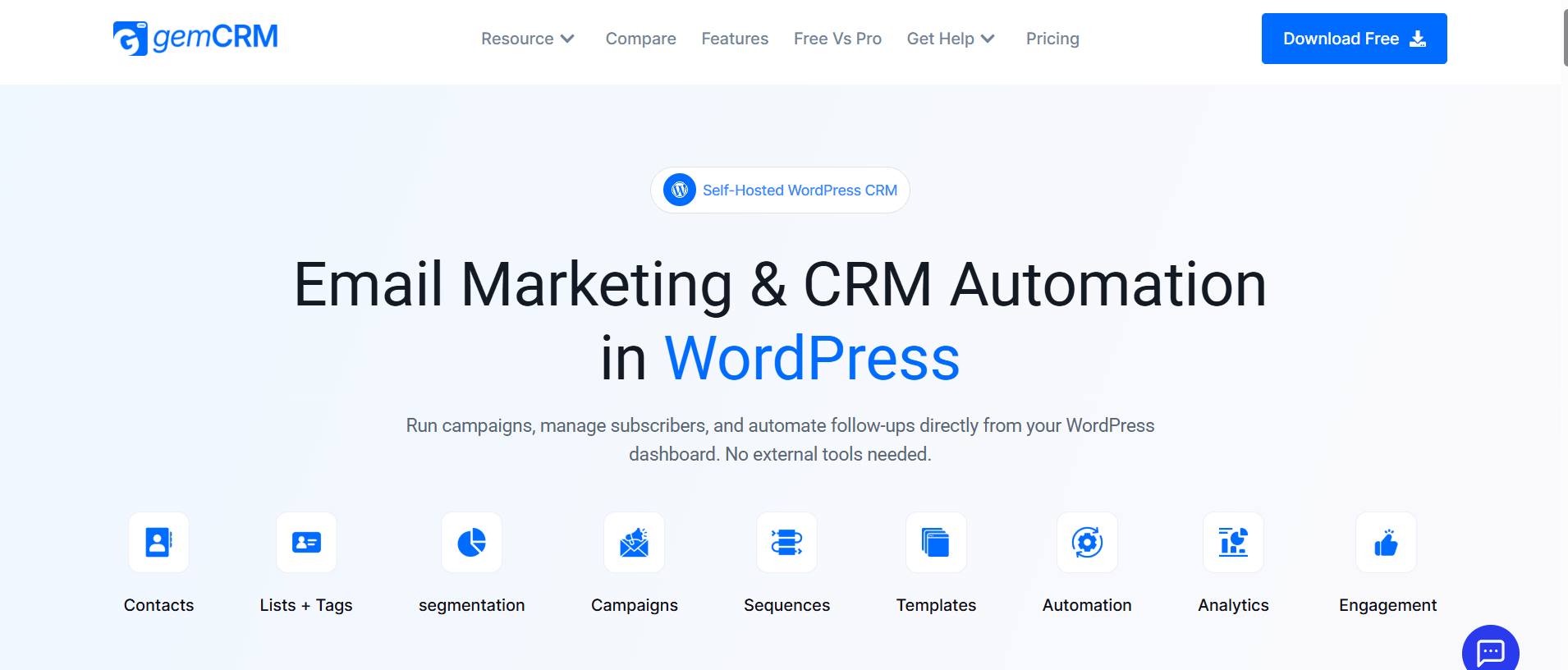
Website:gemcrm.net | Pricing: Lifetime license (currently in free beta)
GemCRM is the newest plugin on this list and one of the more interesting releases in the WordPress CRM space. It was built specifically for WordPress site owners who want contact management, email campaigns, and follow-up sequences without connecting to any external platform.
What sets it apart from the others is its pricing model — a one-time lifetime license rather than annual renewals — and its explicit focus on non-technical users. The interface is designed around simple actions rather than complex visual builders. It integrates with StoreEngine, Academy LMS, and WooCommerce and supports contact import, tagging, list segmentation, and automated follow-up sequences out of the box.
It is currently in free beta, which means early adopters can test the full feature set before commercial pricing is introduced. For WordPress site owners who’ve found FluentCRM’s learning curve steep or HubSpot’s pricing unpredictable, it’s worth evaluating.
Best for: Small businesses, course creators, and bloggers who want a clean, no-recurring-cost solution and don’t need enterprise-level automation depth.
2. FluentCRM — Best for Email Automation and Power Users
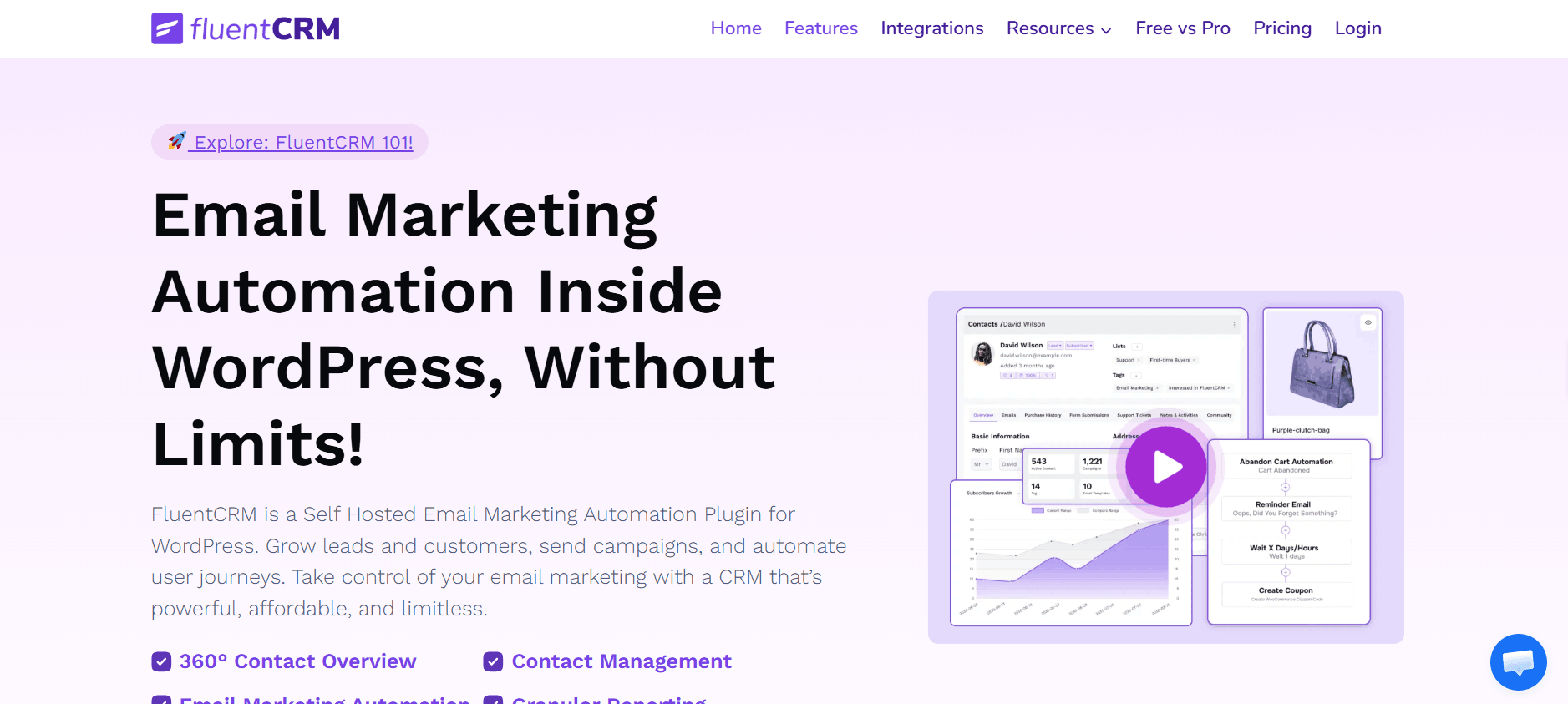
Website:fluentcrm.com | Pricing: Free core; Pro from $129/year (1 site)
FluentCRM is the incumbent. With over 70,000 active installations and a 96% five-star rating on WordPress.org, it has become the default recommendation for WordPress users seeking marketing automation without SaaS pricing, according to Oddjar’s 2026 CRM plugin comparison.
Its core strength is the visual automation builder — you can trigger sequences based on WooCommerce purchases, form submissions, membership changes, LMS course completions, and custom events. Contact profiles pull in purchase history, course progress, membership activity, and email engagement into a single view. The 3.0 release added SMS marketing with two-way messaging, and A/B testing for email subject lines has been baked in for a while.
Where it struggles: Annual renewals stack up. The free version covers basics, but anything involving advanced segmentation, A/B testing, or deep integrations requires the Pro plan. First-time users also report a moderate learning curve on the automation builder.
Best for: Developers, power marketers, and businesses already deep in the WPManageNinja ecosystem (FluentForms, FluentSMTP).
3. Groundhogg — Best GPL-Licensed CRM for Agencies
Website:groundhogg.io | Pricing: From $20/month
Groundhogg is the only fully GPL-licensed CRM plugin for WordPress, meaning you can modify, redistribute, or white-label it without restriction. According to Oddjar’s comparison, version 4.0 (released March 2025) introduced a redesigned flow editor with drag-and-drop triggers, conditional branching, and lead scoring that automatically categorizes contacts as hot, warm, or cold based on engagement.
It competes directly with SaaS tools like Keap and Zoho but stays entirely within WordPress. The Agency plan allows white-label branding for client deployments, which no other plugin on this list supports at an equivalent price point.
Where it struggles: Monthly pricing rather than a one-time or annual fee makes it more expensive over time for single-site owners. The interface, while improved in 4.0, still has more depth than most beginners need on day one.
Best for: Digital agencies managing multiple client sites, developers who want full code ownership.
4. HubSpot for WordPress — Best Free Tier for Getting Started
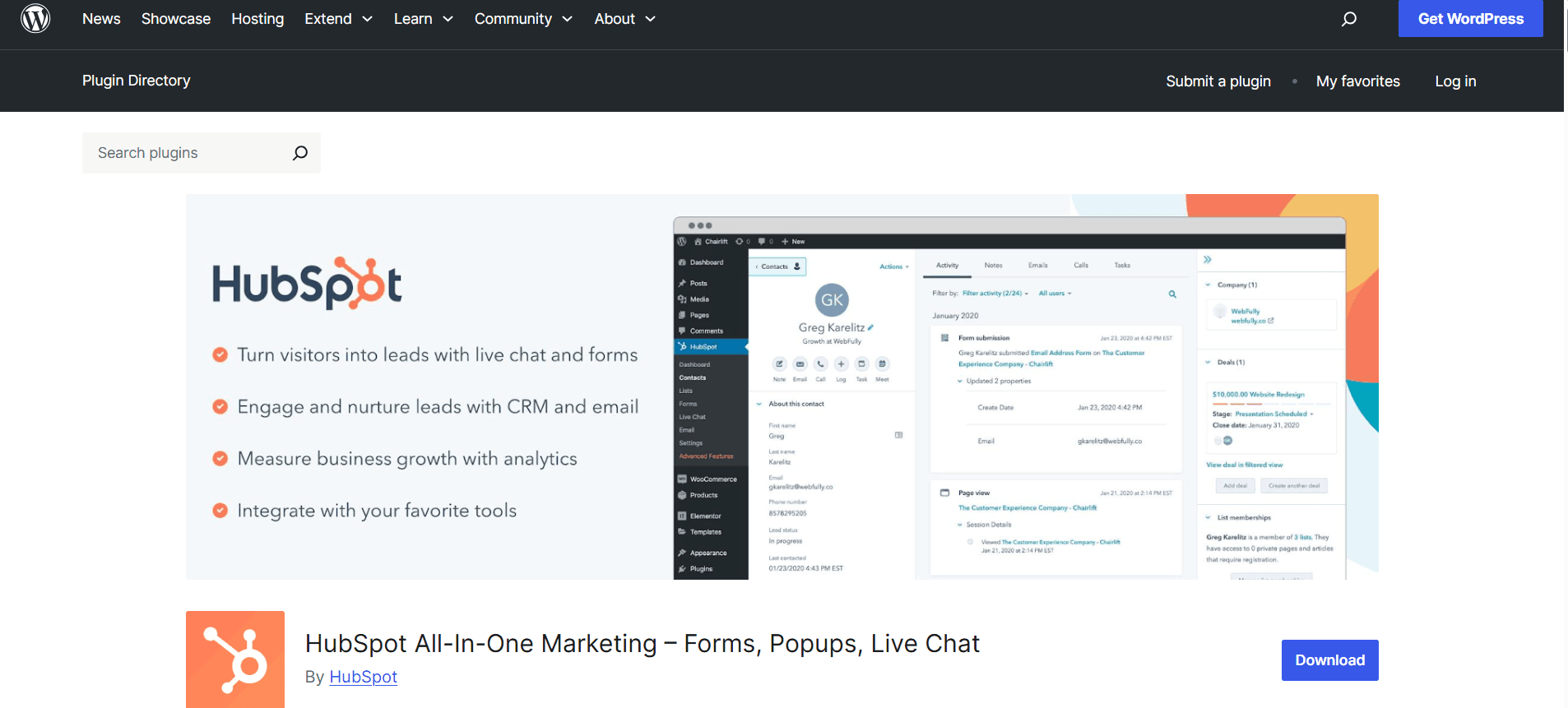
Website:hubspot.com/wordpress | Pricing: Free (limited); Marketing Hub Professional from $800/month
HubSpot’s WordPress plugin connects your site to the free HubSpot CRM and bundles contact management, live chat, pop-up forms, and basic email marketing at no cost. Per Kinsta’s overview of WordPress CRM plugins, over 53% of surveyed users consider HubSpot’s free CRM superior to its competitors at the entry level.
The catch is well-documented: the free tier caps you at 2,000 emails per month, and the moment you need workflow automation or bidirectional data sync, you’re looking at the Marketing Hub Professional plan — which starts at $800/month, as noted by WP Fusion’s CRM comparison guide. For small businesses, that price jump is a wall, not a step.
Where it struggles: Costs escalate dramatically beyond free limits. Data lives on HubSpot’s servers, not yours — a real concern for GDPR-sensitive businesses and anyone who prefers data sovereignty.
Best for: Businesses just getting started who want a zero-cost entry point and don’t expect to exceed the free email limit quickly.
5. Brevo (formerly Sendinblue) — Best for High-Volume Email Senders
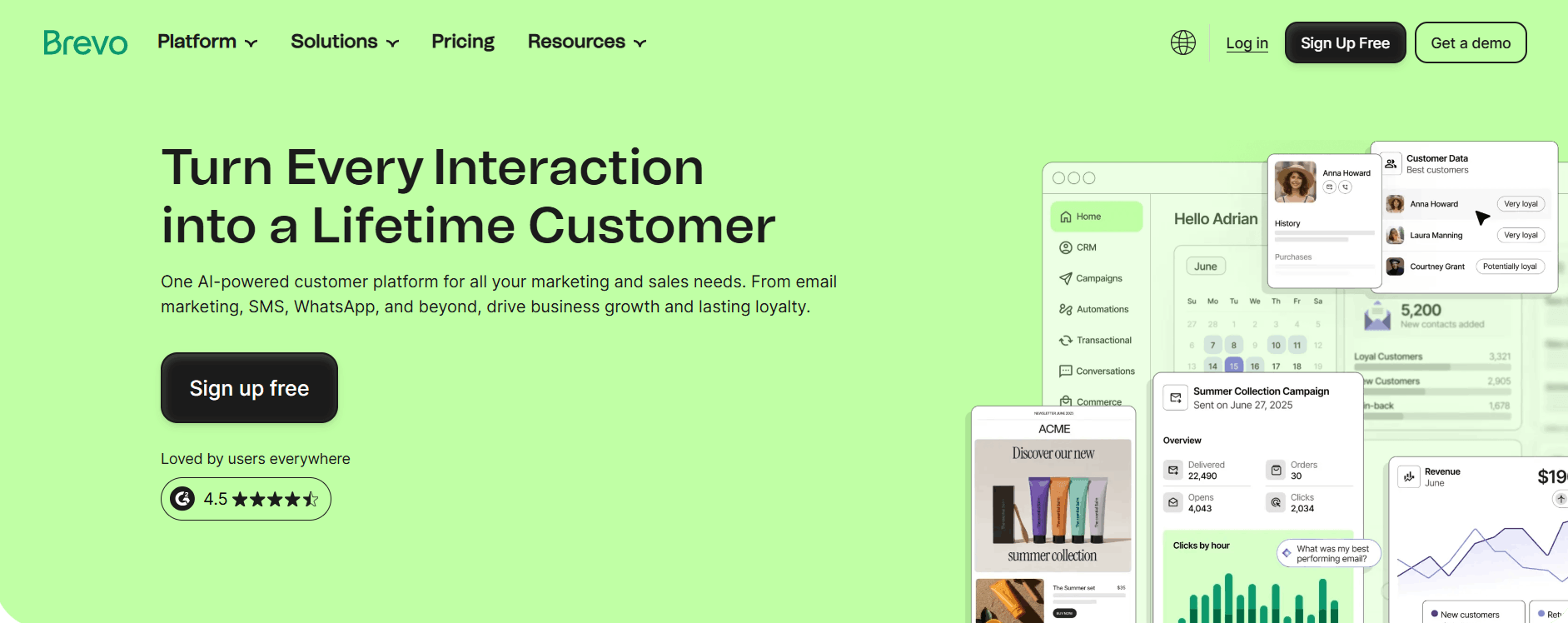
Website:brevo.com | Pricing: Free (300 emails/day); paid from $8.80/month
Brevo takes a different pricing approach: instead of charging per contact, it charges based on email volume. This means unlimited contact storage on every plan, including the free tier — a meaningful advantage for businesses with large lists who send infrequently. Per WPBeginner’s 2026 CRM roundup, the Brevo WooCommerce plugin syncs customer data automatically and supports automated workflows for increasing store conversions.
Where it struggles: Brevo is a SaaS platform. Your contacts and campaigns live on Brevo’s servers, not your WordPress database. The CRM layer is thinner than FluentCRM or Groundhogg, so it fits better as an email-focused tool than a full relationship management system.
Best for: WooCommerce store owners with large contact lists who send occasional campaigns and want to avoid per-contact fees.
Quick Comparison: Which Tool Fits Which Situation
|
Use Case |
Recommended Tool |
Best Reason |
|
Simple setup, lifetime cost, no-code |
GemCRM (beta) |
Pay once, clean & modern, everything inside WP |
|
Just contacts + deal tracking, no email |
WP-CRM System |
Lightweight, focused on contacts & pipelines |
|
Advanced automation + large list |
FluentCRM |
Most powerful automation features |
|
Agency with multiple client sites |
Groundhogg |
Excellent for managing many sites |
|
Zero-budget starting point |
HubSpot for WordPress (free tier) |
Completely free to start |
|
High email volume, large contact list |
Brevo |
Strong deliverability & volume pricing |
Why Self-Hosted Wins on Data Ownership
Automator Plugin’s CRM platform guide puts it plainly: over 91% of businesses with 10 or more employees now use CRM, and the gap between those who do and those who don’t is widening. But adoption alone isn’t enough — where your data lives matters as much as whether you track it.
SaaS CRM platforms store your contacts on their infrastructure. If pricing changes, terms change, or the platform shuts down, you depend on their export tools to recover your own data. Self-hosted WordPress plugins store everything in your own MySQL database. You control backups, exports, and data retention without asking permission.
For businesses operating under GDPR, CCPA, or similar frameworks, this isn’t a minor footnote. The ability to respond to a data deletion request without submitting a support ticket to a third-party vendor is significant.
Final Thoughts
No CRM can compensate for a weak email strategy, broken integrations, or untested automations. These tools only work as well as your segmentation, copy, and sending infrastructure. FluentCRM is the safest bet for deep automation if you’re comfortable with annual fees. Groundhogg suits agencies that want code ownership and white-label options. HubSpot’s free tier works as a temporary starting point. Brevo is best when email volume matters more than native WordPress integration. For a self-hosted option with no recurring fees or steep learning curve, GemCRM’s free beta is worth trying. The right CRM is the one your team will actually use consistently.
Frequently Asked Questions
My WooCommerce store has 3,000 customers, and I’ve never sent a single email campaign. Where do I start?
Import your list, tag contacts by purchase recency, and send to segments — not everyone at once. Start with three targeted emails: one for recent buyers, one for dormant customers, and a general newsletter. Blasting your full list on day one is the fastest way to kill your sender reputation.
I set up an automation sequence, and nobody is receiving it. What’s usually the cause?
Almost always a disconnected integration — your opt-in form is sending contacts to Mailchimp or another plugin, not to the CRM running the sequence. Submit a test sign-up yourself and confirm the contact actually appears in your CRM. Also, check your SMTP settings, as many hosts block outgoing mail by default.
Can I migrate from Mailchimp to a self-hosted WordPress CRM without losing my segments and tags?
Contacts and tags can transfer via CSV export, but open history and click data typically won’t. Test the import on a small segment first and allow at least two weeks — one for the import, one for verifying that automations fire correctly.