



Active Campaign has built a strong reputation as a marketing automation platform. But for WordPress site owners, the relationship is often complicated — rising bills, data stored on external servers, and an interface that never quite feels like part of your WordPress workflow. At some point, the cost-to-value equation breaks down.
This guide covers the best Active Campaign alternatives for WordPress automation in 2026 — tools that actually fit inside a WordPress ecosystem, give you control over your data, and won’t punish you for growing your audience.
The Real Problem with Active Campaign for WordPress Sites
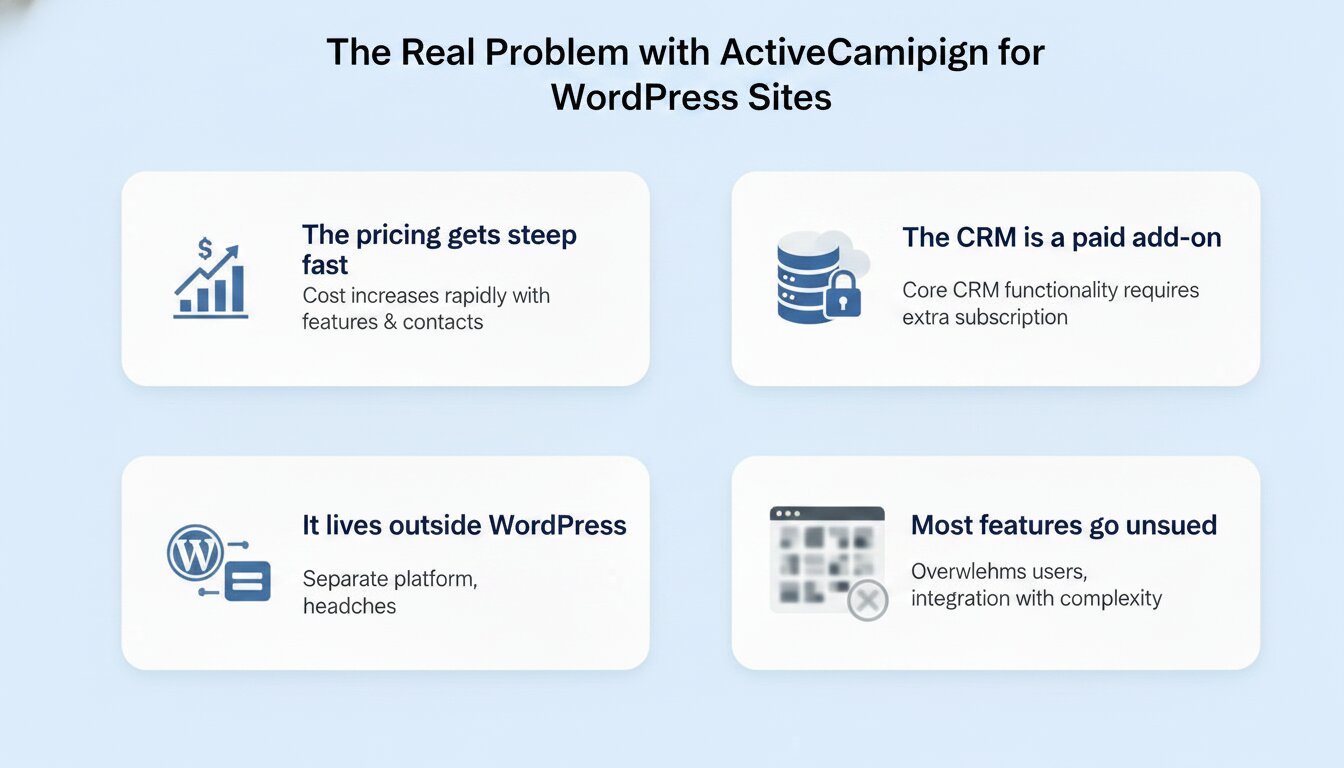
Before jumping to alternatives, it helps to understand exactly where Active Campaign falls short for WordPress-specific use cases.
The pricing gets steep fast: EmailToolTester reports that while Active Campaign’s Starter plan is $15/month for 1,000 contacts, the Professional plan jumps to around $1,000/month at 50,000 contacts. Encharge’s pricing analysis notes that entry-tier plans have increased by roughly 50–100% since 2021, and users should budget for 10–15% annual increases going forward.
The CRM is a paid add-on: As Sender.net’s breakdown points out, meaningful CRM functionality — Pipelines and Sales Engagement — are separate paid add-ons starting at $49/month and $85/month, respectively, stacking on top of the base plan. The number shown on the pricing page is rarely what you actually pay.
It lives outside WordPress: Every automation, every contact, every campaign history exists on Active Campaign’s servers. For businesses with GDPR obligations or data sovereignty concerns, this creates real compliance friction.
Most features go unused: Konabayev.com’s analysis puts it plainly: if your list is under 1,000 contacts, you’re likely paying for automation capabilities you aren’t using yet. Many WordPress site owners are over-tooled and over-billed.
The Best Active Campaign Alternatives for WordPress
1. GemCRM — Cleanest Option for WordPress-Native Automation
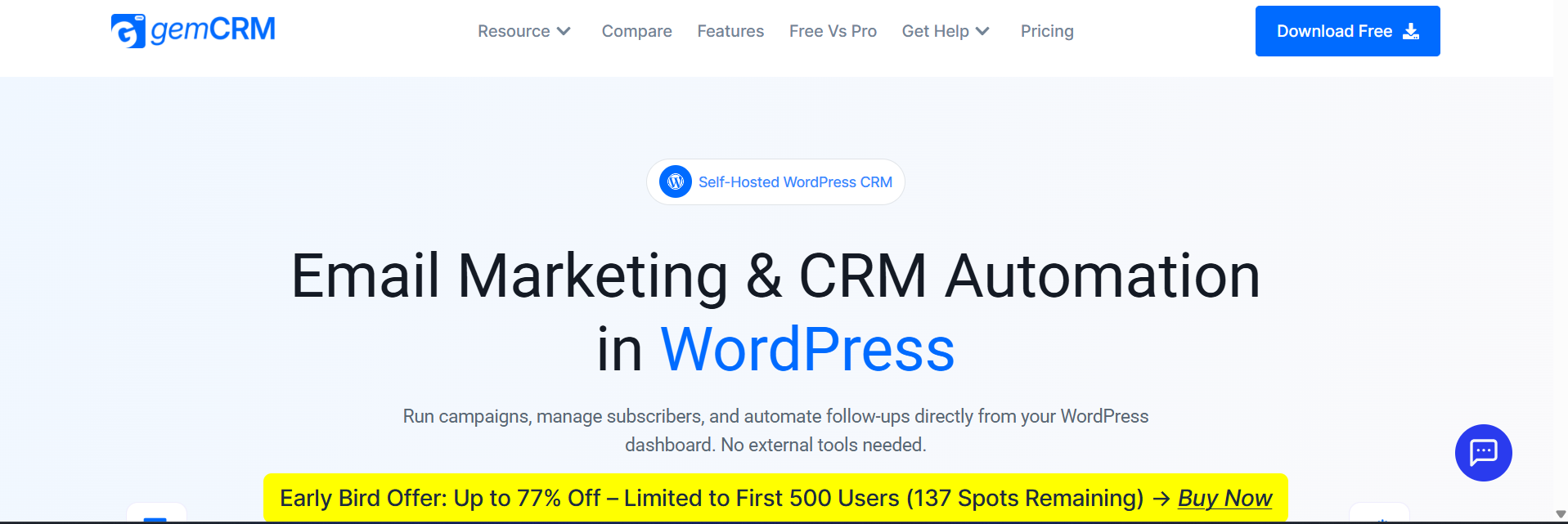
Website: gemcrm.net
GemCRM is a newer, actively developed WordPress CRM plugin that keeps automation simple and entirely within your WordPress dashboard. It covers contact management, email campaigns, automated sequences, double opt-in, and segmentation by tags, lists, and user roles.
Its pricing model includes unlimited contacts, campaigns, and automations across all plans — no per-contact scaling. Integrations with WooCommerce, StoreEngine, and Academy LMS make it practical for both eCommerce and course-based sites. The product roadmap includes abandoned cart automation, smart links, webhook support, and dynamic segmentation — indicating active development rather than a stagnant plugin.
Best for: WordPress site owners and course creators who want clean, straightforward self-hosted automation without the complexity of larger CRMs or the cost structure of SaaS tools.
Pricing: Paid plans with a 14-day money-back guarantee. Details at gemcrm.net/price.
2. FluentCRM — Most Established WordPress-Native CRM
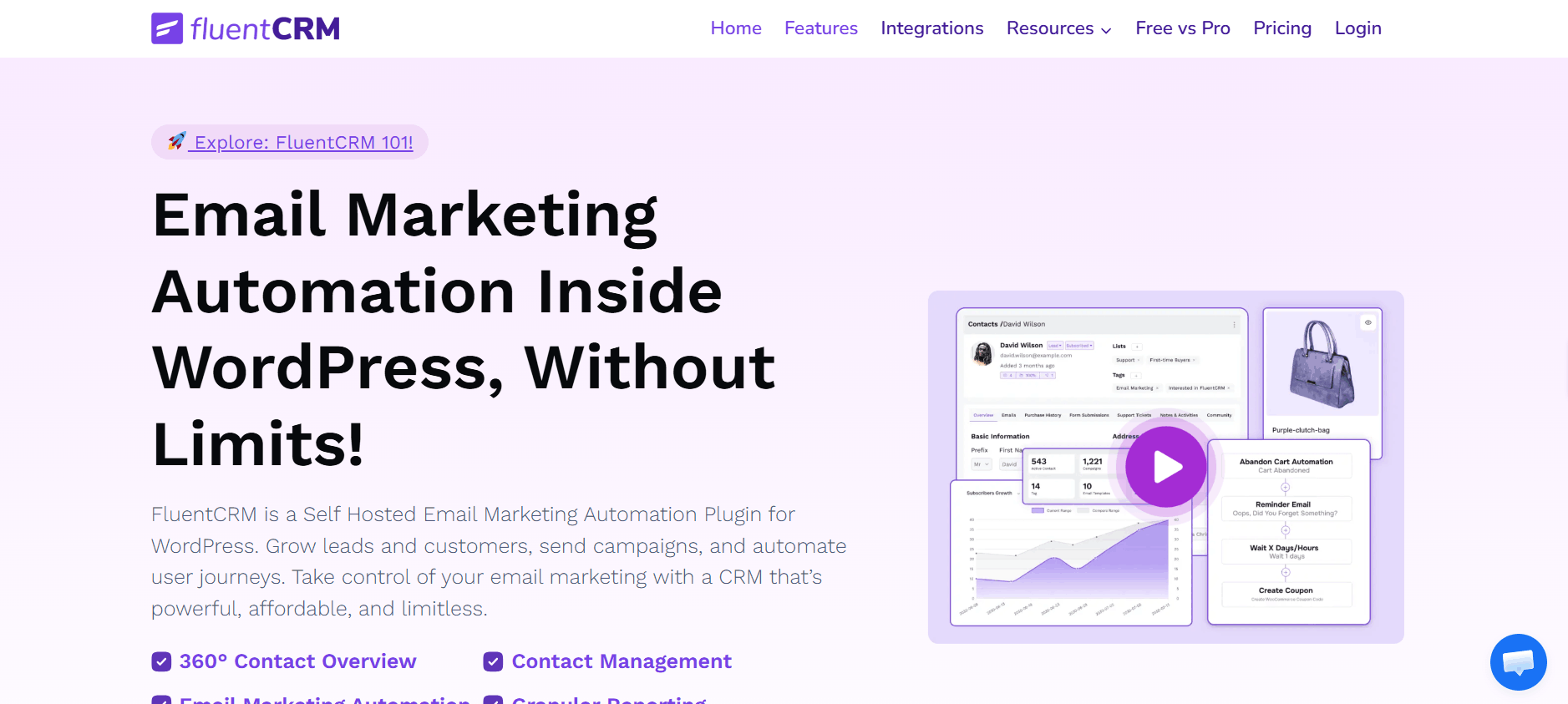
Website: fluentcrm.com
FluentCRM is one of the most mature self-hosted CRM plugins for WordPress. It handles email sequences, contact management, WooCommerce integration, segmentation by tags and lists, and campaign analytics — all managed directly from your WordPress dashboard. All of your data stays on your own server.
The free version on WordPress.org is genuinely useful for small sites. The Pro version unlocks advanced automation, detailed reporting, and integrations with popular LMS and membership plugins, including LearnDash, LifterLMS, and MemberPress.
Where it falls short: Several users report that the visual automation builder feels clunky on complex multi-step workflows, and Pro upgrades are often necessary before the tool becomes competitive with SaaS platforms. Advanced reporting and some integrations are Pro-only.
Best for: WordPress site owners who want a proven, stable self-hosted CRM with a large support community and WooCommerce integration.
Pricing: Free tier available. Pro from ~$129/year for one site.
3. FunnelKit Automations — Best for WooCommerce Revenue Automation
Website: funnelkit.com
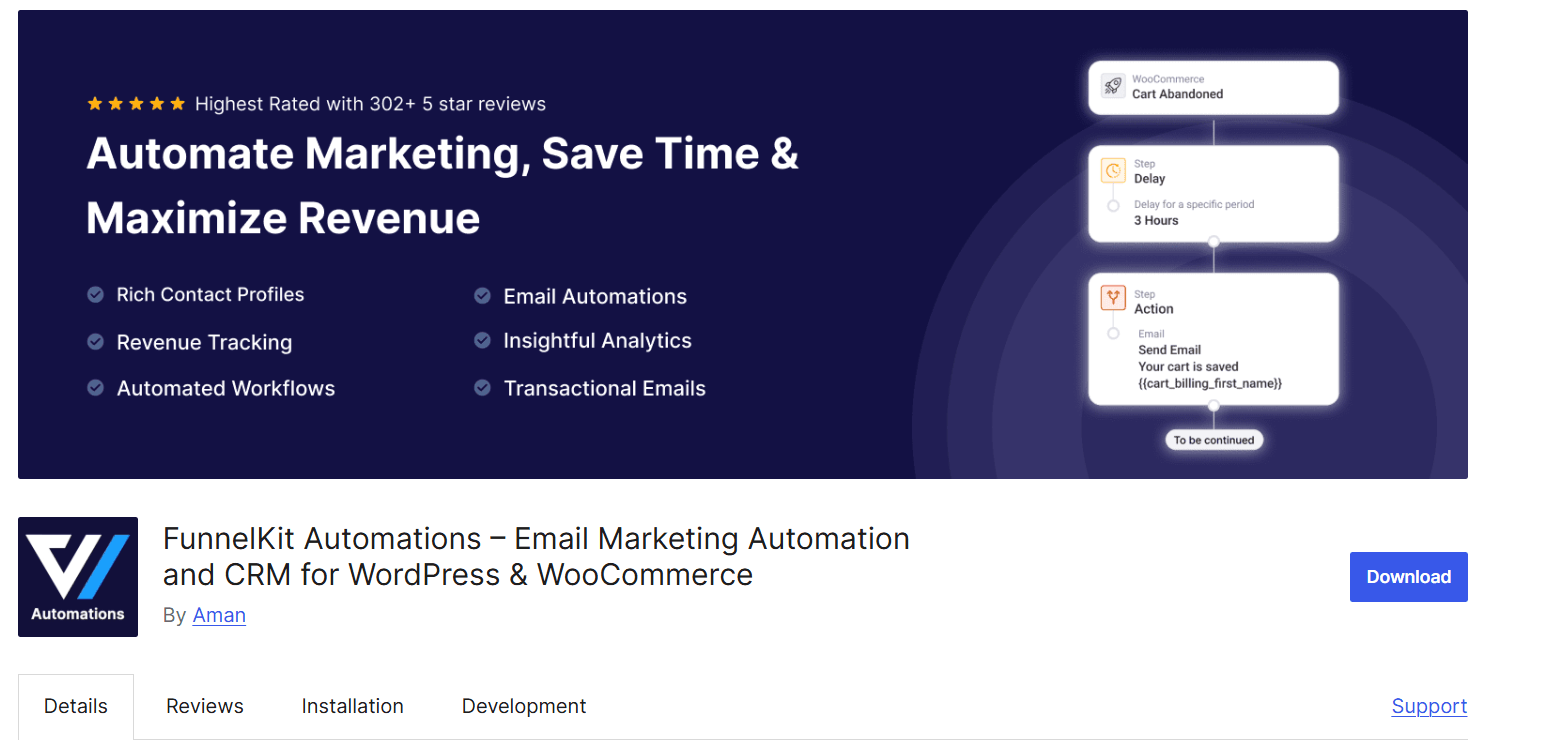
FunnelKit Automations is built specifically for WooCommerce stores. It goes beyond simple sequences into revenue-focused automation: abandoned cart recovery, post-purchase follow-ups, win-back campaigns, A/B testing of email variants, and per-campaign revenue attribution. Contact profiles show every purchase interaction in a timeline view — actually useful for store operators, not just a dashboard decoration.
FunnelKit also includes SMS alongside email, making it one of the few self-hosted WordPress tools with genuine multi-channel capability.
Where it falls short: The premium version starts at $297/year, which is higher than most self-hosted alternatives. If you’re not running WooCommerce, a significant portion of what you’re paying for won’t apply to your workflow.
Best for: WooCommerce store owners who need deep eCommerce automation without leaving WordPress. Particularly strong for abandoned cart recovery and revenue tracking.
Pricing: Free version on WordPress.org. Premium from $297/year.
4. Groundhogg — Best Self-Hosted CRM for Agencies
Website: groundhogg.io
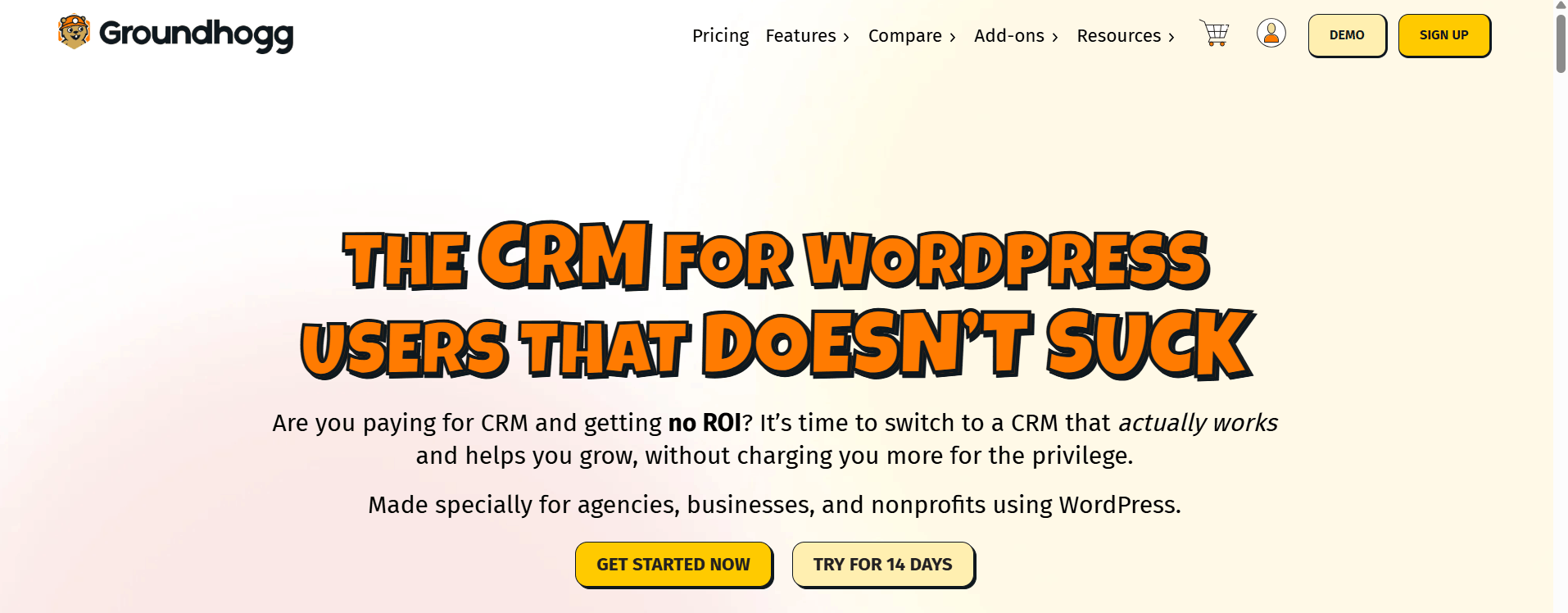
Groundhogg is the closest self-hosted equivalent to a full HubSpot-style CRM inside WordPress. It includes a visual funnel builder, a sales pipeline module, 30+ native integrations, tag-based segmentation, and built-in booking tools. For agencies managing multiple client WordPress sites, the per-site licensing avoids the shared-account contact-tier problem described in Scenario 3 above.
Its pricing model is agency-friendly — install it on multiple client sites at a flat rate rather than paying per contact across a shared SaaS account.
Where it falls short: The interface has a noticeably steeper learning curve than newer tools. Non-technical users or solo operators may find themselves navigating a complex dashboard to reach functionality that simpler tools expose immediately.
Best for: Agencies and freelancers managing multiple client WordPress sites, and businesses wanting HubSpot-scale functionality without SaaS pricing.
Pricing: From $20/month
5. Brevo (formerly Sendinblue) — Best for Deliverability + Free Tier
Website: brevo.com
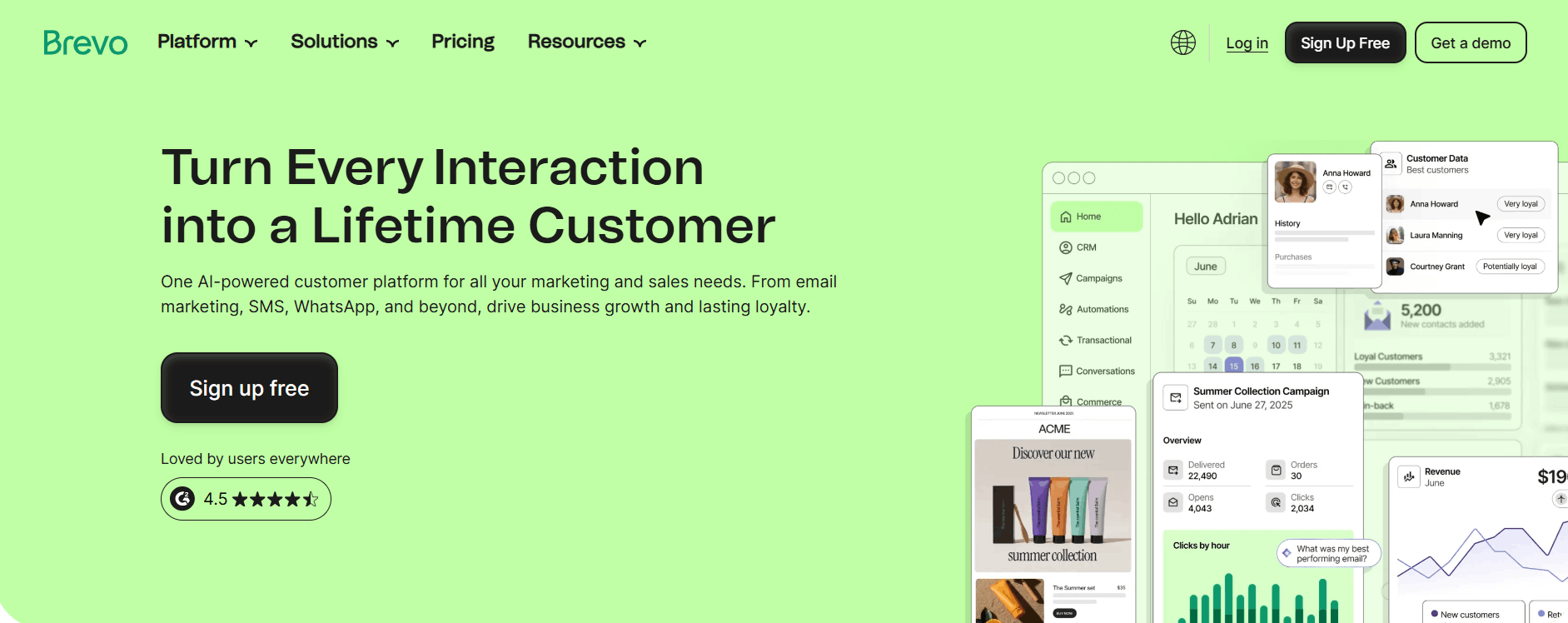
Brevo is a hybrid platform — a cloud-based service with a free WordPress plugin in the official directory that automatically syncs WooCommerce customer data. Among email platforms at this price range, Brevo consistently receives high marks for deliverability, which matters more than most first-time list builders realize. The free plan allows up to 300 emails per day with unlimited contacts — generous compared to Mailchimp’s 500-contact ceiling.
Where it falls short: As a cloud-based SaaS, your contact data resides on Brevo’s servers. For businesses with GDPR obligations or strict data ownership requirements, this creates the same structural limitation as Active Campaign. The free tier also has daily send limits that restrict burst campaigns.
Best for: Small to medium-sized businesses that prioritize deliverability over self-hosting and want a genuinely usable free tier before committing to paid tools.
Pricing: Free up to 300 emails/day. Paid plans from $9/month.
6. Mailchimp — The Familiar Entry Point
Website: mailchimp.com
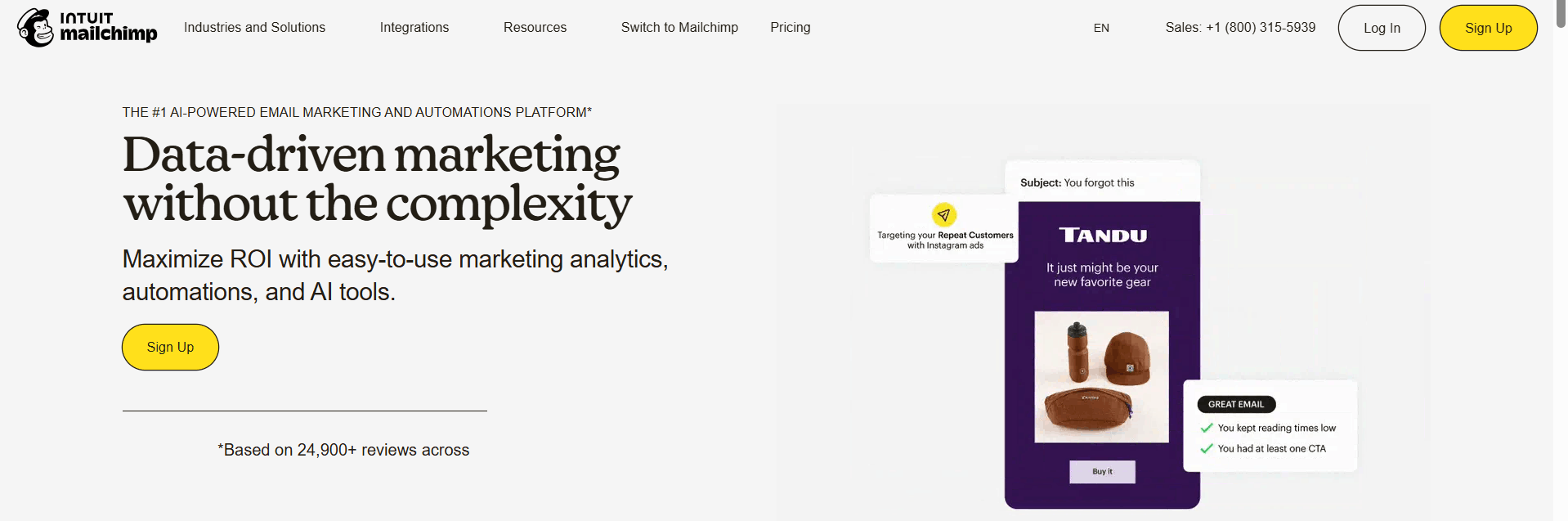
Mailchimp remains the most recognized email platform globally. Its WordPress plugin handles contact syncing, form embedding, and basic campaign management. For businesses starting their first email list, the familiarity and template library lower the barrier to entry.
However, as EmailToolTester notes, Mailchimp’s free plan has become increasingly restrictive — reduced sending allowances, automation features removed from free tiers, and pricing that climbs quickly past 500 contacts. Users typically outgrow Mailchimp for the same reasons they eventually leave Active Campaign: per-contact costs that don’t scale comfortably.
Best for: Complete beginners setting up a first WordPress email list, with the understanding that a platform change is likely within 12–18 months.
Pricing: Free up to 500 contacts. Paid plans from $13/month.
7. HubSpot for WordPress — Best Free CRM Starting Point
Website: WordPress.org HubSpot Plugin
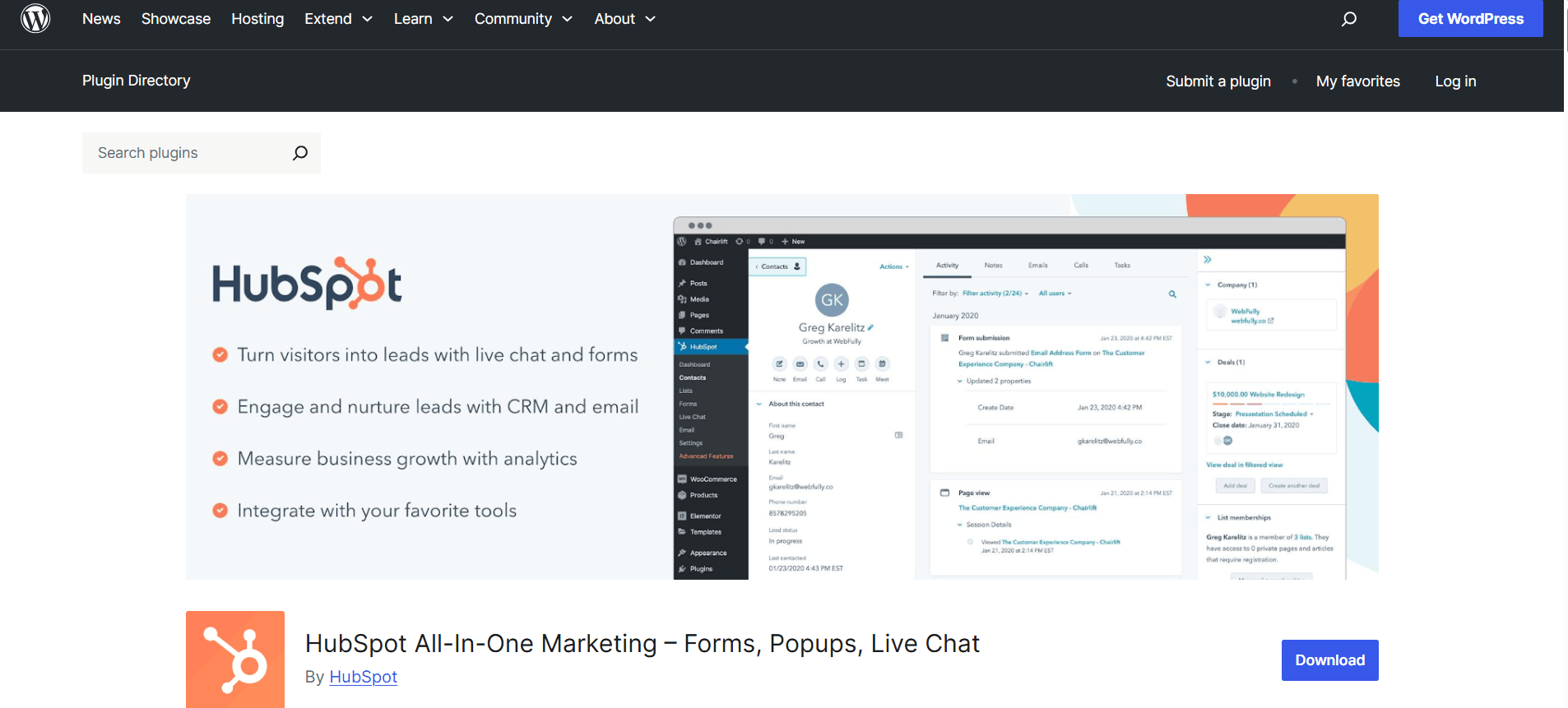
HubSpot’s free WordPress plugin is one of the most capable free options available. It connects your site to HubSpot’s CRM, which includes unlimited contacts, basic contact management, live chat, forms, and foundational email marketing — all free. For businesses needing solid contact management without a budget, it’s a serious option.
The ceiling, however, is sharp. Marketing Hub Professional — where meaningful automation lives — starts at $800/month. Most small WordPress site owners hit the free tier’s ceiling quickly and find the upgrade unworkable.
Best for: Businesses already in the HubSpot ecosystem, or those wanting a free CRM baseline before deciding on a long-term solution.
Pricing: Free CRM. Paid Marketing Hub from $800/month for automation.
Side-by-Side Comparison
|
Tool |
Self-Hosted |
Unlimited Contacts |
WordPress-Native |
Entry Price |
|
GemCRM |
✅ Yes |
✅ Yes |
✅ Yes |
See site (Lifetime) |
|
FluentCRM |
✅ Yes |
✅ Yes |
✅ Yes |
Free / $129/yr |
|
FunnelKit |
✅ Yes |
✅ Yes |
✅ Yes |
Free / $297/yr |
|
Groundhogg |
✅ Yes |
✅ Yes |
✅ Yes |
~$20/mo |
|
Active Campaign |
❌ SaaS |
❌ Per-contact |
❌ Plugin only |
$15/mo |
|
Brevo |
❌ SaaS |
✅ Free tier |
⚠️ Plugin |
Free / $9/mo |
|
Mailchimp |
❌ SaaS |
❌ Per-contact |
⚠️ Plugin |
Free (500) / $13/mo |
|
HubSpot |
❌ SaaS |
✅ Free CRM |
⚠️ Plugin |
Free / $800/mo |
How to Actually Choose
Match the tool to your site type: WooCommerce stores get the most from FunnelKit or FluentCRM. Course platforms need LMS-aware triggers. Bloggers and content creators rarely need more than clean segmentation and timed sequences.
Prioritize data ownership if compliance matters: Any cloud-based tool stores contacts on external servers. For GDPR or data sovereignty requirements, self-hosted plugins keep all data on your server.
Test at scale before migrating fully: The failure scenarios above mostly happened because users migrated all contacts at once. Import a test segment first, verify sequences and unsubscribe handling, then migrate in batches.
Factor in SMTP: No WordPress CRM plugin handles deliverability independently. You need an authenticated SMTP service — Amazon SES, SendGrid, Postmark, or Mailgun — regardless of which plugin you use. Budget for this separately.
Think about your contact count in 18 months: At 1,000 contacts, most tools look affordable. The real test is what you’ll pay at 10,000 or 50,000. Per-contact SaaS pricing becomes expensive. Flat-fee self-hosted tools become more cost-effective as your audience grows.
Useful reference: WPBeginner’s guide on fixing WordPress email deliverability issues is worth bookmarking alongside any WordPress CRM setup.
WordPress-Native Automation Triggers That Active Campaign Can’t Fire on Its Own
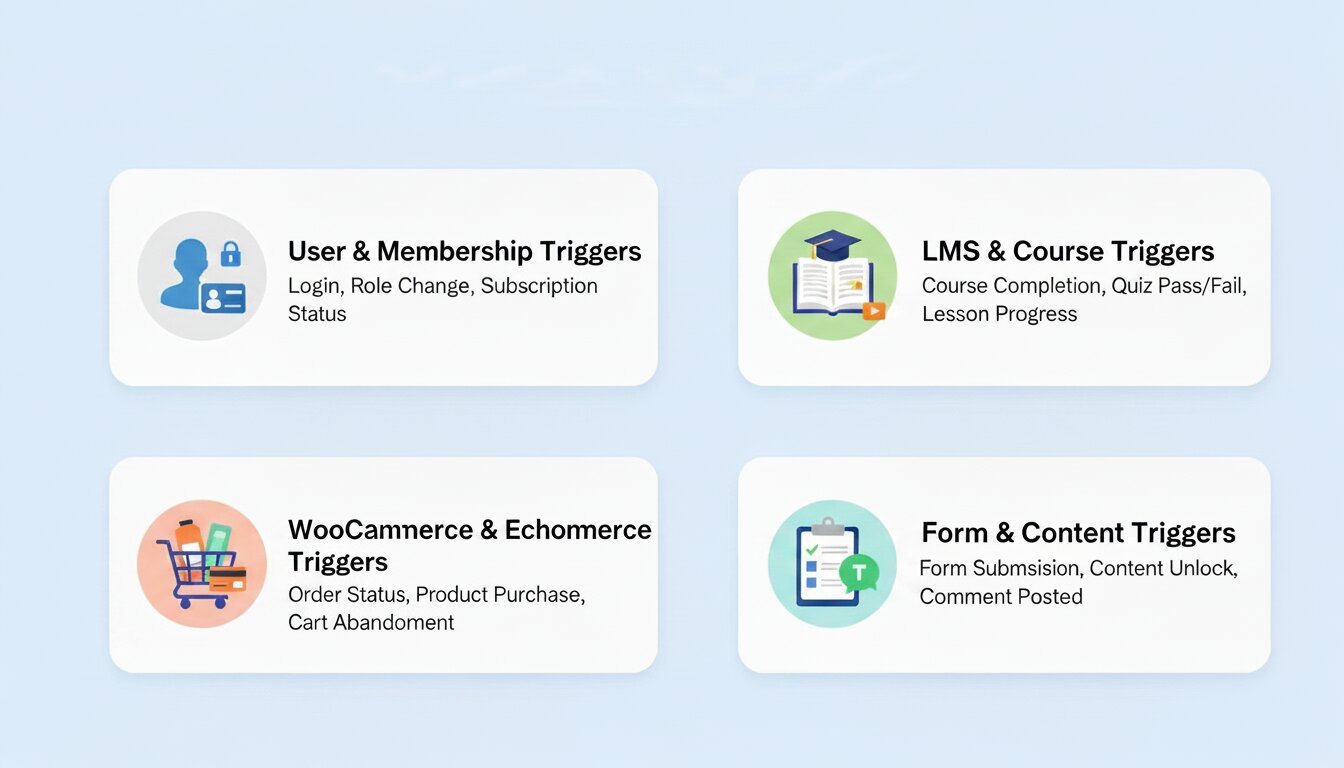
One of the least-discussed differences between self-hosted WordPress CRM plugins and external SaaS tools is the trigger layer — specifically, what events can actually kick off an automation without middleware.
With Active Campaign, your WordPress site has no direct connection to the automation engine. Data has to travel from WordPress → a bridge plugin (like WP Fusion or Uncanny Automator) → Active Campaign’s API → back to your automation. Every hop adds latency, potential failure points, and often an extra subscription cost. WP Fusion alone starts at $270/year just to bridge the two systems.
WordPress-native plugins eliminate this. Because they run inside WordPress, they can respond to core WordPress events the instant they occur. Here are triggers that self-hosted plugins can fire natively — and that Active Campaign cannot without an integration layer:
User & Membership Triggers
- New WordPress user registration
- User role change (e.g., subscriber → member)
- Membership plugin status change (active, expired, cancelled)
- Password reset request
LMS & Course Triggers
- Course enrollment (Academy LMS, LifterLMS, TutorLMS)
- Lesson or module completion
- Quiz passed or failed
- Certificate issued
WooCommerce & eCommerce Triggers
- Order placed, completed, refunded, or cancelled
- Specific product purchased
- First-time customer vs. returning customer
- Subscription renewal or cancellation (WooCommerce Subscriptions)
- Cart abandoned (on tools that support it)
- StoreEngine automation triggers (when using StoreEngine features)
Form & Content Triggers
- Gravity Forms, WPForms, or Elementor Forms submission
- Specific form field value submitted (e.g., selecting “interested in X”)
- Comment posted on a specific post or category
- Post published or updated by a specific author
For most WordPress businesses, the triggers listed above cover 90% of real automation needs. Every one of them fires instantly and locally — no API call, no middleware, no latency. When you use Active Campaign, every single one of them requires a third-party connector to even become available as a trigger.
Reference: Elementor’s 2026 marketing automation roundup notes that self-hosted tools like FluentCRM deliver “lightning-fast database queries” and keep “user data perfectly synchronized without API delays” — a direct result of running inside WordPress rather than syncing to an external platform.
Final Thoughts
Active Campaign is capable software, but the capabilities you don’t use are just a cost. For most WordPress site owners, a self-hosted plugin offers better data ownership, predictable pricing, and tighter integration with your existing setup. WooCommerce stores get the most from FunnelKit or FluentCRM. Agencies benefit from Groundhogg’s per-site licensing. Those starting fresh with clean, straightforward automation should look at GemCRM. Pick the tool that fits your actual site type and the workflows you’ll realistically maintain — not the longest feature list.
Frequently Asked Questions
I run an online course platform. My students need pre-enrollment and post-enrollment email sequences. What’s the right approach?
You need a CRM that supports your specific LMS plugin as a trigger. GemCRM and Groundhogg both offer actively maintained LMS integrations for AcademyLMS, LearnDash, LifterLMS, and similar plugins. Confirm your LMS is supported before committing.
I switched CRM tools, and email open rates dropped sharply. What went wrong?
Almost certainly a deliverability issue — your new sending IP is cold, and ISPs don’t trust it yet. Warm it up gradually over 2–4 weeks, and confirm your SPF, DKIM, and DMARC records are properly configured.
I manage email campaigns for five different client WordPress sites. What’s the most cost-efficient setup?
Groundhogg is licensed per-site at a flat rate, so each client gets an isolated installation without shared contact tiers. FluentCRM’s free tier also works well for clients with simple sequence needs.